1. Product introduction
KS0313 keyestudio Desktop Mini Bluetooth Smart Car V2.0 Kit
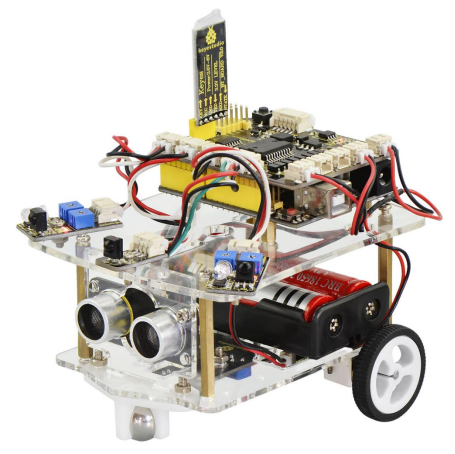
1.1 Description
Arduino is an open-source electronics platform based on easy-to-use and flexible hardware and software, pretty suitable for beginners to learn entry level hardware. Many beginners around me were caught in such a dilemma. They have learned all the tutorials on the official website of Arduino, however, there is still not much sense of accomplishment. It is very envious to see various developments online based on Arduino.
They want to start small projects but do not know how to get started with. Because the development process of complete project is less visible on the Internet. Our KEYESTUDIO team has integrated its own many years of ARDUINO development experience to develop this desktop mini Bluetooth smart car kit.
From the basics up to complex projects, through this kit you can study the motor driving, as well as the principle and source code of our smart car with tracking, obstacle avoidance, infrared remote control and Bluetooth remote control functions. Take your brain on a fun and inspiring journey through the world of programming and electronics. Believe you will enjoy the fun of DIY production and programming while learning. Is it a very great thing? If you are looking for inspiration, you can find a great variety of tutorials here. Okay, in the following let’s get started with those interactive and amazing projects!
1.2 Parameters
Motor Voltage range: 1-6V; motor shaft length: 10mm; speed: 6.0V 100rpm/min.
Motor control is driven by L298P.
Three groups of line tracking modules, to detect black-white line with higher accuracy and can also be used for anti-fall control.
Two groups of obstacle detector modules, to detect whether there are obstacles on the left or right side of smart car; Ultrasonic module is used to detect the distance between ultrasonic and obstacles, forming the smart car’s obstacle avoidance system.
Bluetooth wireless module can be paired with Bluetooth device on mobile phone to remotely control smart car.
Infrared receiver module is matched with an infrared remote control to control the smart car.
Can access the external 7 ~ 12V voltage.
1.3 Component List
When get this smart car kit, at first glance, you will see the beautiful packaging box. And each component is safely packed inside the small bag in order. All right, you will get such a bulk of components and screws to make your own smart car. So we have listed all the components as follows:
No. |
Component |
Quantity |
Picture |
|---|---|---|---|
1 |
Keyestudio UNO R3 Main Board |
1 |
|
2 |
Keyestudio quick connectors motor driver shield |
1 |
|
3 |
Keyestudio quick connectors IR receiver module |
1 |
|
4 |
Keyestudio quick connectors line tracking sensor |
1 |
|
5 |
Keyestudio quick connectors 12FN20 motor A connector |
1 |
|
6 |
Keyestudio quick connectors 12FN20 motor B connector |
1 |
|
7 |
Keyestudio quick connectors obstacle detector module |
2 |
|
8 |
Keyestudio quick connectors ultrasonic module |
1 |
|
9 |
keyestudio Bluetooth HC-06 |
1 |
|
10 |
Keyestudio JMFP-4 17-button 86406.5MM yellow (eco-friendly) (no battery) |
1 |
|
11 |
Double-Connector JST-PH2.0MM-5P 24AWG blue-green-yellow-red-black wire 15CM (reverse direction) |
1 |
|
12 |
Double-Connector JST-PH2.0MM-4P 24AWG green-yellow-red-black wire 8CM (reverse direction) |
1 |
|
13 |
Double-Connector JST-PH2.0MM-3P 24AWG yellow-red-black wire 8CM |
3 |
|
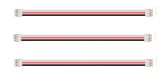
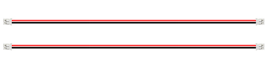
14 |
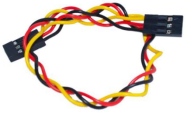
Double-Connector JST-PH2.0MM-2P 24AWG red-black wire 160mm |
2 |
|
15 |
Battery holder with JST-PH2.0MM-2P socket lead, black-red lead length 150mm |
1 |
|
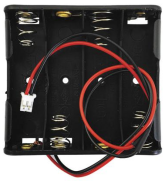
16 |
4-cell AA battery case+150mm lead |
1 |
|
17 |
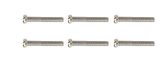
Screw M2*10MM round head |
6 |
|
18 |
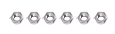
Nut M2 nickle plating |
6 |
|
19 |
Screw M3*10MM round cross head |
11 |
|
20 |
Screw M3*6MM round head |
18 |
|
21 |
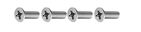
Screw M3*8MM flat head |
4 |
|
22 |
Nut M3 nickle plating |
19 |
|
23 |
Dual-pass M3*40MM Copper Pillar |
4 |
|
24 |
Single-pass M3*8+6MM |
4 |
|
25 |
Single-pass M3*5+5MM |
2 |
|
26 |
White Plastic Wheel |
2 |
|
27 |
N20 white U-type plastic motor holder |
2 |
|
28 |
Transparent acrylic panel (3PCS) |
1 |
|
29 |
Black-yellow Handle 3*40MM cross screwdriver |
1 |
|
30 |
USB cable AM/BM transparent blue OD:5.0 L=1m |
1 |
|
31 |
W420 Ball Caster Wheel |
1 |
|
32 |
keyestudio White Piranha LED Module |
1 |
|
33 |
3Pin female header jumper wire length 20CM 2.54mm |
1 |
|
34 |
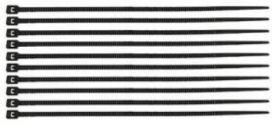
Nylon cable ties |
10 |
|

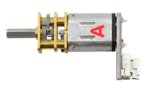
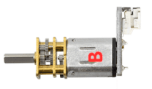
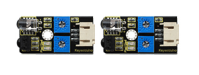


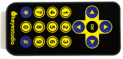




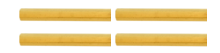

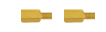
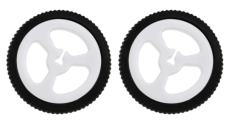
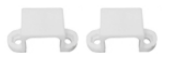
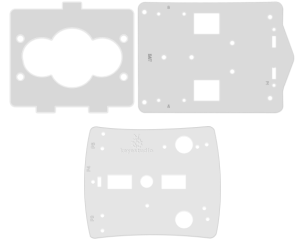

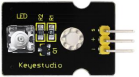
1.4 Getting Started with ARDUINO
When it comes to the core part, you may think of the sparkling energy block on the front of Iron Man’s chest, or something in R2D2 Robot’s head that can make him talk nonsense. The core is the part that really matters today. In fact, it is very easy to understand the core. In other word, the core is just like the human brain. It can receive various kinds of information every day and will send out various instructions every day. So actually the core of our robot is a development board compatible with ARDUINO.
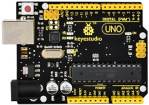
Well, let’s first look at this development board as the figure shown below:
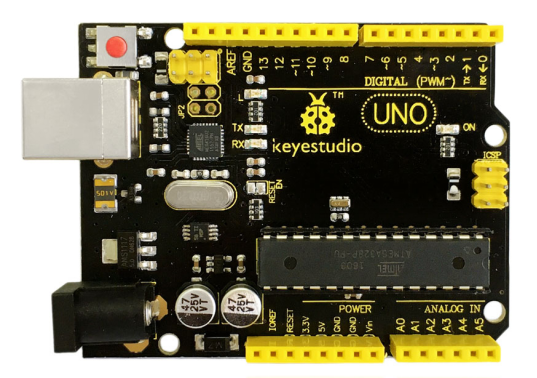
So why choose to use the UNO R3 development board as the core of robot? Well, because it is the most popular one in Arduino board series. In addition, it is also the best choice for beginners to learn to build electronic circuits and write the source code. Let’s take a look at the details of this development board with the following chart:
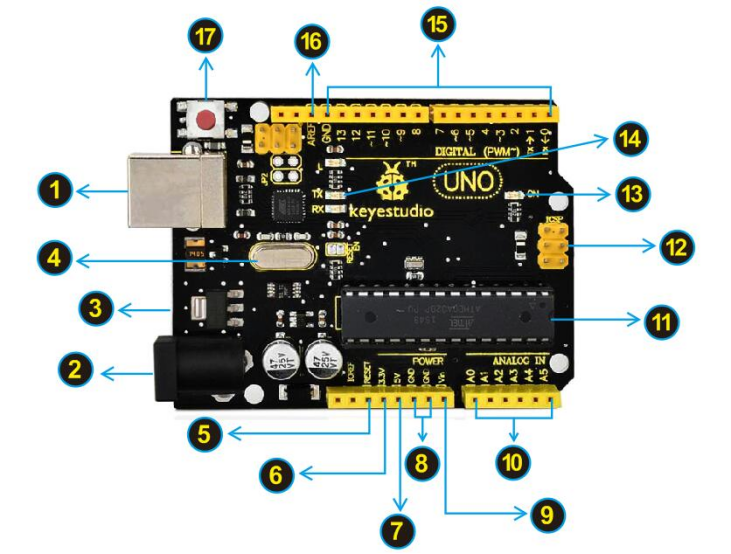
No. |
Description |
|---|---|
|
USB Connection |
|
DC Power Jack |
|
Voltage Regulator |
|
Crystal Oscillator |
|
Arduino RESET |
|
Pin Header(3.3V,5V,GND,Vin) |
|
Analog Pins |
|
Microcontroller |
|
ICSP (In-Circuit Serial Programming) Header |
|
Power LED Indicator |
|
TX and RX LED |
|
Digital I/O |
|
AREF |




 3.3V - provides 3.3V output voltage
 5V - provides 5V output voltage
 GND(Ground pins)- two GND headers on Arduino, each of which can be used for circuit ground.
 Vin - You can supply an external power (like AC power supply) through this pin to Arduino board.


