KS0430 Keyestudio DHT22 Temperature and Humidity Sensor
1. Overview
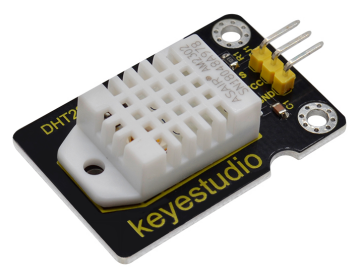
This DHT22 digital temperature and humidity sensor is a composite Sensor which contains a calibrated digital signal output of the temperature and humidity.
The dedicated digital modules collection technology and the temperature and humidity sensing technology are applied to ensure that the product has high reliability and excellent long-term stability.
Qualities of excellent quality, ultra-fast response, strong anti-interference, and high cost performance make it a wide applied application or even the most demanding one.
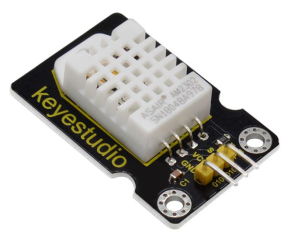
The sensor comes with 2 fixed holes, very easy to mount on any other devices.
Applications: dehumidifier, testing and inspection equipment, consumer goods, automotive, automatic control, data loggers, weather stations, home appliances, humidity regulator, medical and other humidity measurement and control.
2. Specifications
Operating voltage: DC 3.3V-5V
Interface: 3PIN
Output signal: single-bus digital signal
Humidity measurement range: 0—-100%RH
Humidity measurement accuracy: ±2%RH
Temperature measurement range: - 40℃ to 80℃
Temperature measuring accuracy: ±0.5℃
Dimensions: 43mm * 26mm * 9mm
Weight: 5.9g
3. Hookup Guide
4. Source Code
Download Resource: Resource
#include "DHT.h"
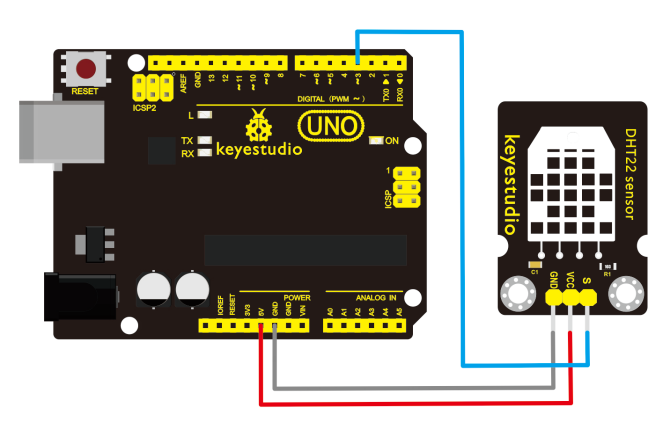
#define DHTPIN 3     // define the connection pin
#define DHTTYPE DHT22
DHT dht(DHTPIN, DHTTYPE);

void setup()
{
  Serial.begin(9600); //set the baud rate
  Serial.println("DHTxx test!");//print the character and line wrap

  dht.begin();
}

void loop()
{
  float h = dht.readHumidity(); // calculate the humidity value
  float t = dht.readTemperature(); //calculate the temp.value
  if (isnan(t) || isnan(h))
  {
    Serial.println("Failed to read from DHT");//show the contents and line wrap
  }
  else
  {
    Serial.print("Humidity: "); //print the humidity
    Serial.print(h); //print the humidity value
    Serial.print(" %\t");//print the content
    Serial.print("Temperature: "); //print the temperature
    Serial.print(t);//print the temperature value
    Serial.println(" *C");//print the temperature unit and line wrap
  }
}
5. Test Result
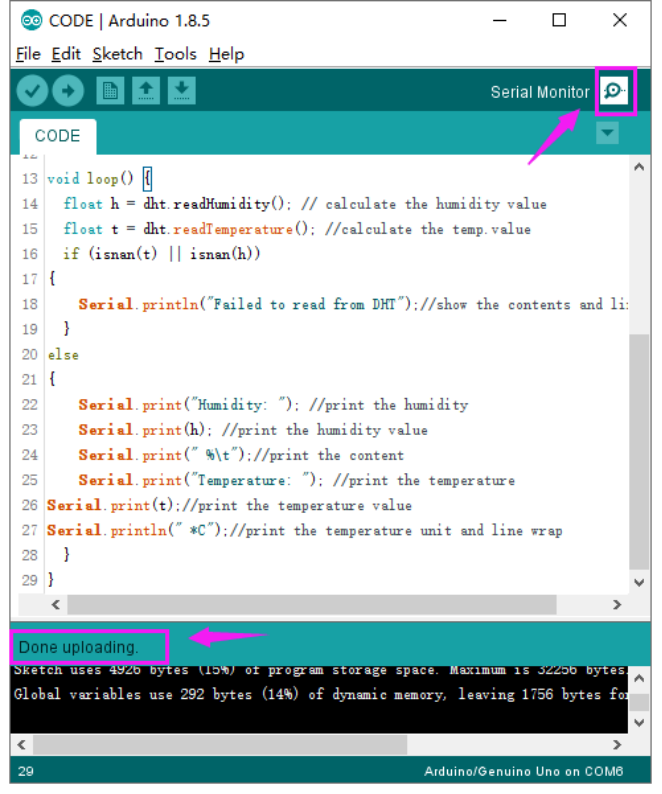
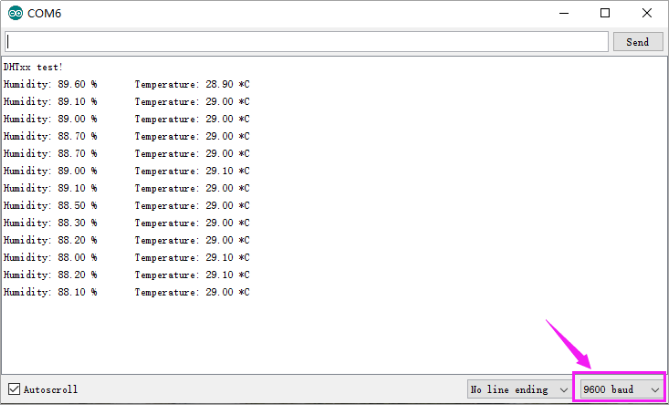
Hook up the sensor to main board and upload the source code. Power on, open the serial monitor and set the baud rate to 9600; you are able to see the current ambient temperature and humidity value. As shown below.