2. USB Driver (optional)
This section is not mandatory to read. Sometimes the Micro:bit V2 board cannot be recognized by the computer. So you may need this part.
2.1 USB Driver Download
Click to download the USB driver: USB driver
2.2 Driver Installation
⚠️ Here we demonstrate how to install the driver on Windows. MacOS users may take as a reference.
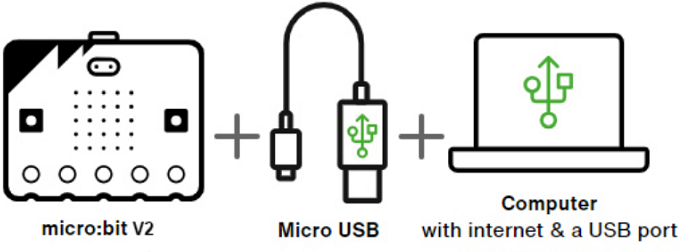
1. Connect the Micro:bit V2 board to the computer via Micro USB cable.
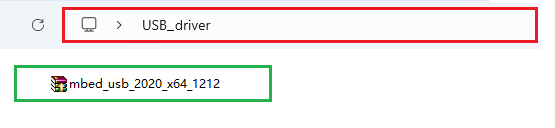
2. In USB driver folder, find the driver file and double-click it with the mouse to open it, and then click on “Install”.
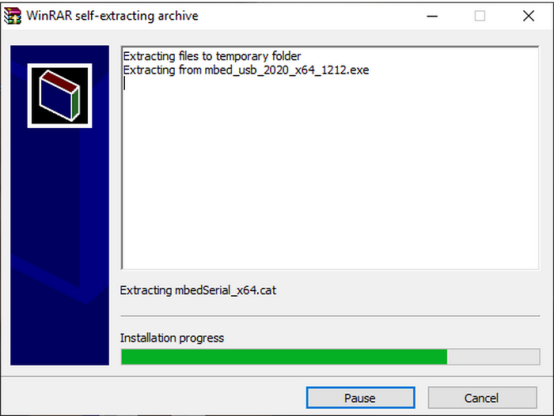
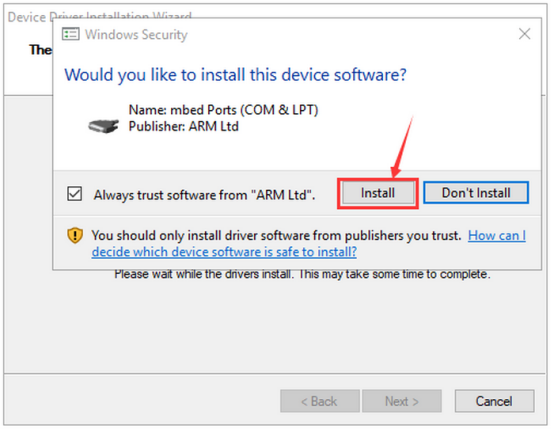
3. “Install” and “Next”.
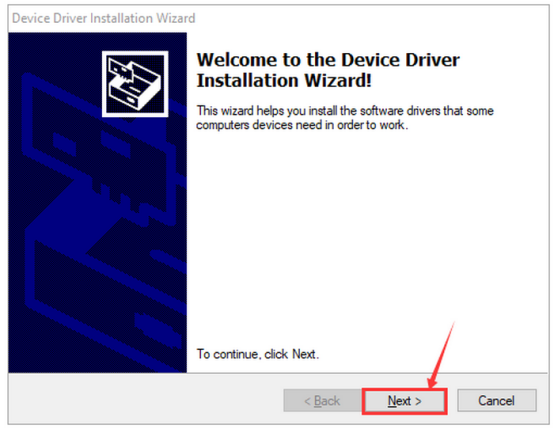
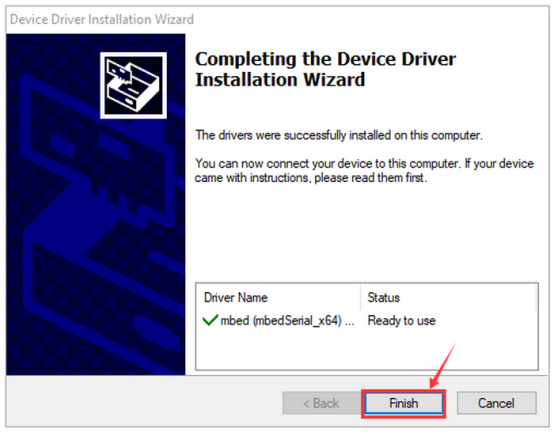
4. “Install” and “Finish” the driver.
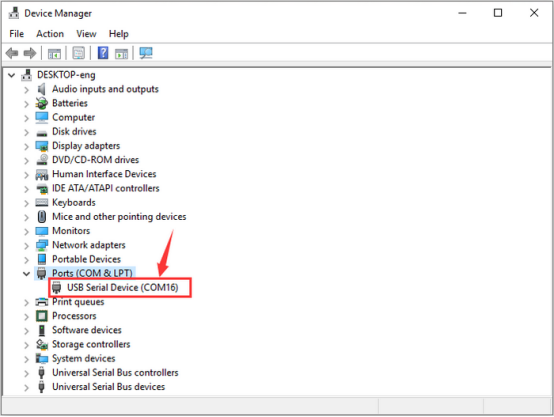
5. After installation, enter “Computer” —> “Properties” —> “Device manager”, and you can see: