5.1 Data download
Scratch information contains project code. Please click to download for follow-up study.
Data download: Data download
5.2 Software installation of Windows System
Download KidsBlock: https://wiki.kidsbits.cc/projects/KidsBlock/en/latest/
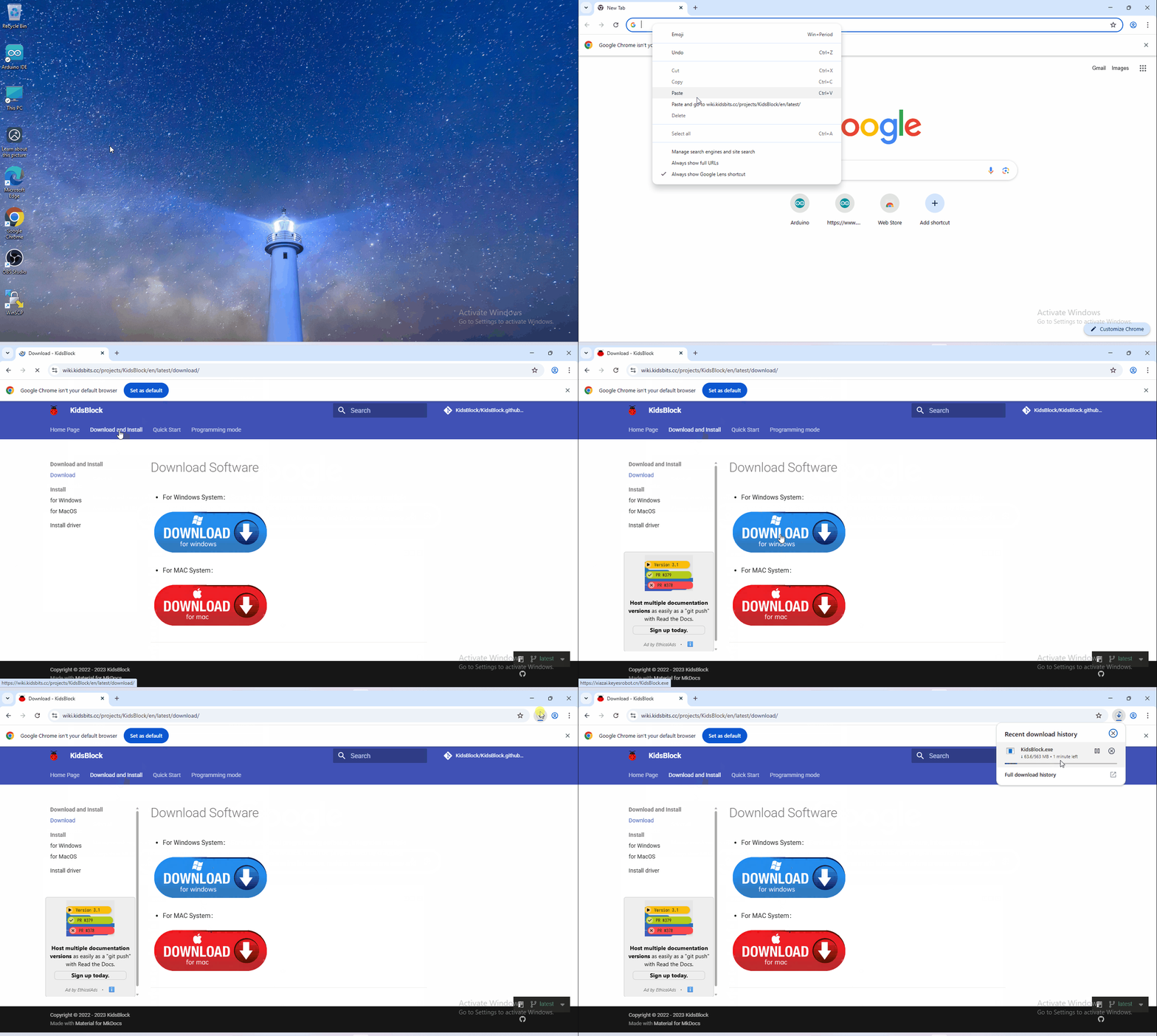
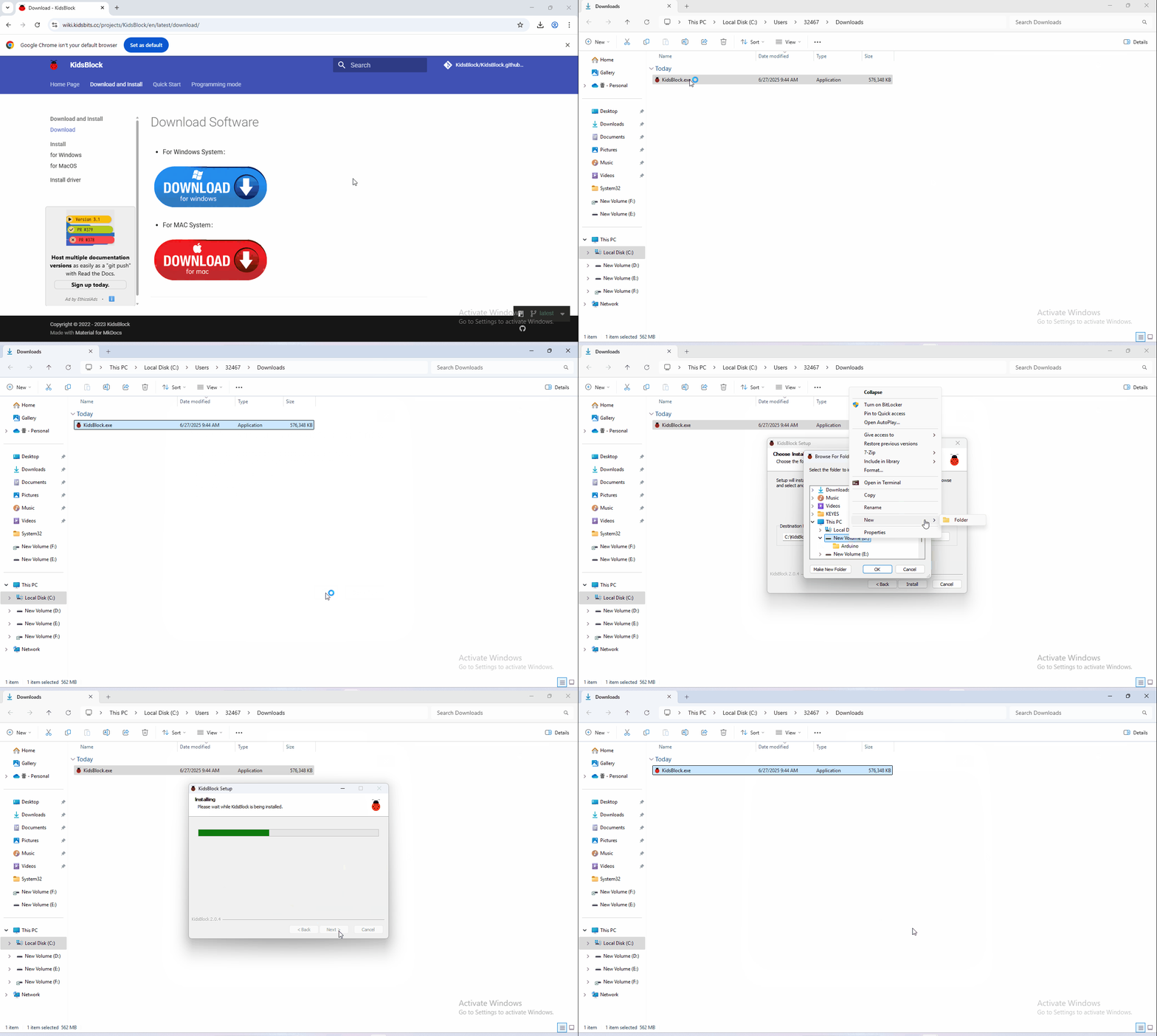
Software installation
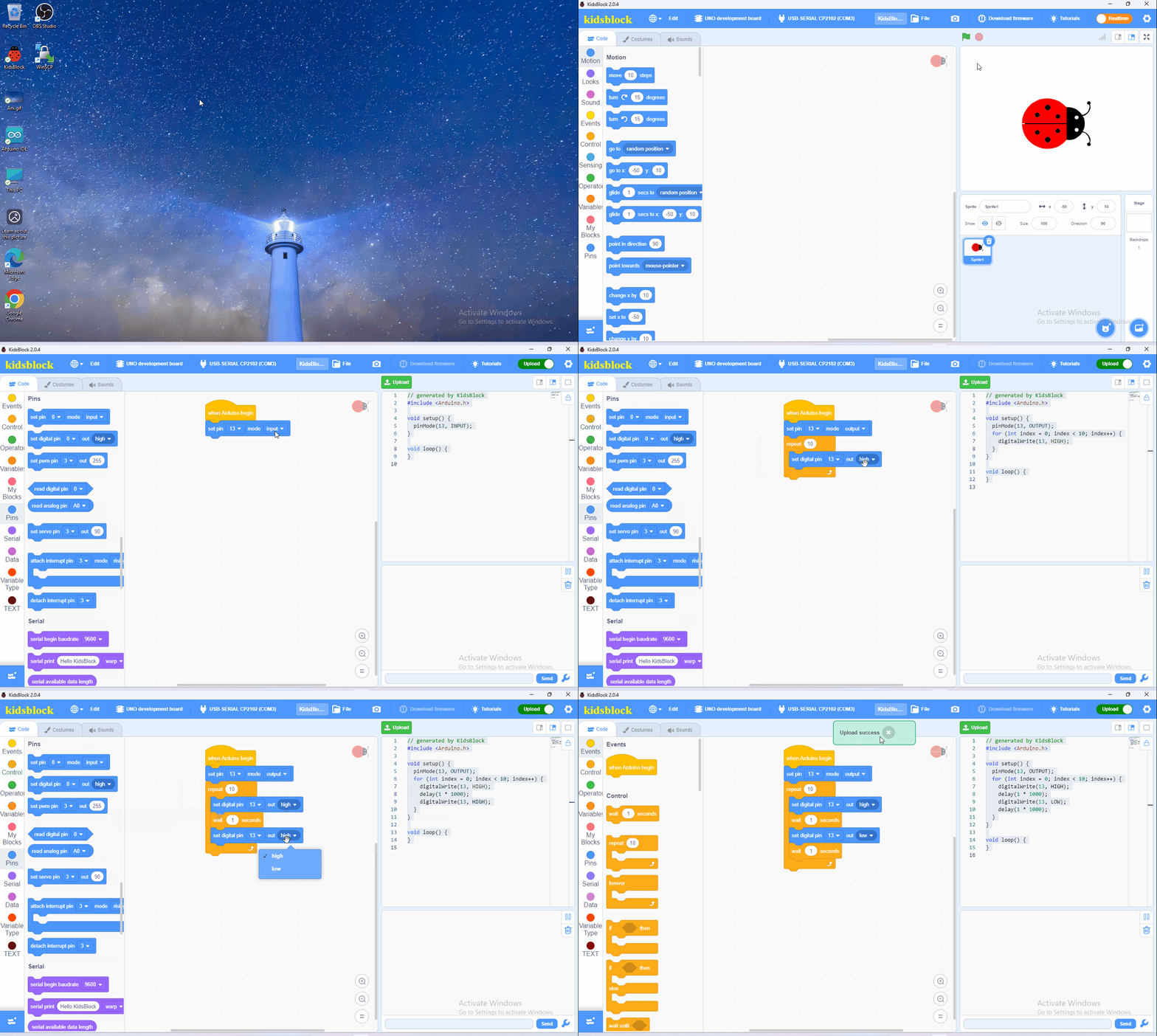
Operating software
First, connect the development board to the computer.
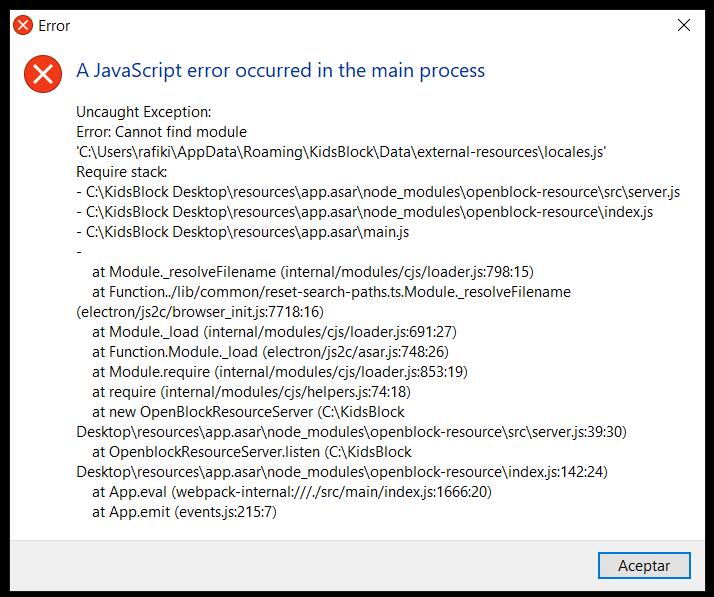
If you encounter the error shown below during the installation of KidsBlock, a reinstallation may resolve the issue. Please refer to the video tutorial and follow the steps provided.
5.3 Software installation of Mac System
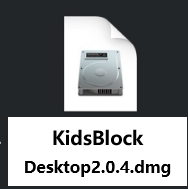
1.Download KidsBlock: https://xiazai.keyesrobot.cn/KidsBlock.dmg Desktop 2.0.4.dmg.
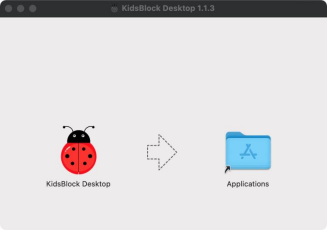
2.Click KidsBlock, and drag KidsBlock Desktop into Applications.
3.Wait for the installation to complete. The KidsBlock icon will show up in Launchpad if it is installed successfully.