1. Product introduction
KS0561 Honeycomb DIY STEM Project Kit for Arduino with Alligator Clip Cable
1.1 Description
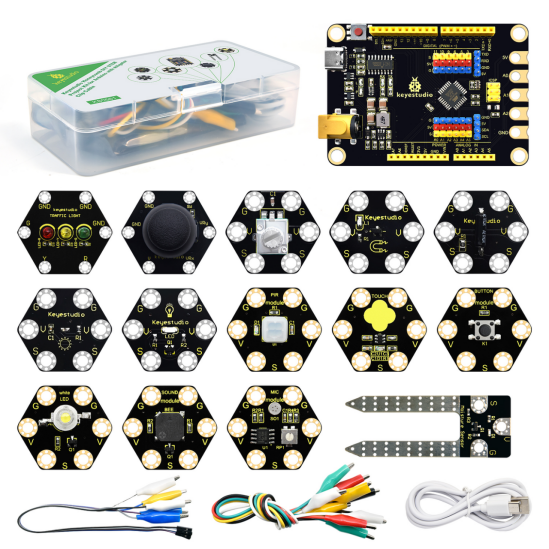
This is a media interactive learning kit based on Scratch programming language. As we all know, Scratch is a kind of graphical programming that can be done by dragging and building blocks, which empowers to help children or adult programming beginners learn basic programming concepts. What’s more, it is committed to cultivating people’s creativity, logic and collaboration.
Admittedly children will be more interested in programming if we combine real projects with real hardware. In this connection, we seek to combine the Scratch with an Arduino control board and match 13 kinds of distinctive sensors, which enable to lead you into a world of the interactive media and help you create interesting interactive media works.
Interactive media technology, also known as multimedia interactive technology, is dedicated to the information interaction between the computer and the external environment. Popular science projects such as electronic fish tanks, interactive projections, virtual book turning and 4D cinemas in the exhibition hall of the science and technology museum are typical interactive media works, which distinctly reflect the magic charm of the combination of technology and art.
However, this kit is suitable for beginners who are interested in interactive media technology or interactive installation art. It is also fit for primary and middle school students who enjoy technology production and hardware programming.
In this project, you are capable of writing interactive media works by dragging icons. Moreover, you can learn the technology of human-computer interaction with very low barriers. That sounds great, right? Let’s explore together!
1.2 Features
Learn Scratch graphical programming
Create interesting interactive media works
Cultivate people’s creativity, logic and practical ability
1.3 Kit List
No. |
Name |
QTY |
Picture |
|---|---|---|---|
1 |
Keyestudio Maker Development Board |
1 |
|
2 |
Keyestudio Soil Sensor |
1 |
|
3 |
Keyestudio 1W LED Module |
1 |
|
4 |
Keyestudio Digital LED Module |
1 |
|
5 |
Keyestudio Rotary Potentiometer |
1 |
|
6 |
Keyestudio Traffic Light Module |
1 |
|
7 |
Keyestudio Passive Buzzer |
1 |
|
8 |
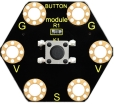
Keyestudio Button Module |
1 |
|
9 |
Keyestudio Tilt Sensor |
1 |
|
10 |
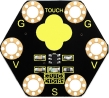
Keyestudio Capacitive Sensor |
1 |
|
11 |
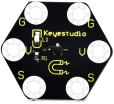
Keyestudio Hall Sensor |
1 |
|
12 |
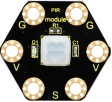
Keyestudio PIR Motion Sensor |
1 |
|
13 |
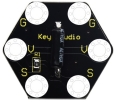
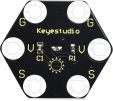
Keyestudio Photoresistor |
1 |
|
14 |
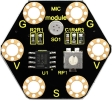
Keyestudio Microphone Module |
1 |
|
15 |
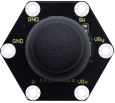
Keyestudio Joystick Module |
1 |
|
16 |
Joystick Cap |
1 |
|
17 |
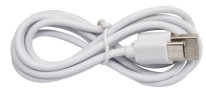
USB Cable |
1 |
|
18 |
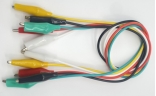
Alligator Clip Wire |
1 |
|
19 |
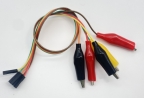
Dupont Head to Alligator Clip Wire |
1 |
|
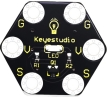
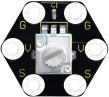
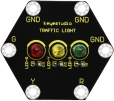
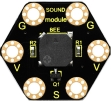

1.4 Keyestudio Maker Development Board
1.Description
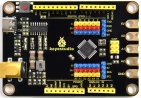
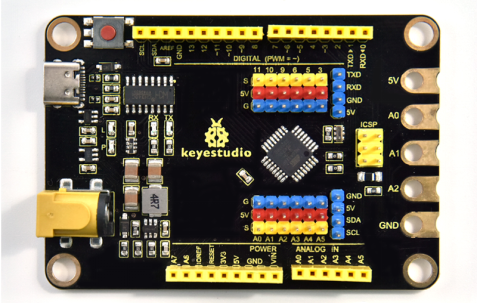
Keyestudio maker programming development board is a control board fully compatible with the Arduino IDE development environment. It can receive input signals from various sensors to detect the operating environment. Furthermore, it enables to output signals to control light sources, motors as well as other drives in ways that influence the surroundings.
The microcontroller programming on the board mainly uses the Arduino IDE programming environment. You are capable of communicating with software running on your computer (such as the KidsBlock Desktop of this project), which allows you to create more stunning interactive works.
It contains all the functions of the Arduino UNO R3 board on the website, however, it is more powerful. The board is compatible with Lego bricks and can be used to build Lego DIY experiments. Moreover, it boasts a broad menu of different ports such as pin header ports, female header ports and alligator clip ports.
2.Specifications
Microcontroller:ATMEGA328P-AU
USB to serial port chip:CH340C
Working voltage:5V
External power: DC 6-15V(9V recommended)
Digital I/O pin: 14 (D0-D13)
PWM channel:6 (D3 D5 D6 D9 D10 D11)
Analog input channel(ADC): 8(A0-A7)
Each I/O DC output:10 mA
3.3V Port output: Maximum150 mA
Flash memory: 32 KB
SRAM: 2 KB (ATMEGA328P-AU)
EEPROM: 1 KB (ATMEGA328P-AU)
Clock speed: 16MHz
Onboard LED pin: D13
3.Interface
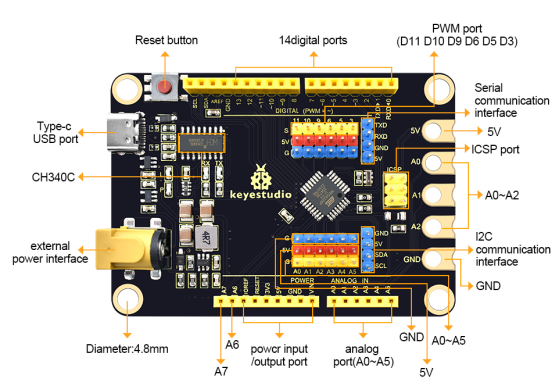
4.Specialized Functions of Some Pins
Serial communication interface: D0 is RX, D1 is TX
PWM interface (pulse width modulation): D3 D5 D6 D9 D10 D11
External interrupt interface: D2 (interrupt 0) and D3 (interrupt 1)
SPI communication interface: D10 is SS, D11 is MOSI, D12 is MISO, D13 is SCK
IIC communication port: A4 is SDA, A5 is SCL