2. Product Installation
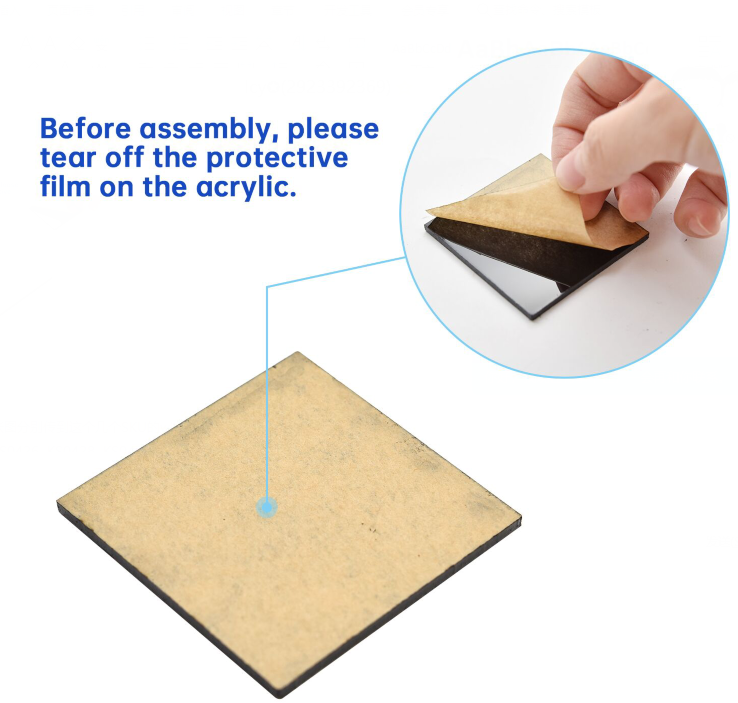
Caution: Set the initial angle of the servo Peel thin films off boards before installing this robot .
Step1
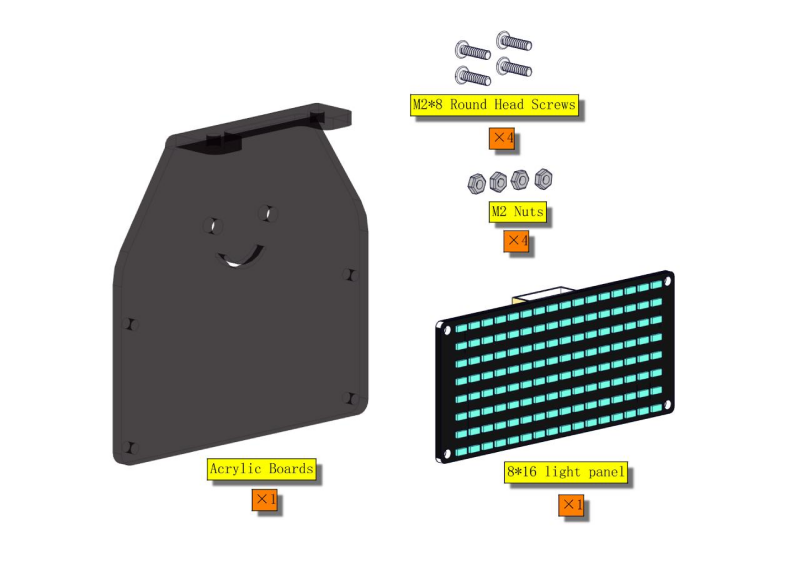
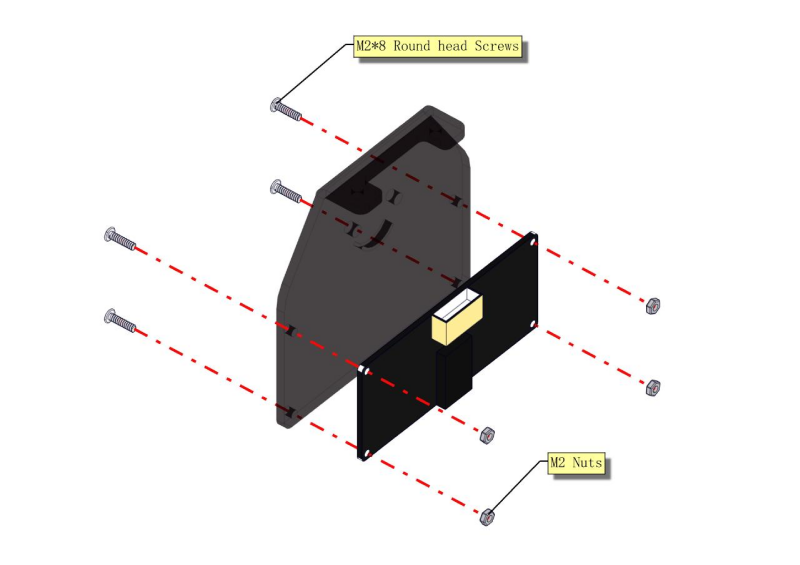
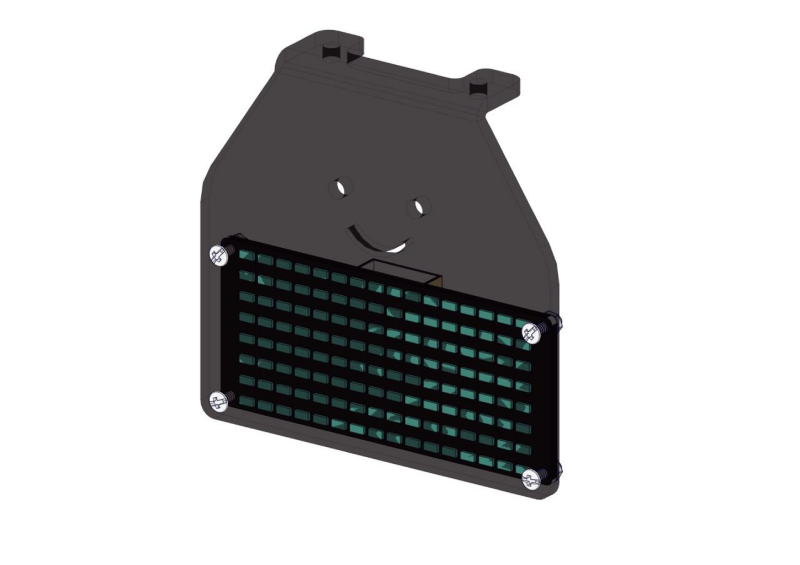
Please wire up first.
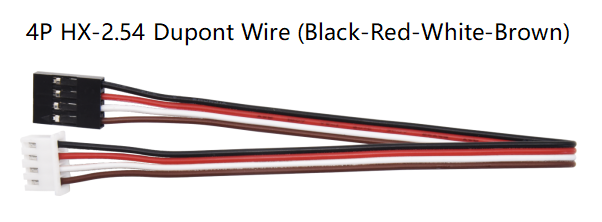
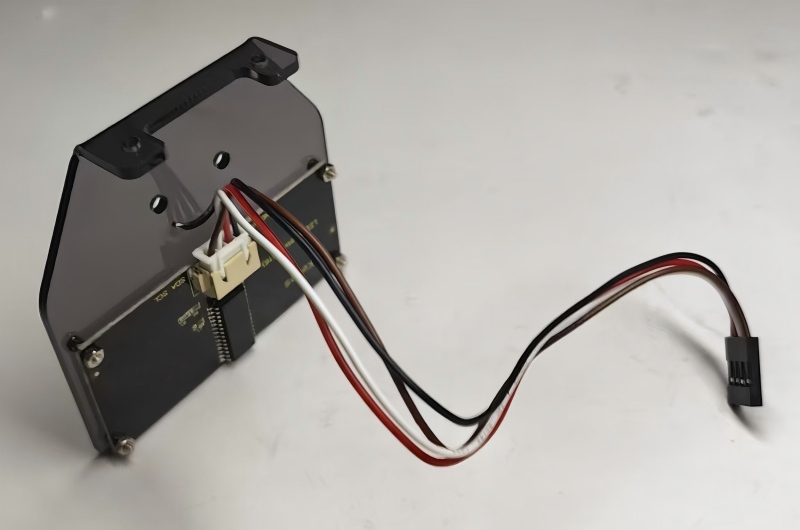
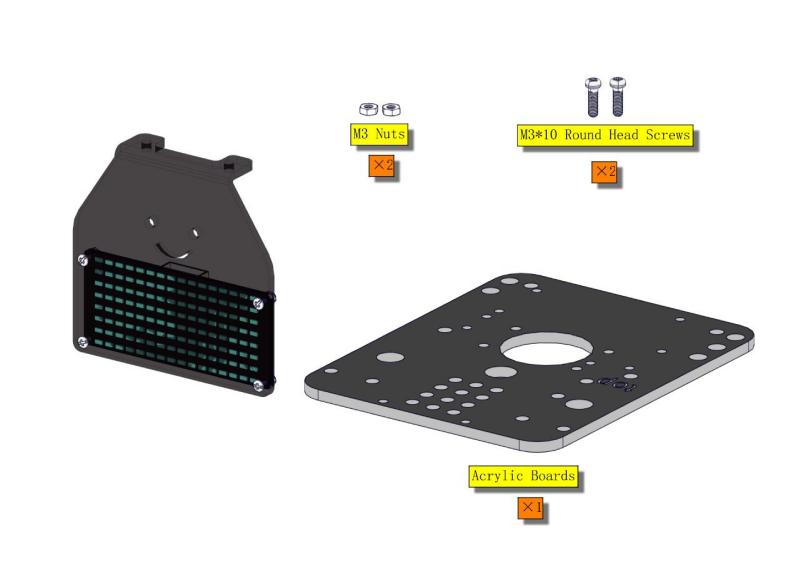
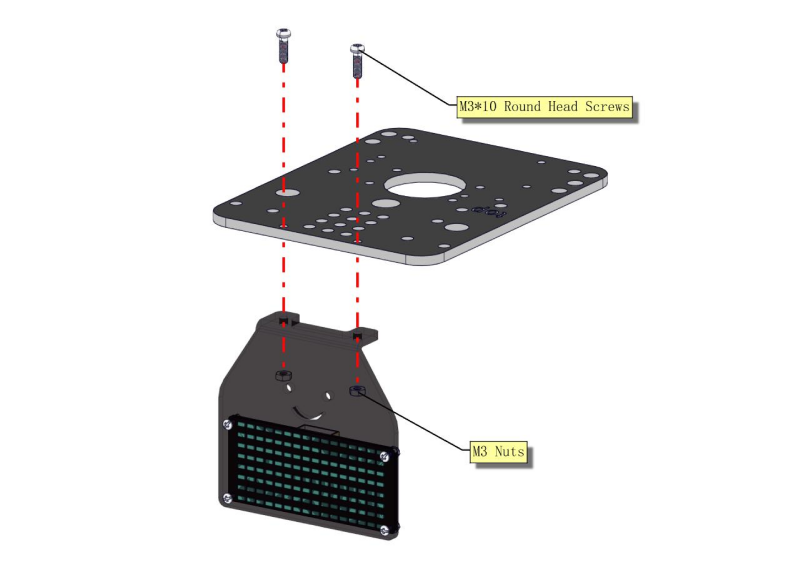
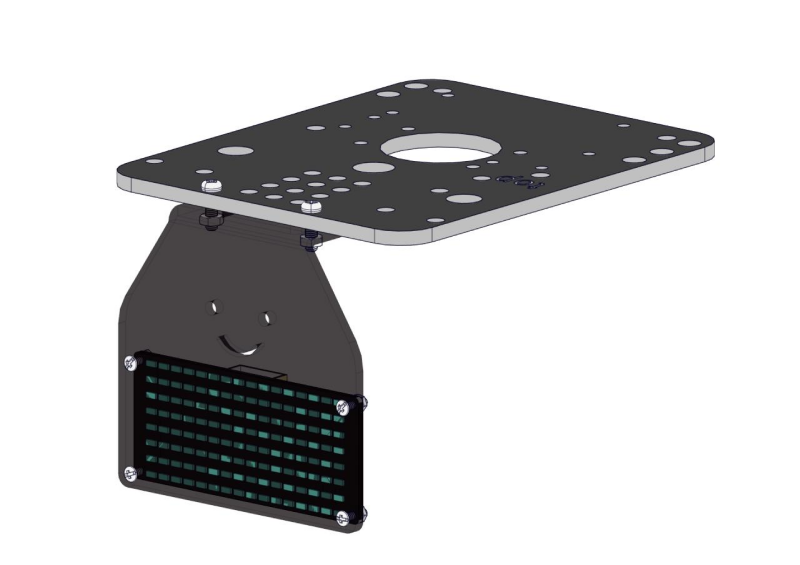
**Step2 **
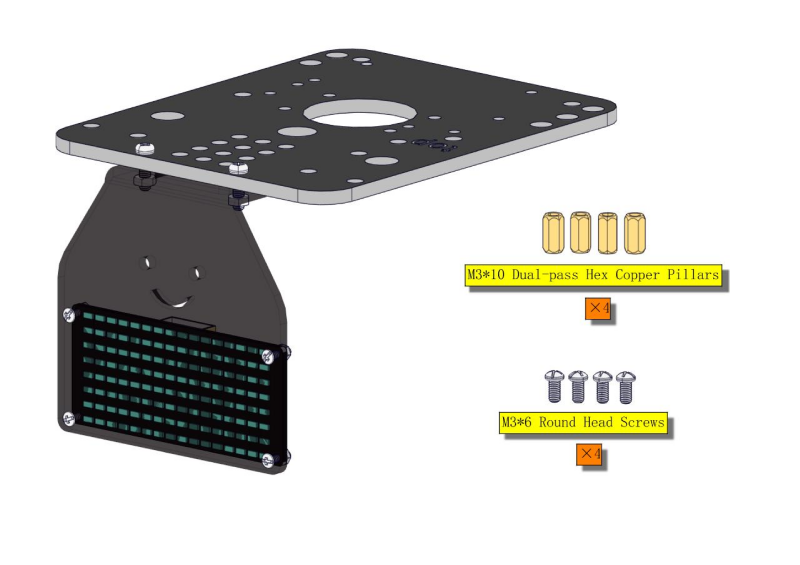
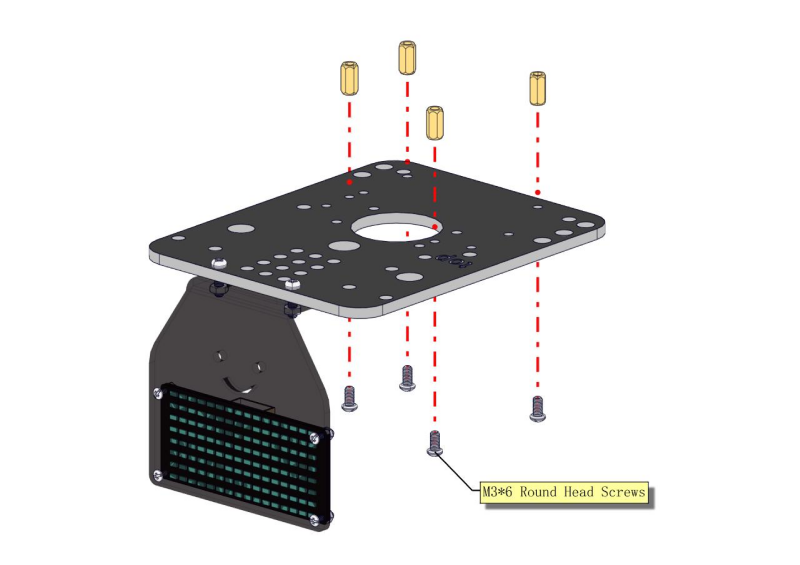
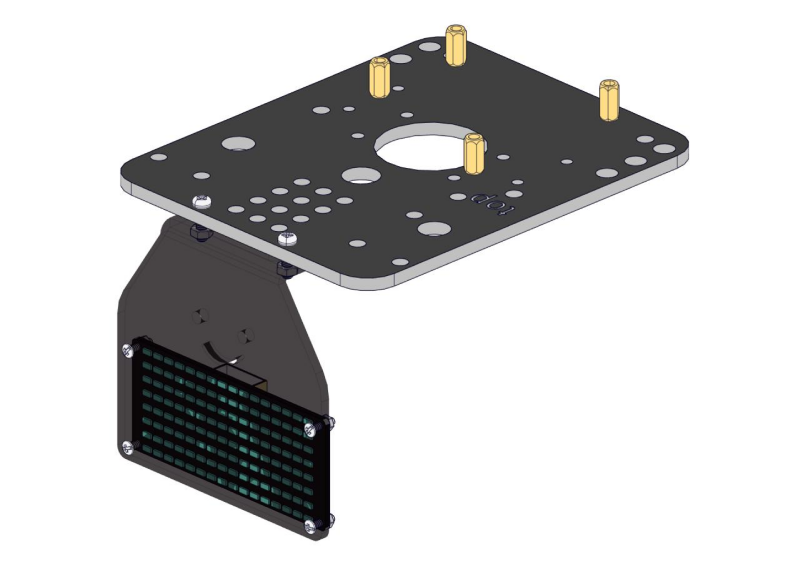
Step 3

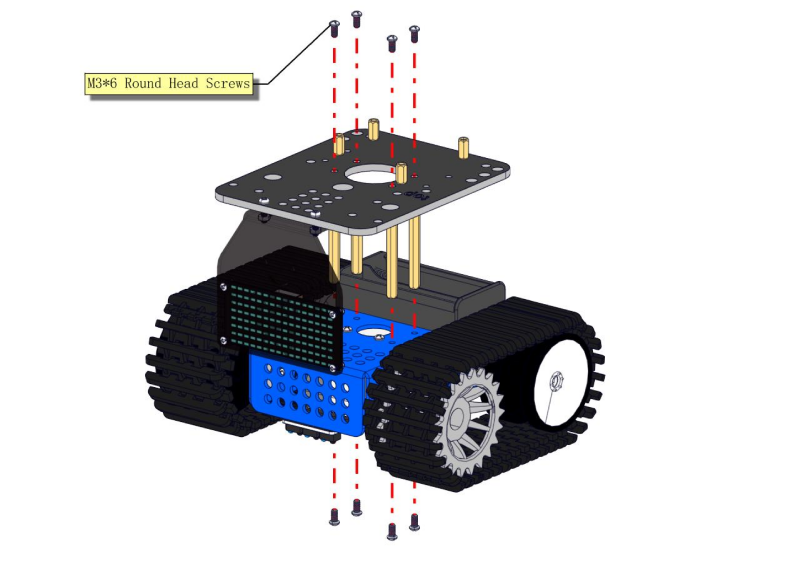
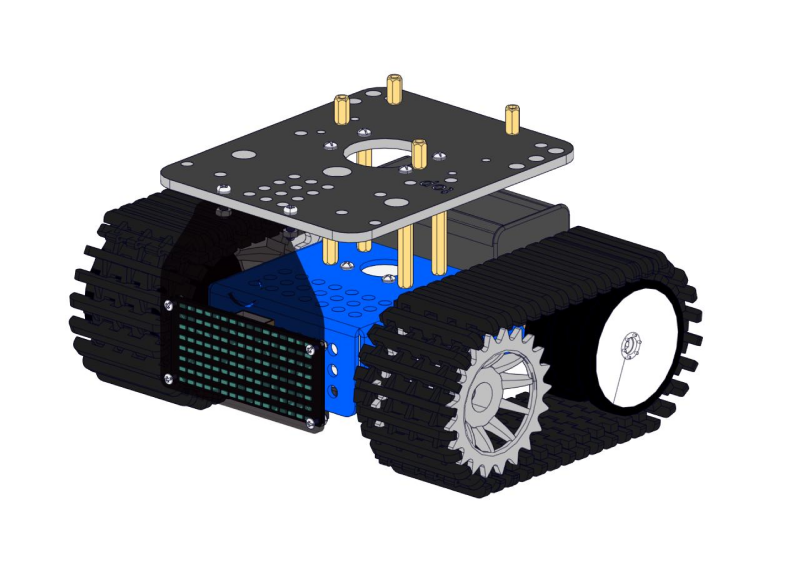
Step 4
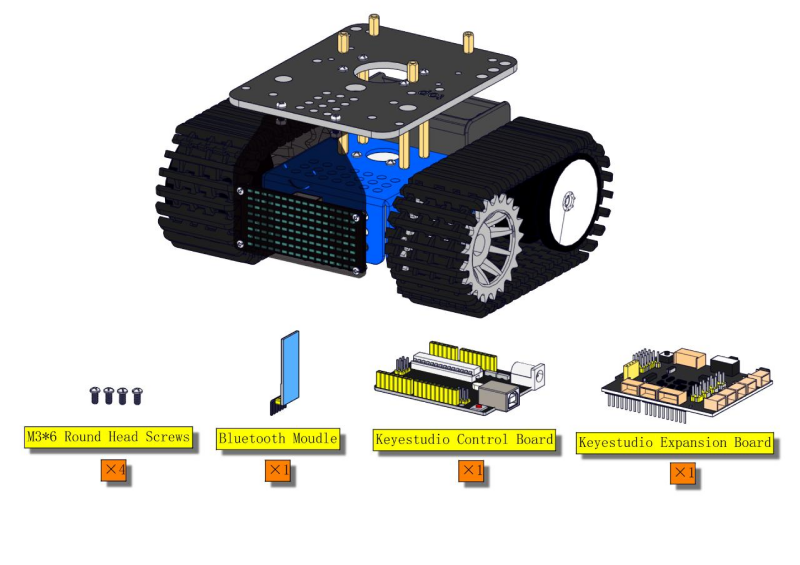
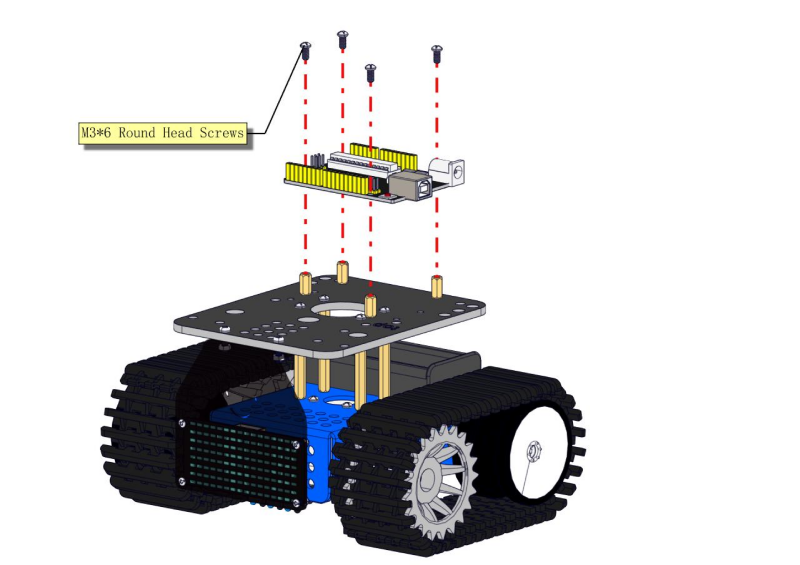
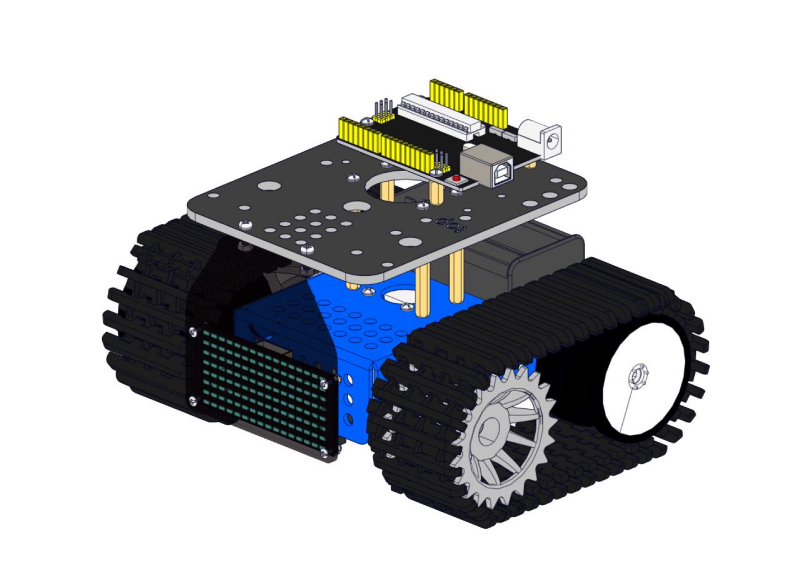
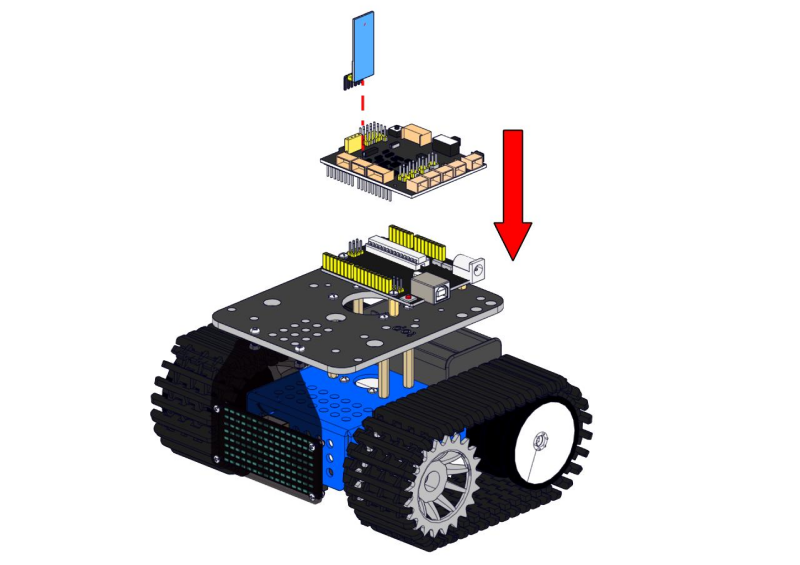
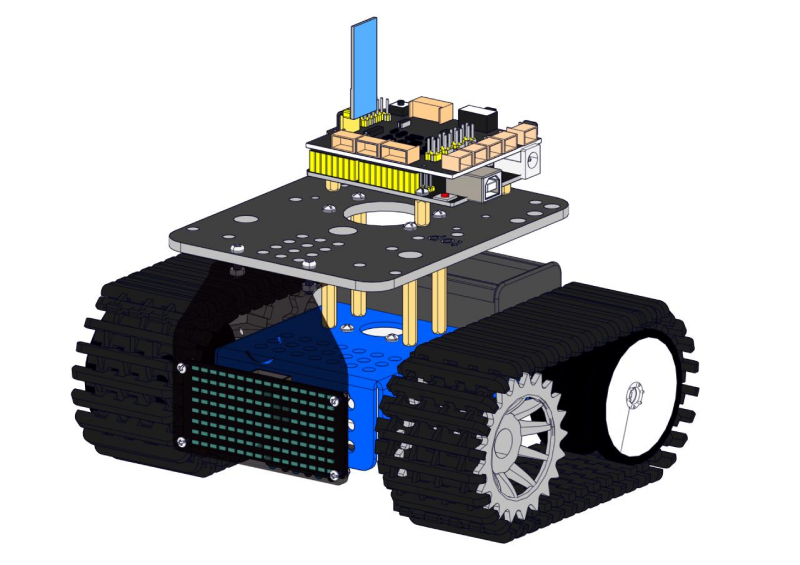
Step 5
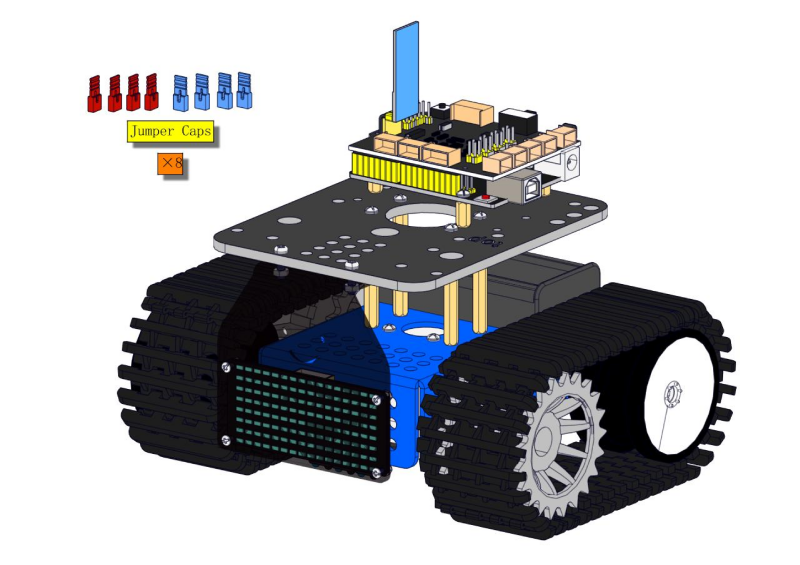
Note the direction of jumper caps.
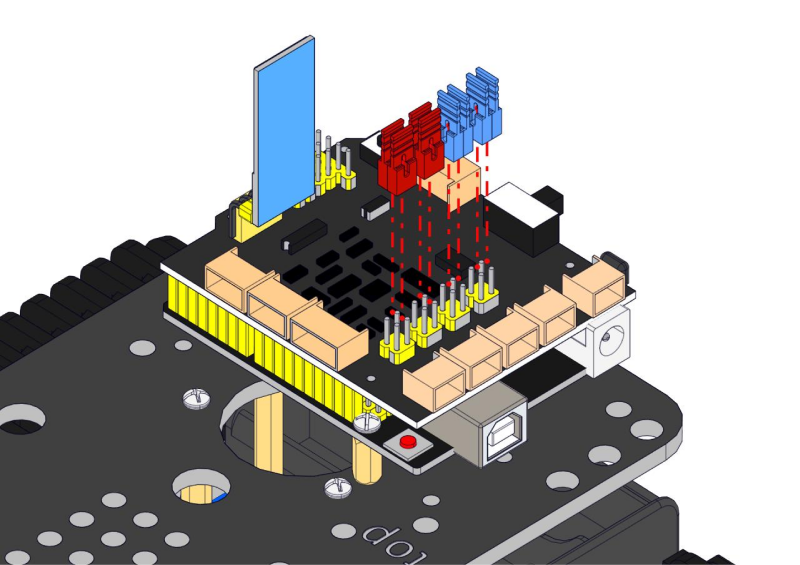
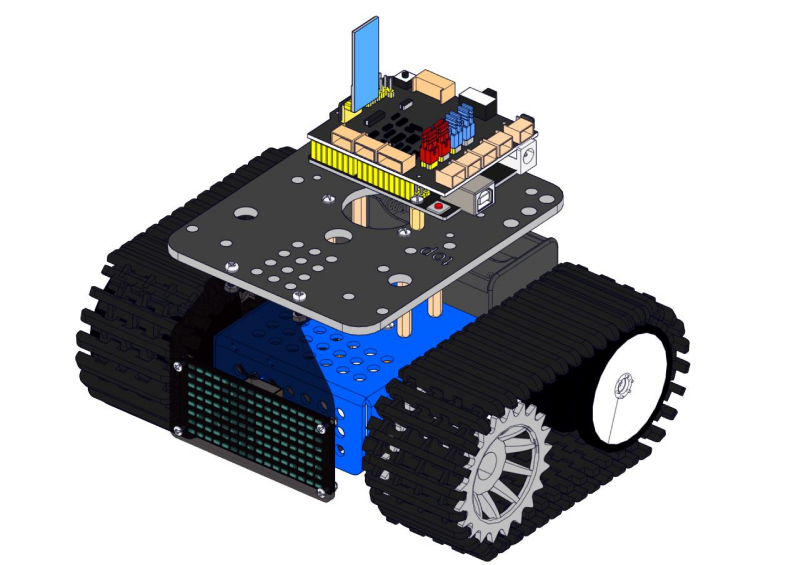
Step 6
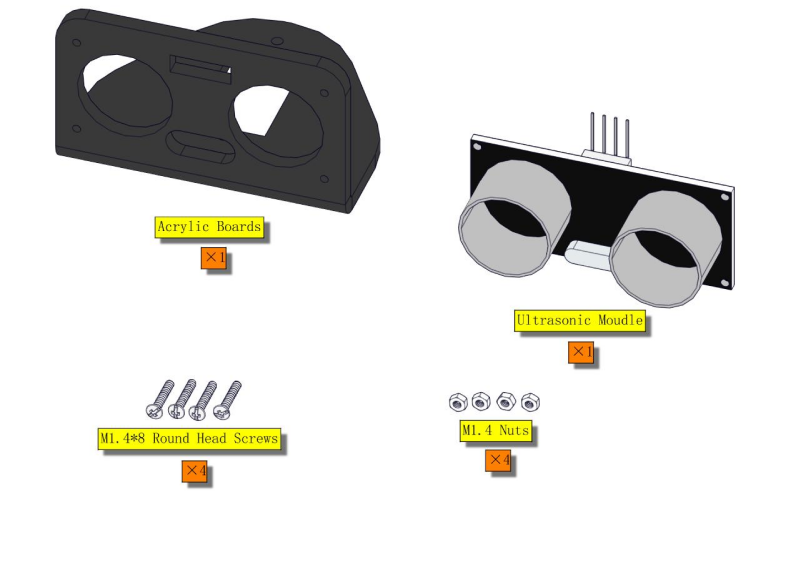
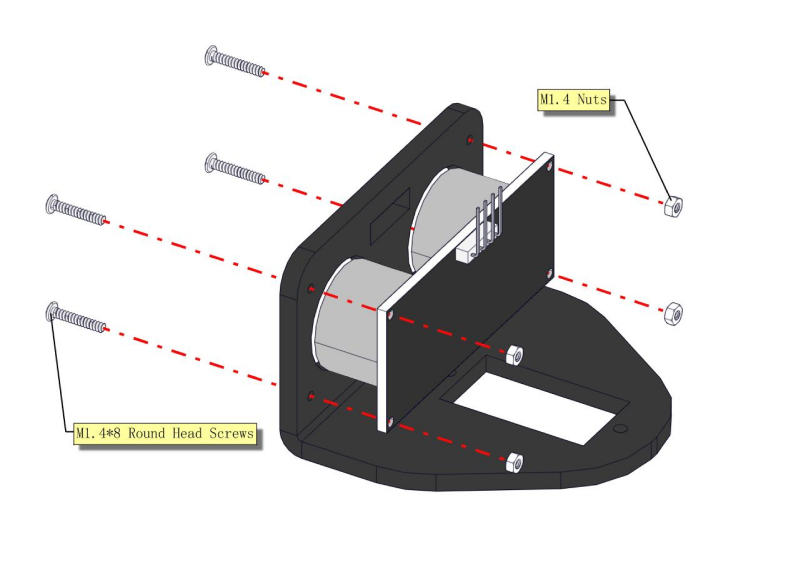
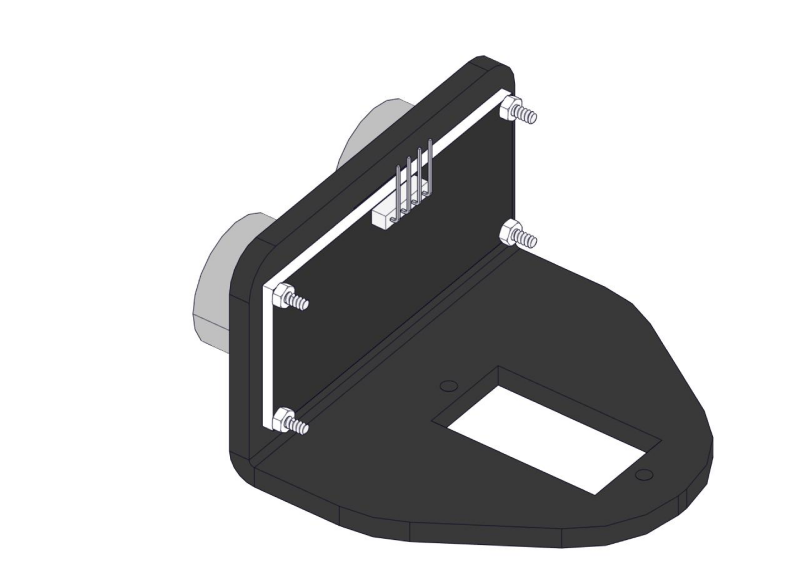
Step 7
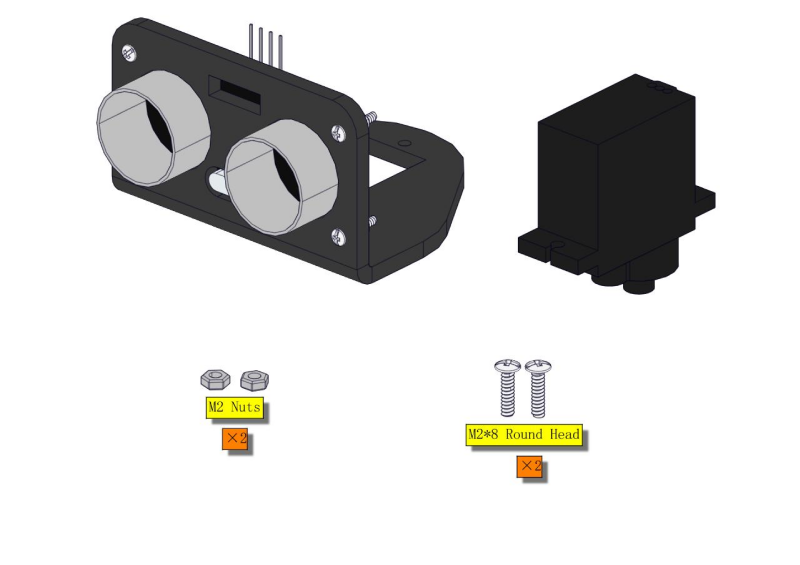
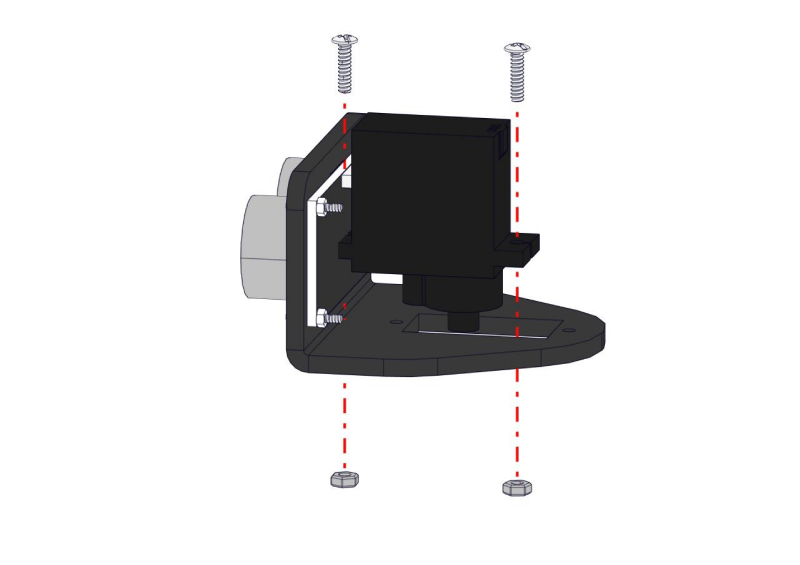
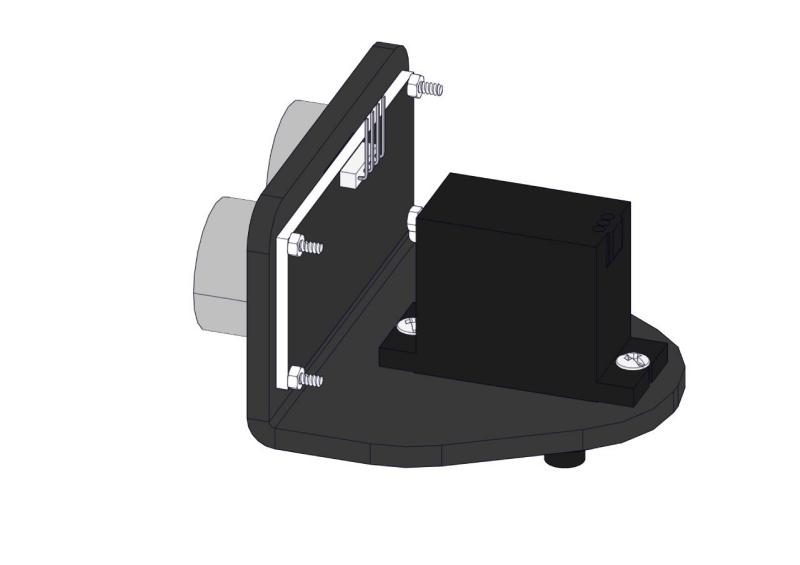
Step 8
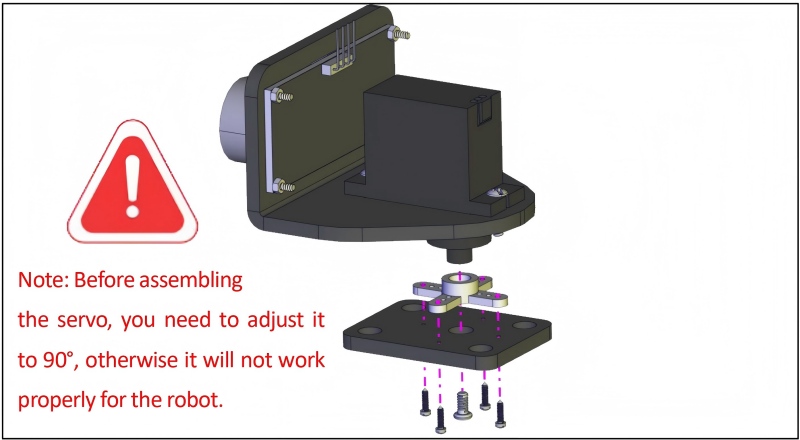
(Need to adjust the angle of the servo)
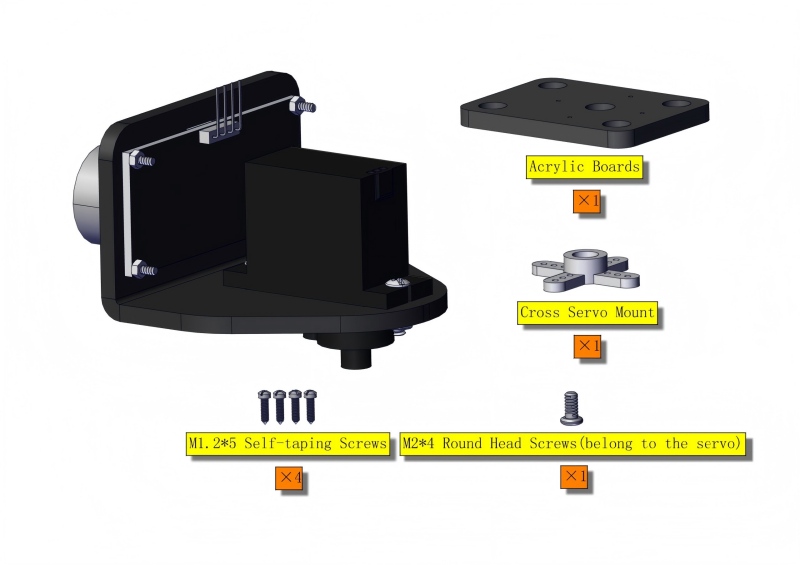
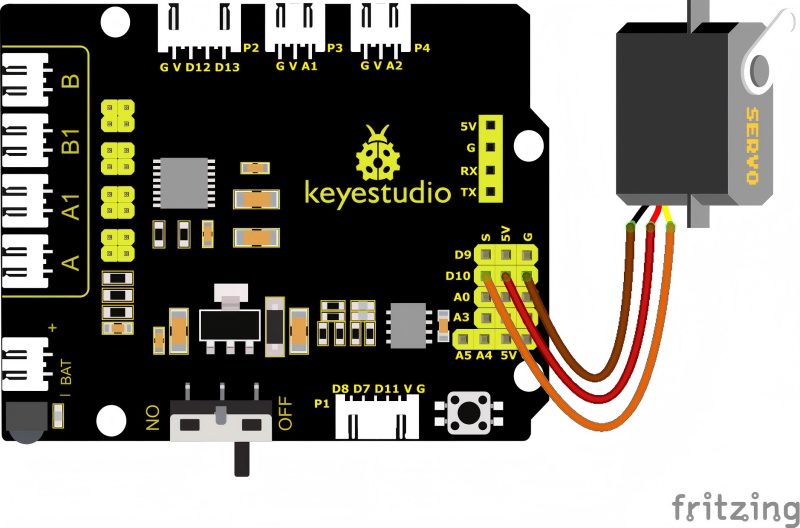
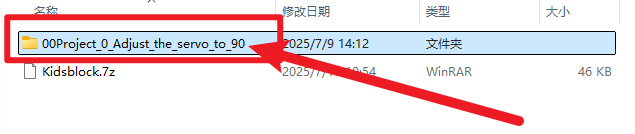
Set the angle of the servo to 90°
To adjust the code of the servo,please select it according to the course.
1.Arduino: Download the code file: Arduino
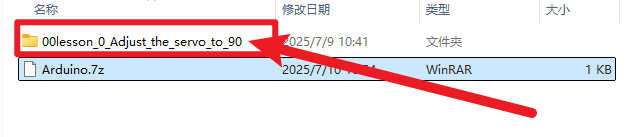
2.**Kidsblock: **Download the code file: Kidsblock
After initializing servo angle, install the Bluetooth module.
Keep the ultrasonic sensor parallel to the board.
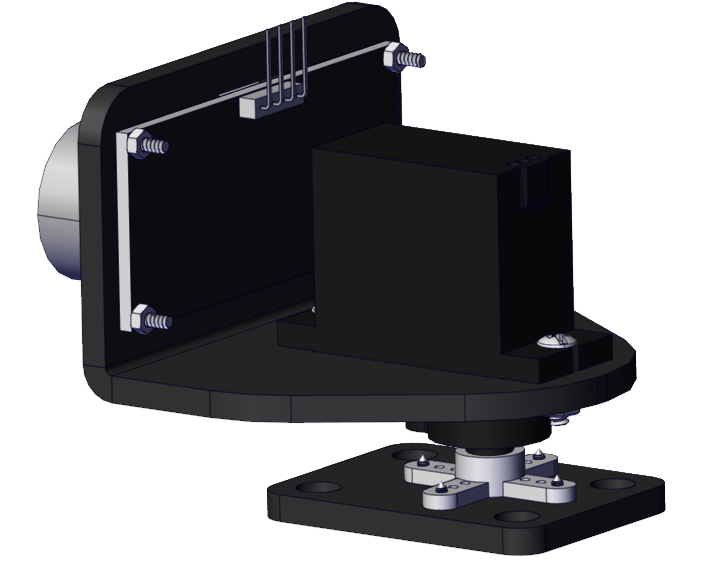
Step 9
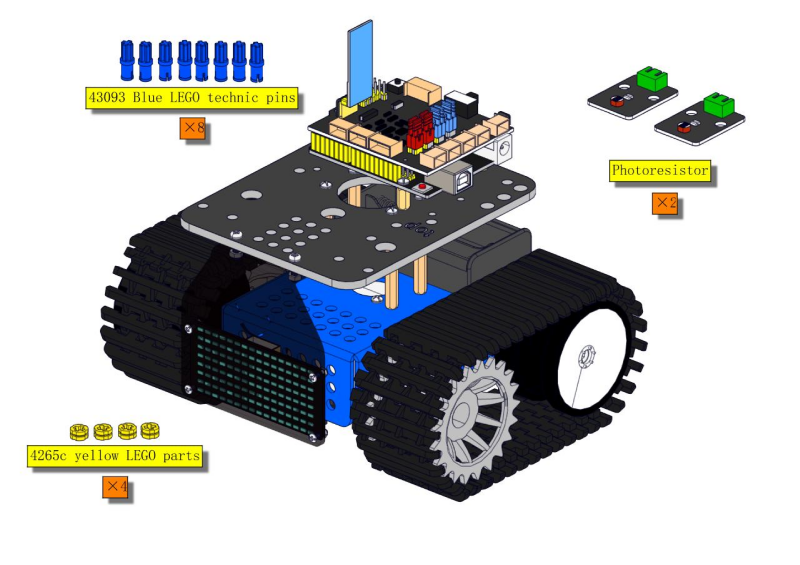
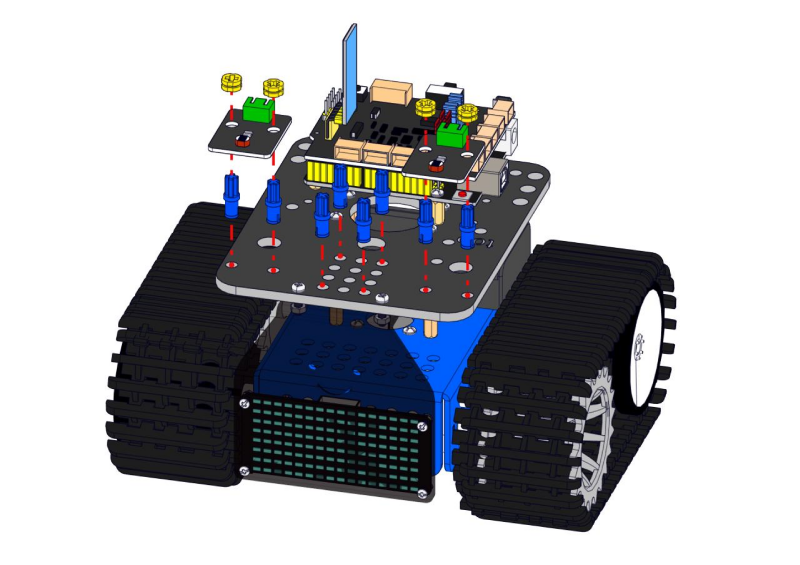
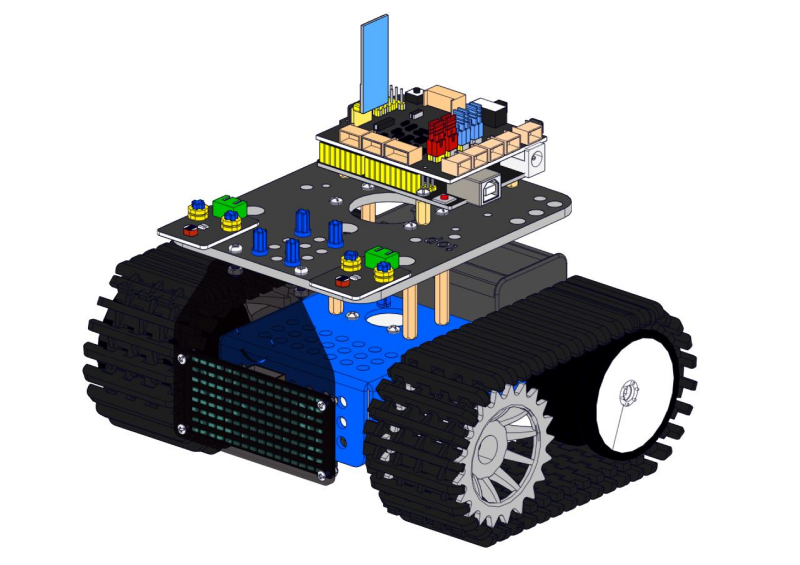
Step 10
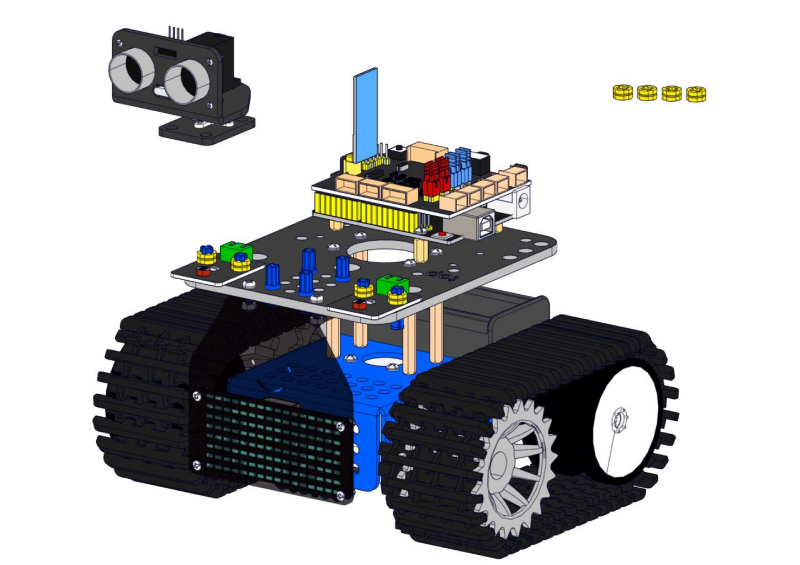
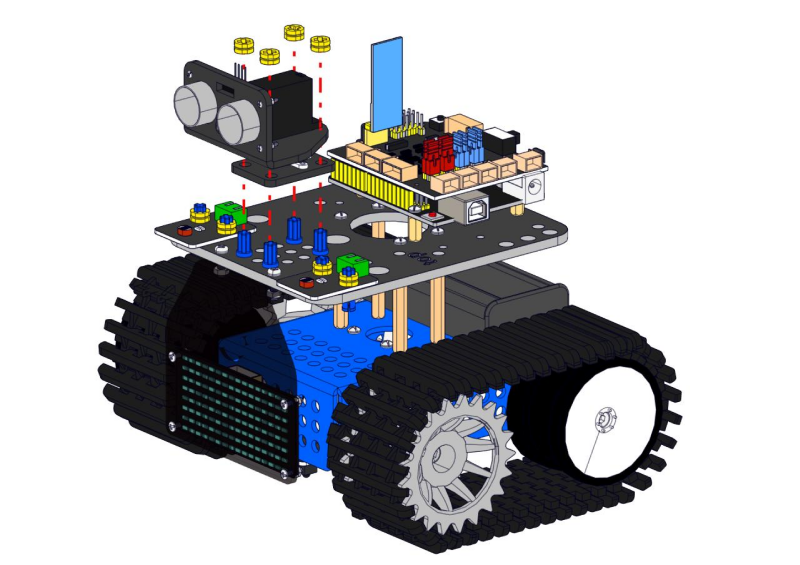
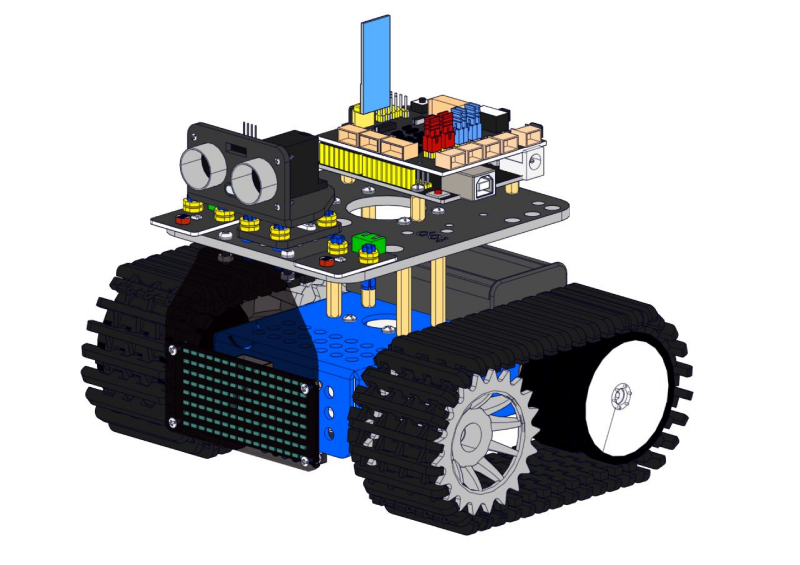
Wire up
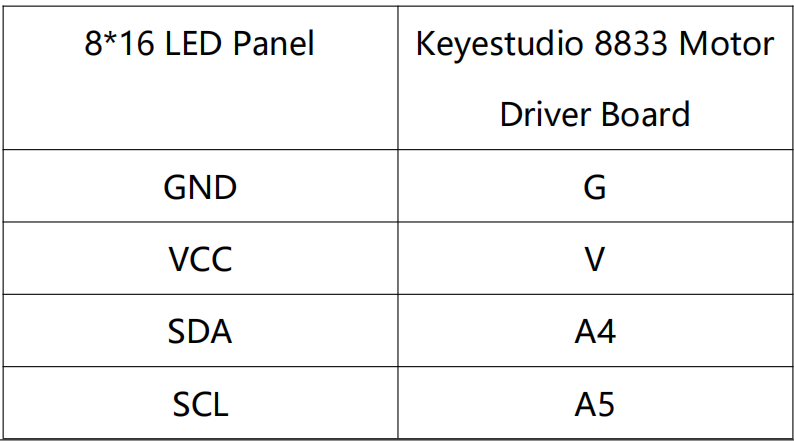
For 8*16 LED panel, Make wires connect to A4 and A5.
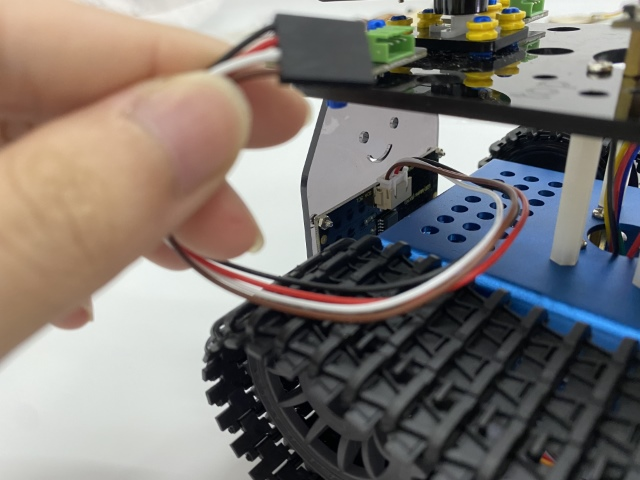
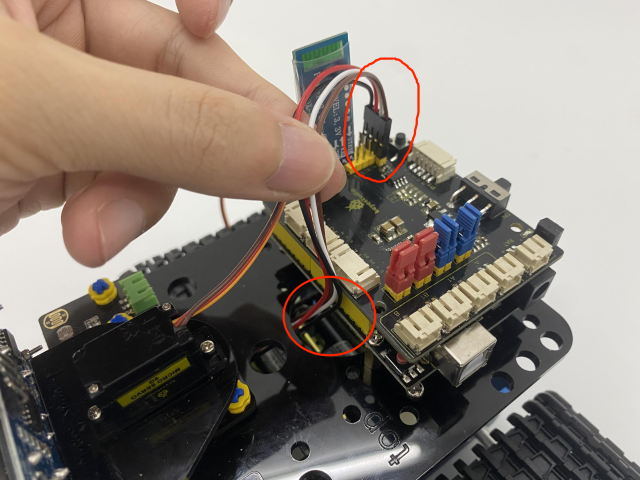
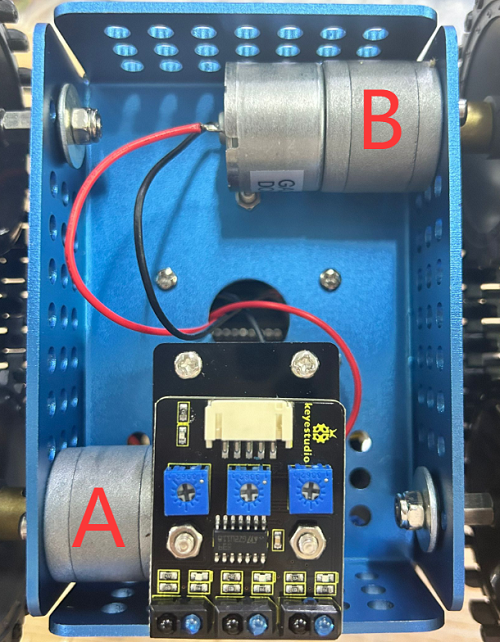
Connect the motor A to A port and make the motor B to B port.
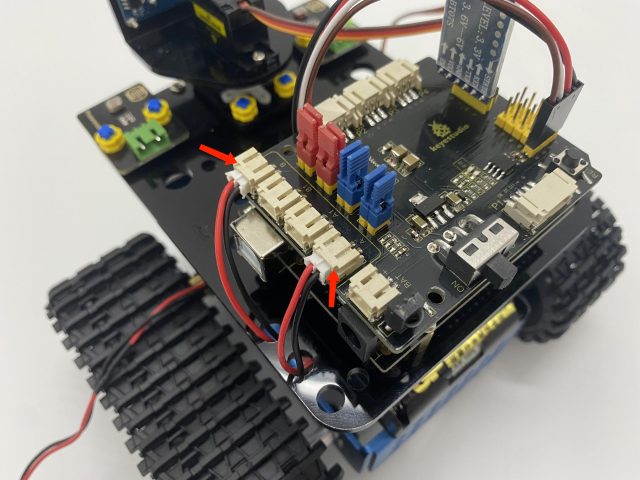
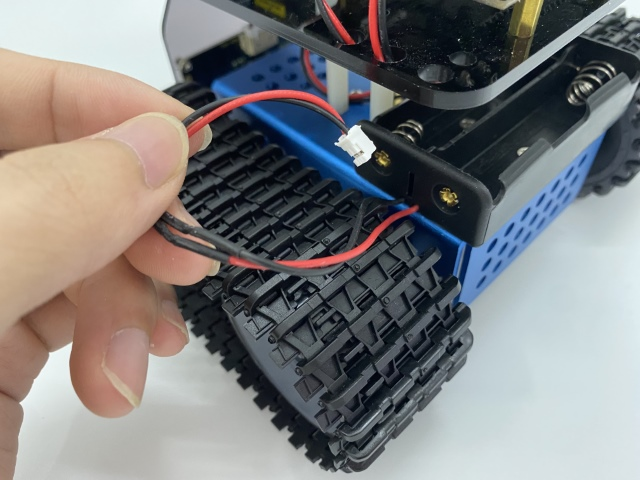
Connect the power wire.
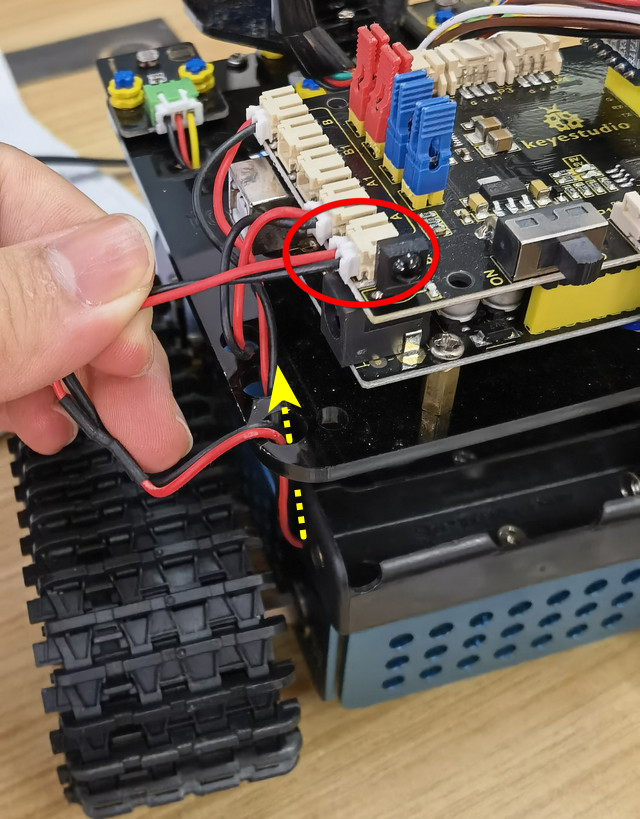
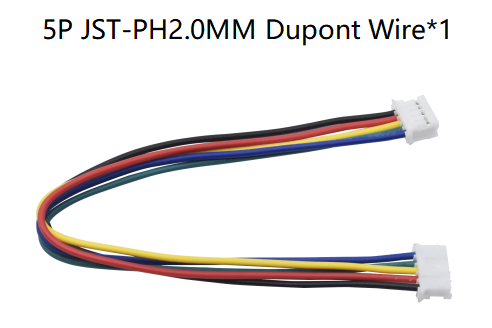
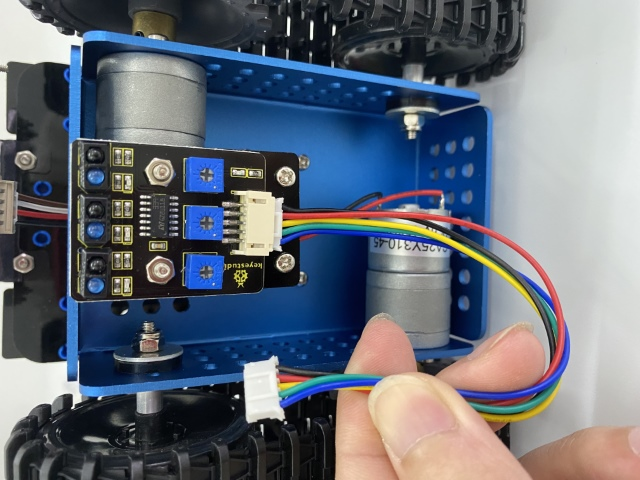
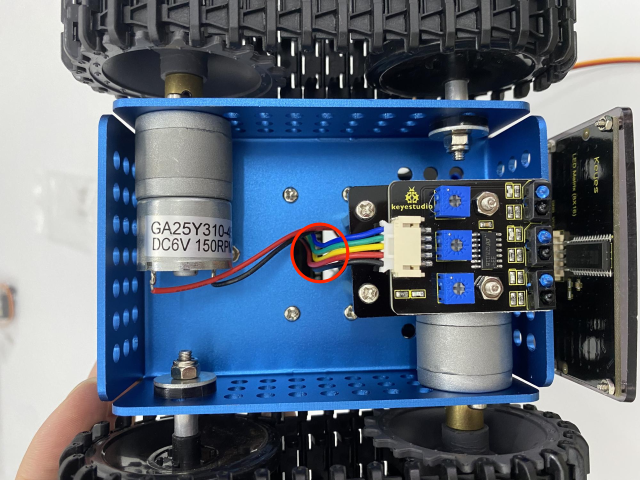
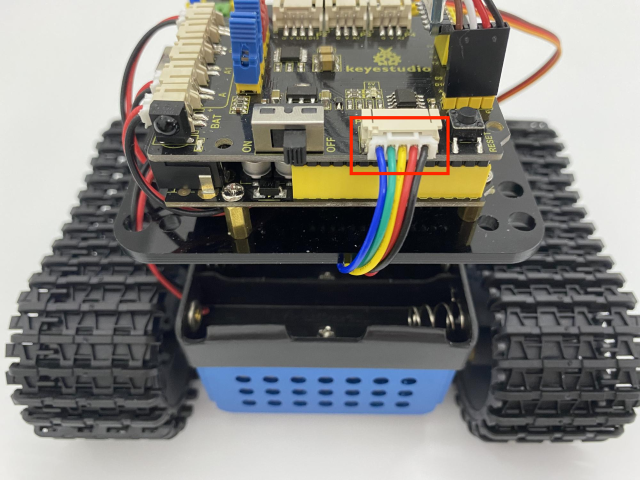
Line Tracking Sensor(see the picture)
Wire up the photoresistors
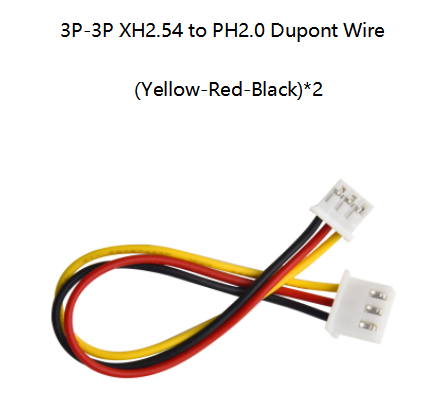
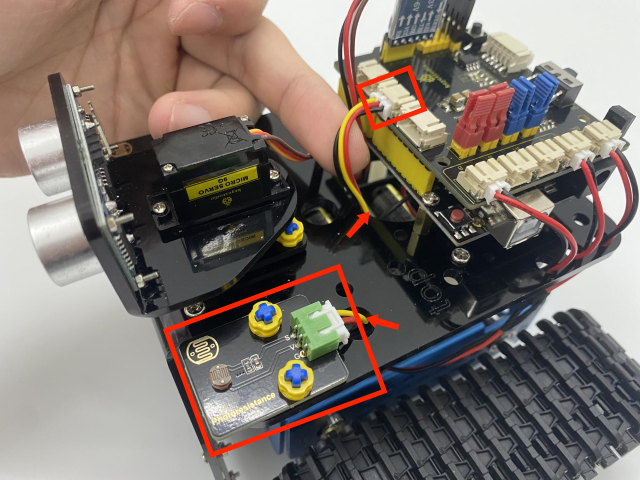
Photoresistor |
Keyestudio 8833 Board |
|---|---|
G |
G |
V |
V |
s |
A1 |
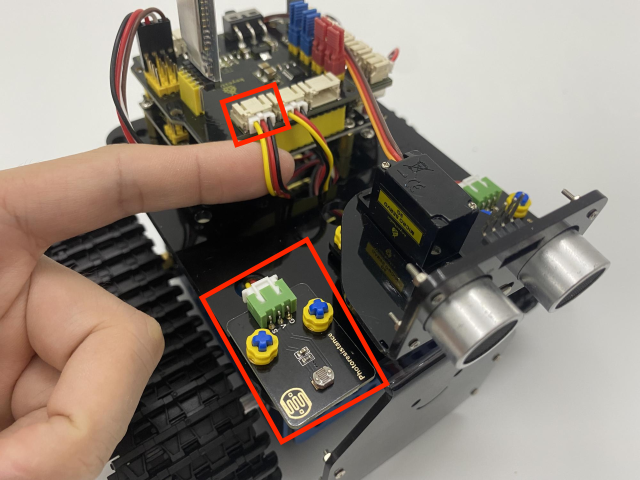
Photoresistor |
Keyestudio 8833 Board |
|---|---|
G |
G |
V |
V |
S |
V2 |
Wire up ultrasonic sensor.
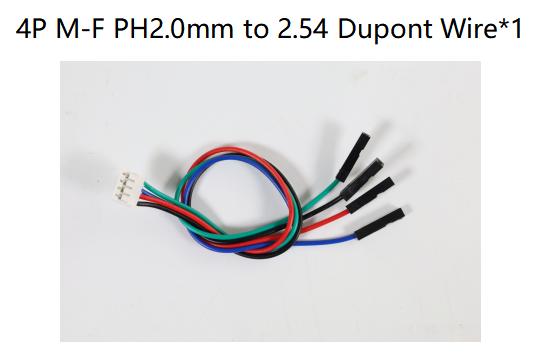
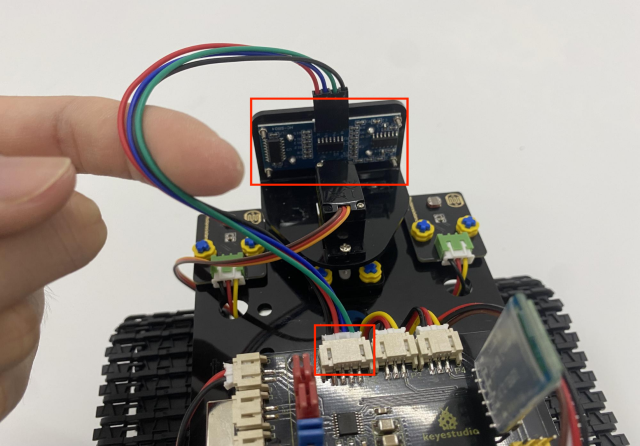
Ultrasonic Sensor |
Keyestudio 8833 Board |
|---|---|
Vcc |
V |
Trig |
D12 |
Echo |
D13 |
Gnd |
G |
Wire up the servo(D10)
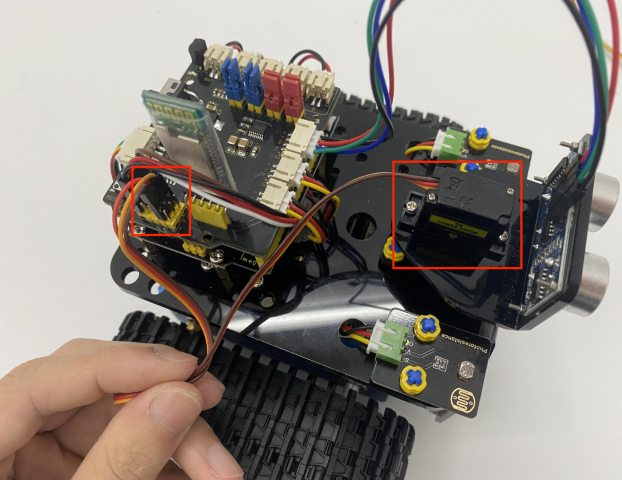
Servo |
Keyestudio 8833 Board |
|---|---|
Brown |
G |
Red |
V(5V) |
Orange |
D10 |
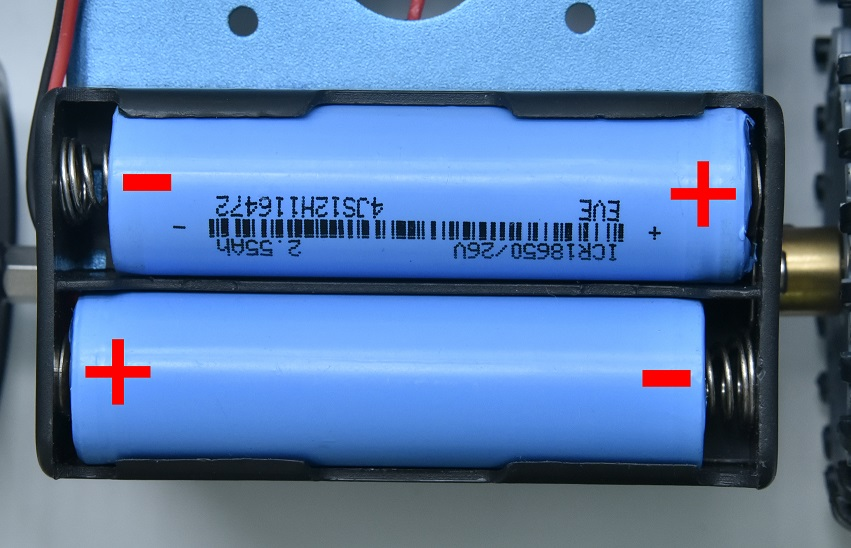
We adopt a model 18650 lithium battery with a pointed positive pole, whose power and capacity are not required.