4.2.8 Guess Number
4.2.8.1 Overview

In this project, we play a game of guessing number by a Micro:bit board, a gamepad control board, and an OLED display. When the correct number is guessed, the OLED displays “Great!!!”; if the guess is too high or too low, it shows “To High!”/“To Low!” respectively, along with the corresponding range of possible numbers.

4.2.8.3 Required Parts
|
|
|
|---|---|---|
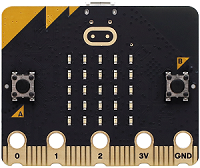
micro:bit V2 board (self-provided) ×1 |
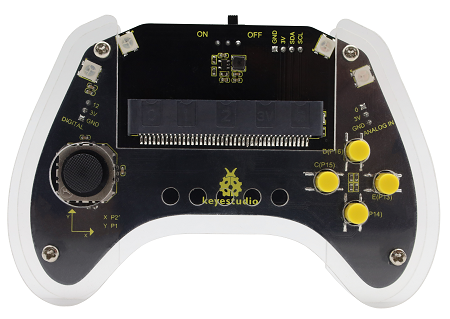
micro:bit Smart Gamepad (assembled) ×1 |
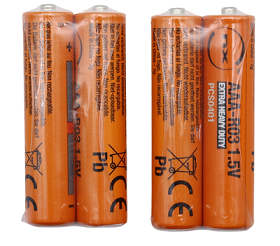
AAA battery (self-provided) ×4 |
|
|
|
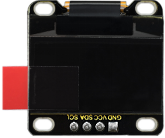
OLED display (self-provided)×1 |
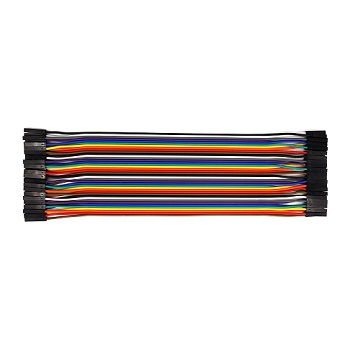
F-F DuPont wire(self-provided) x4 |
4.2.8.4 Wiring Diagram
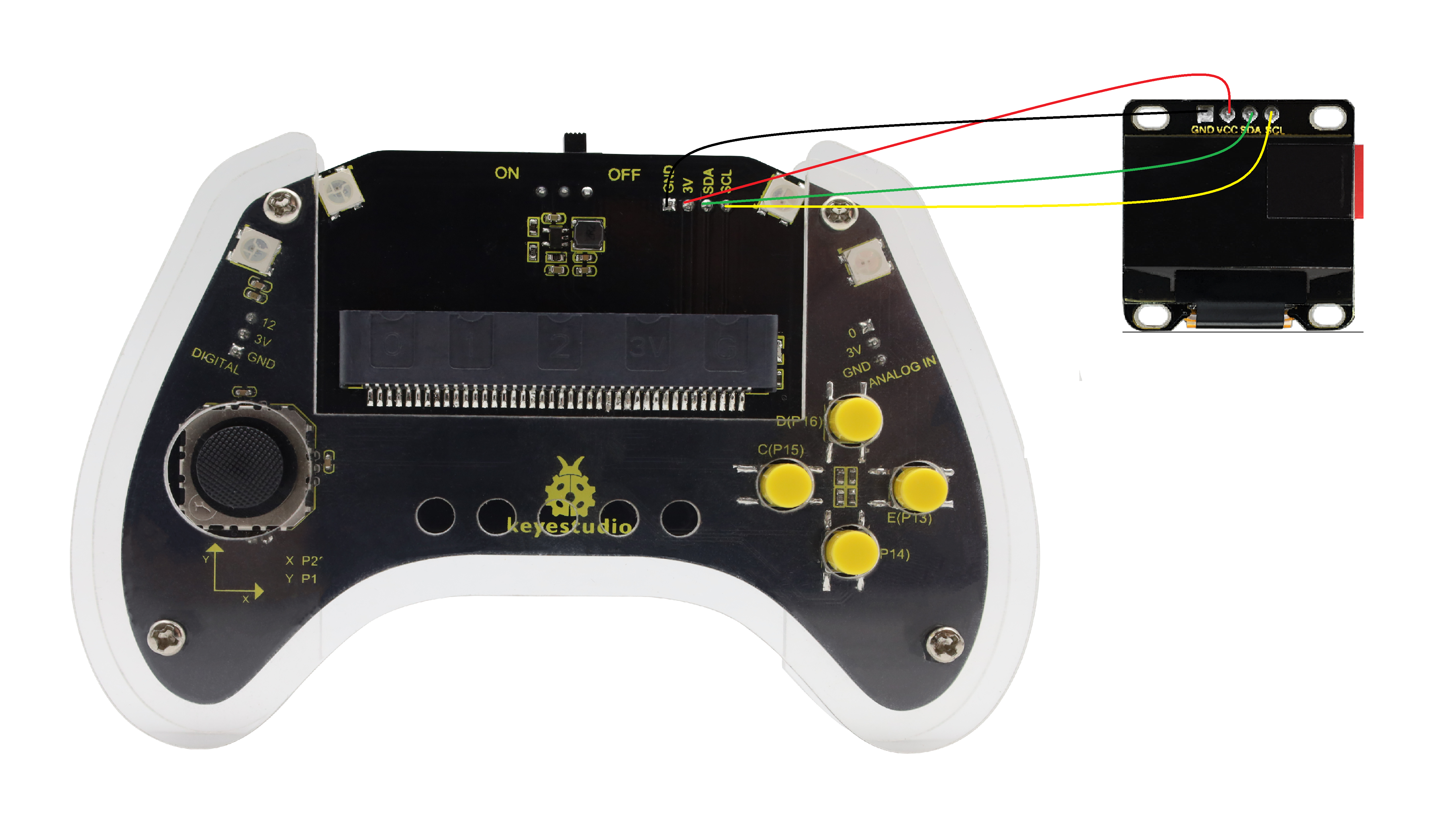
After wiring up as shown above, insert the micro:bit into the slot on the gamepad control board.
OLED display |
micro:bit gamepad control board |
micro:bit board pin |
|---|---|---|
GND |
GND |
GND |
VCC |
3V |
3V |
SDA |
SDA |
P20 |
SCL |
SCL |
P19 |
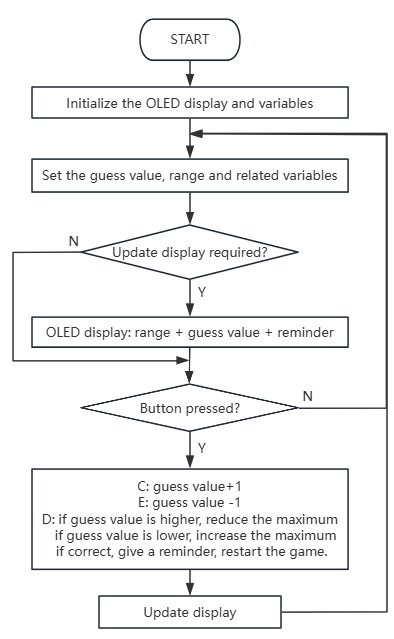
4.2.8.5 Code Flow
4.2.8.6 Test Code
⚠️ Note that here OLED library is included, so we need to import: https://github.com/keyestudio/pxt-environment-kit-master.
Complete code:
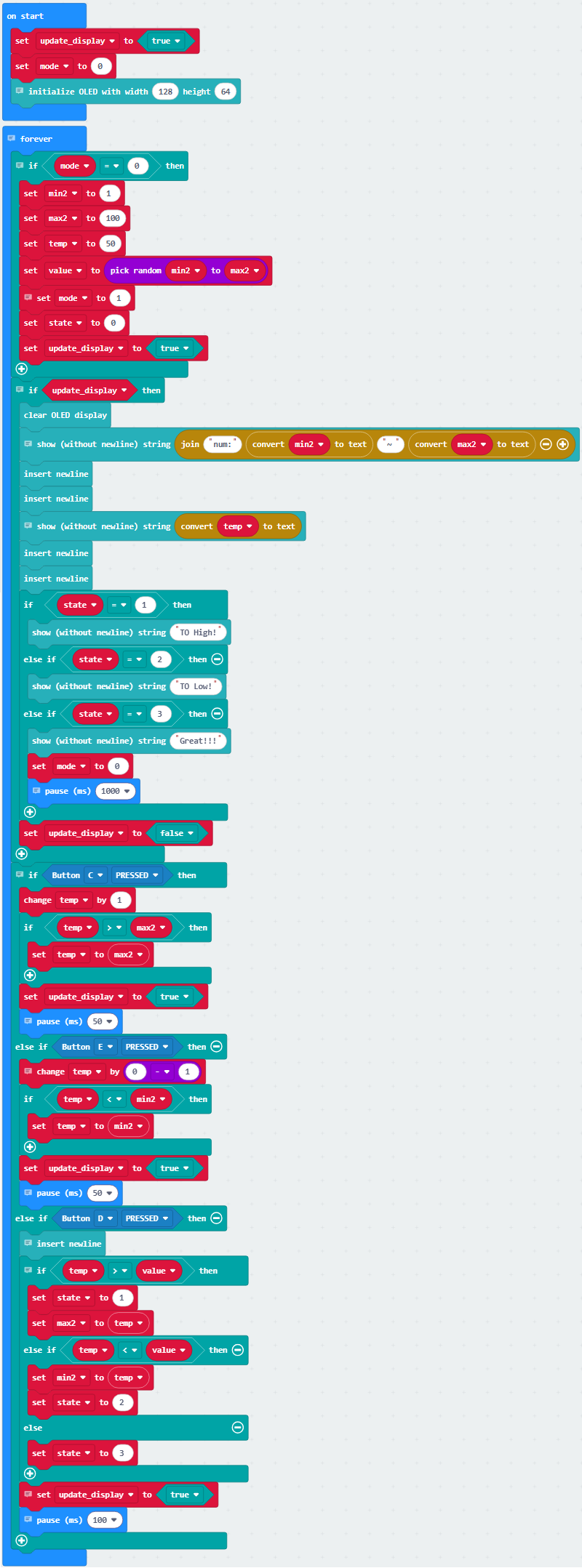

Brief explanation:
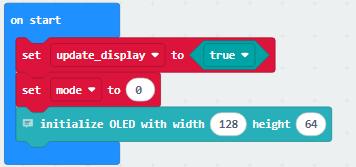
① Initialize the screen update flag bit, set mode variable to 0 (0-game readiness, 1-game running), and initialize the OLED screen display.
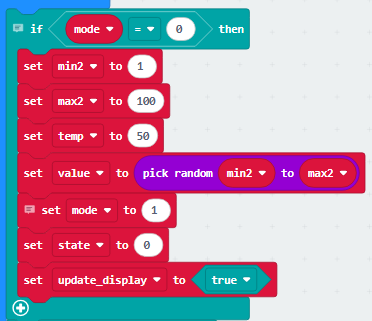
② During game preparation, set the guess range, initial guess value, target value, and guess.
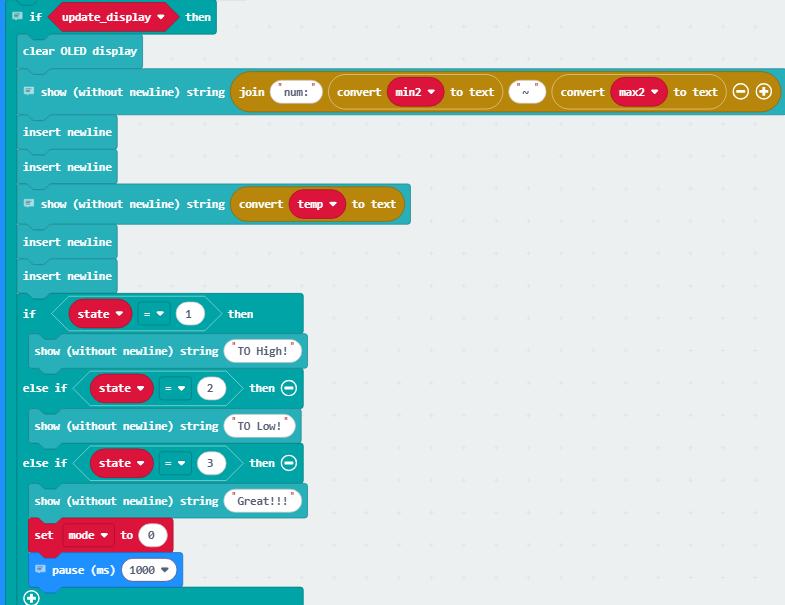
③ Update the value range and guess value on the OLED. Display corresponding prompts when the result status flag bit changes: “TO High!” when state=1; “TO LOW!” when state=2; and “Great!!!” when state=3.
And set the mode to game readiness and wait for 1000 milliseconds(1s).
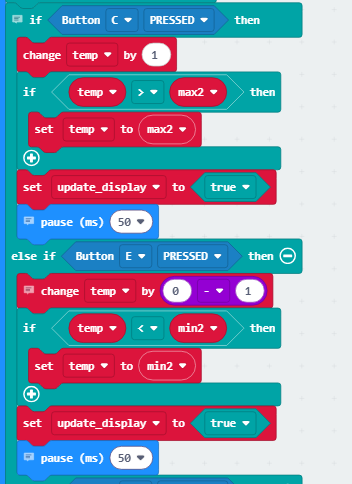
④ Press C and the guess value temp+1; if the guess value exceeds the maximum, set it as the new maximum.
Press E and the guess value temp-1; if the guess value is smaller than the minimum, set it as the new minimum.
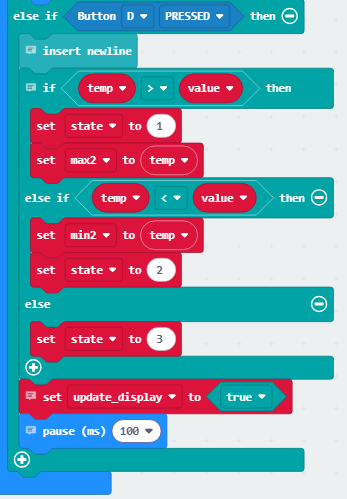
⑤ Press D to compare the guess value with the target value. If temp is greater, record the new maximum max2 and enter State 1; if temp is smaller, record the new minimum min2 and enter State 2; if both values are equal, go to State 3.
Finally, update the display with 1000-millisecond delay.
4.2.8.7 Test Result

After burning the code, insert the micro:bit board into the slot of the gamepad (batteries installed), and toggle the switch on it to “ON”.
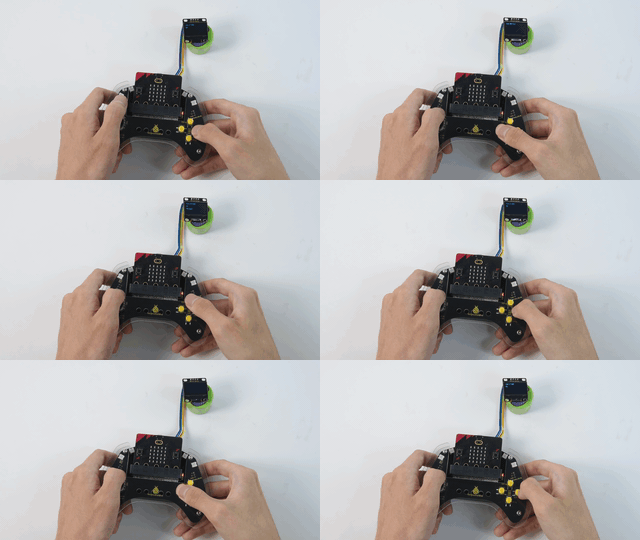
After uploading the code, the OLED initialize and shows the value range of “num: 1 ~ 100” and initial guess of 50. You can press C to temp+1(max of 100) or E to temp-1(min of 1) to change your guess value on the OLED.
Press D to submit your value, and temp will be compared with the random target value. If temp>value, show “To High!” and assign temp to max2; if temp<value, show “To Low!” and assign it to min2. If you are too lucky that temp=value, you will see “Great!!!” for 1s.
After that, the game will be reset and a new target value will be set. Let’s play another round!
⚠️ The building block in Test Result are not included in this product kit.
Tip: If there is no response on the board, please press the reset button on the back of the micro:bit board.
