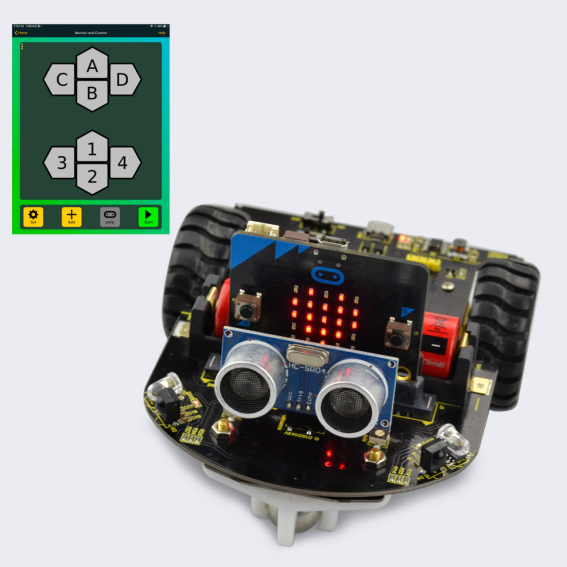
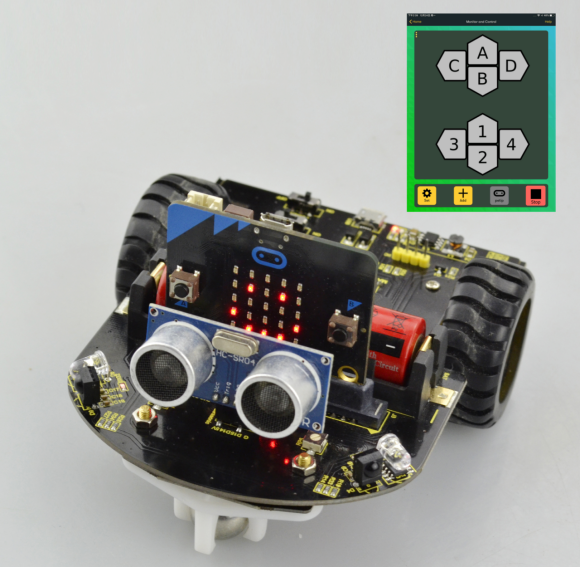
Project 13 Wireless Gamepad Control
1.Description
Apart from the Android APP controlling Bluetooth mentioned above, you can also control the micro:bit through IOS Bluetooth wireless programming and control.
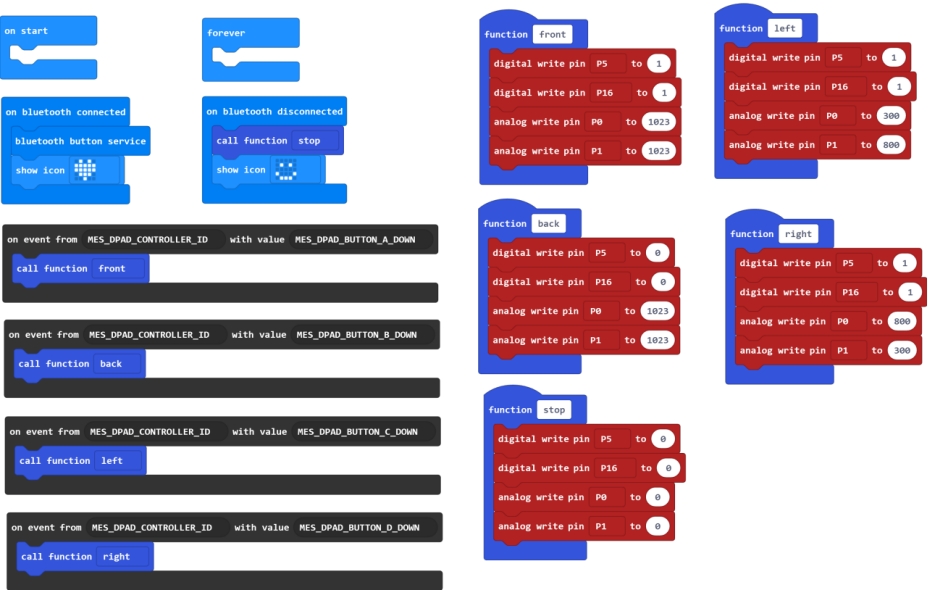
2.Test Code
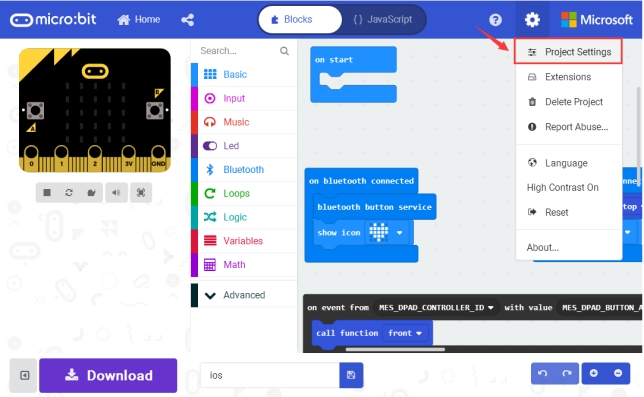
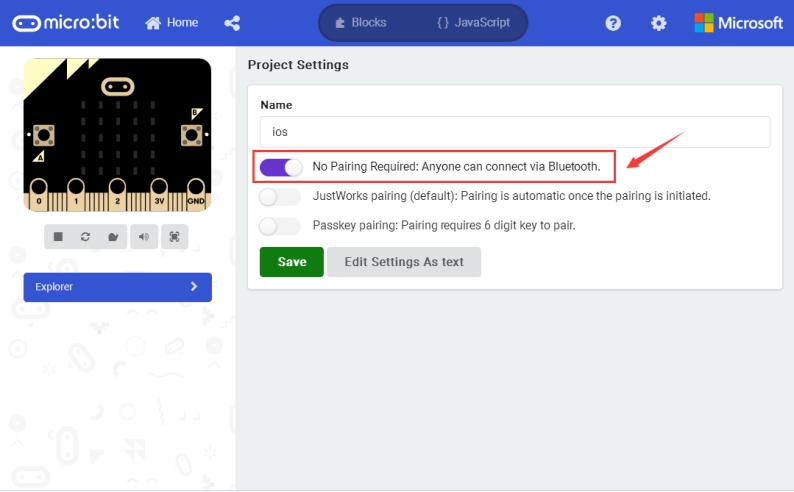
**Pay close attention to: **When open the MakeCode Editor, click the icon , select the project settings, shown below.
3.How to control the car through IOS Bluetooth programming?
Step 1: Open the App store on your ipad/iPhone.
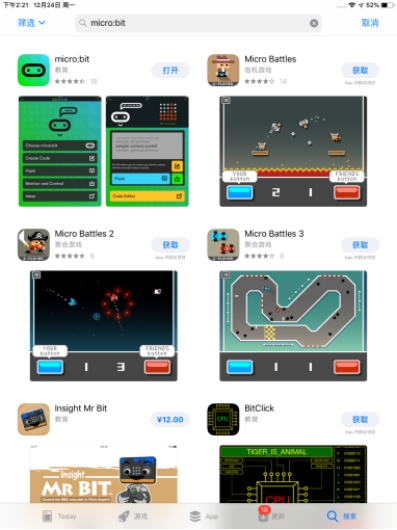
Step 2: Search the micro:bit to download and install.
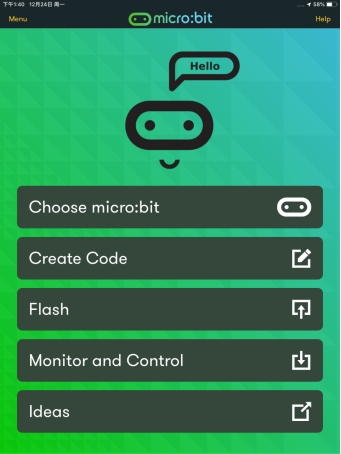
Step 3: open the micro:bit interface, click Choose micro:bit.
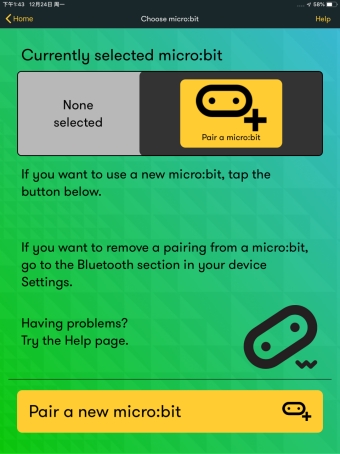
Then click Pair a micro:bit, and click Next.
Step 4: power on the micro:bit main board, HOLD the A and B buttons, then press and release RESET button. The micro:bit main board will enter the Bluetooth pairing mode.
You should see an image showing on the LED matrix.
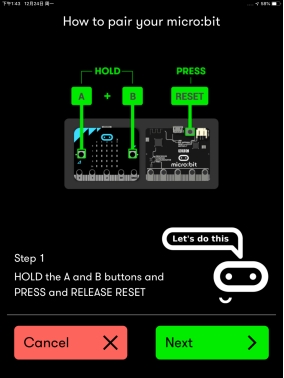
Step 5: copy the pattern from your micro:bit device and tap Next.
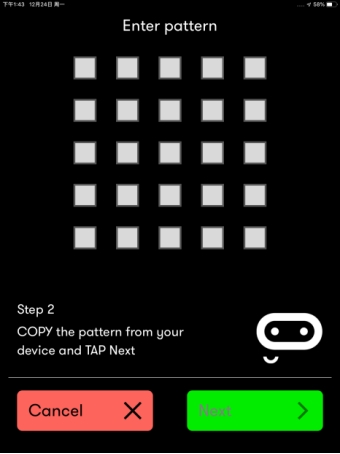
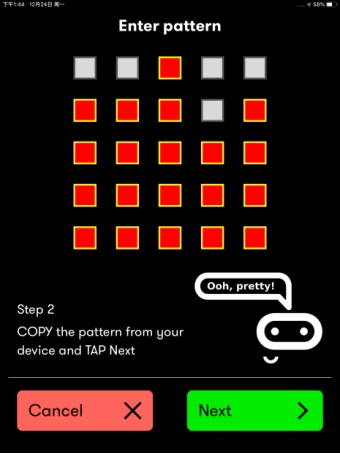
Continue to tap Next to pair.
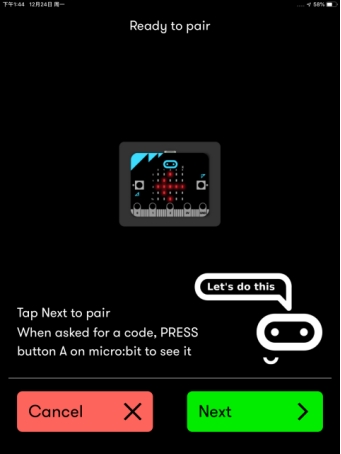
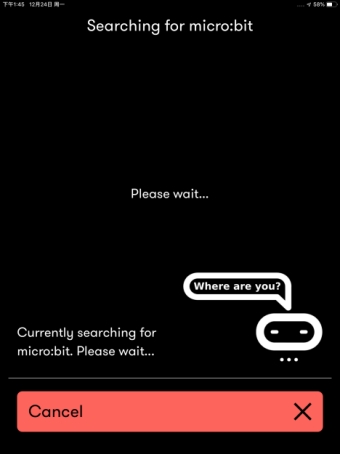
OK, pairing successful!
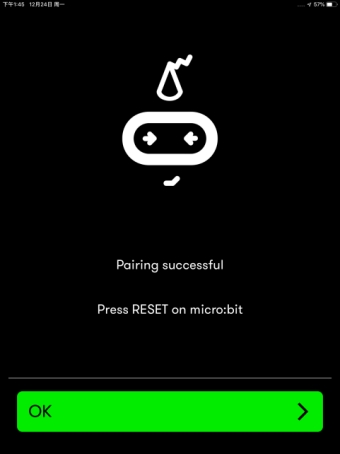
4.How to control your micro:bit car using the Bluetooth?
Step 1: press down the RESET button on the micro:bit main board. Then TAP the Monitor and Control on the APP interface.
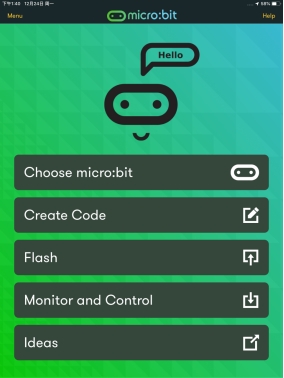
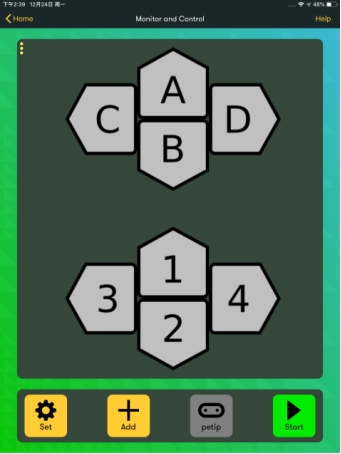
Step 2: Tap the Add and then select the Gamepad.
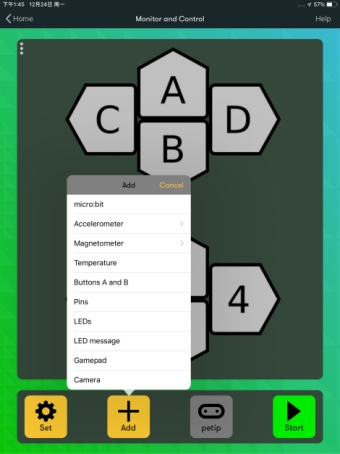
And you should see the control interface shown below. Click Start to connect.
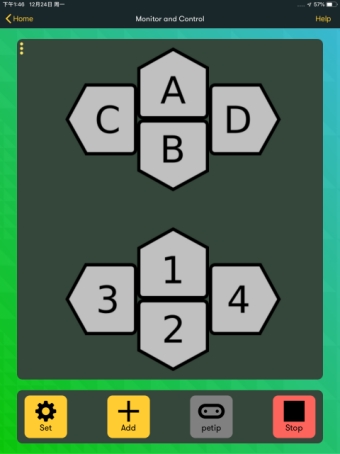
Connection successful! Click Stop to disconnect.
5.Test Result
When you press the key A, the micro:bit car goes front; press the key B, go back; press the key C, turn left; press the key D, turn right; press Stop, disconnect the Bluetooth, the car will stop.