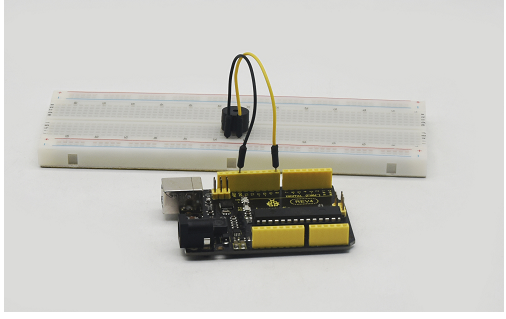
Project 8 Passive buzzer
1. Introduction We can use Arduino to make many interactive works of which the most commonly used is acoustic-optic display.
All the previous experiment has something to do with LED. However, the circuit in this experiment can produce sound. Normally, the experiment is done with a buzzer or a speaker while buzzer is more simpler and easier to use.
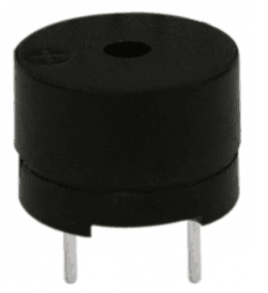
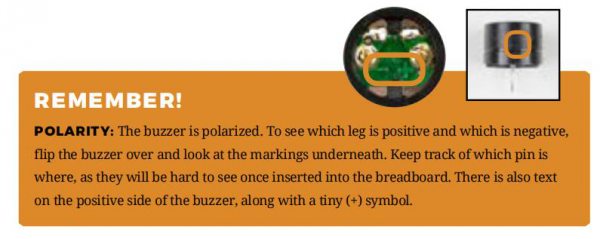
The buzzer we introduced here is a passive buzzer. It cannot be actuated by itself, but by external pulse frequencies. Different frequencies produce different sounds. We can use Arduino to code the melody of a song, which is quite fun and simple.
2. Hardware required
Passive buzzer*1
Arduino board *1
Breadboard*1
USB cable *1
Breadboard jumper wire * 2
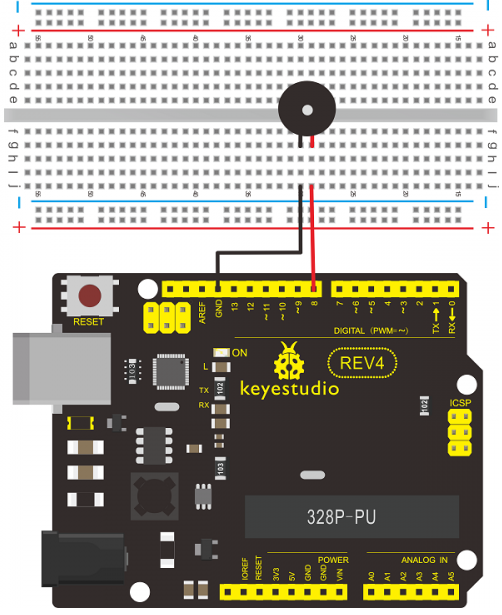
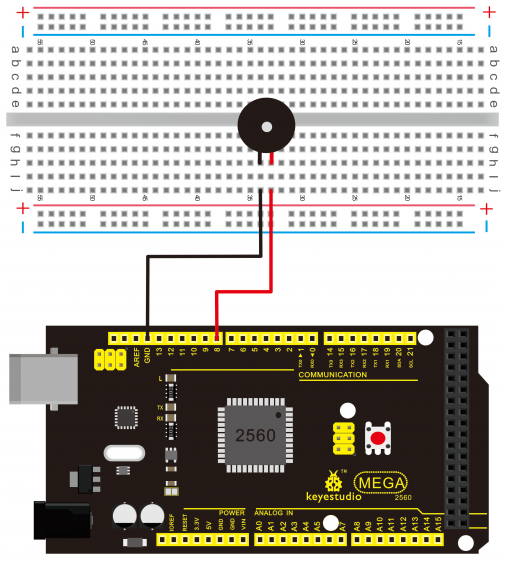
3. Connection for REV4 Here we connect the passive buzzer to digital pin 8.
4. Connection for 2560 R3
 vv
vv
5. Sample Code
int buzzer=8;// select digital IO pin for the buzzer

void setup()
{
	pinMode(buzzer,OUTPUT);// set digital IO pin pattern, OUTPUT to be output
}

void loop()
{
    unsigned char i,j;//define variable
    while(1)
    {
    	for(i=0;i<80;i++)// output a frequency sound
    	{
            digitalWrite(buzzer,HIGH);// sound
            delay(1);//delay1ms
            digitalWrite(buzzer,LOW);//not sound
            delay(1);//ms delay
        }
        for(i=0;i<100;i++)// output a frequency sound
        {
            digitalWrite(buzzer,HIGH);// sound
            digitalWrite(buzzer,LOW);//not sound
            delay(2);//2ms delay
        }
    }
}
6. Result After downloading the program, buzzer experiment is finished. You can hear the buzzer beep.