Project 14 IR Remote Control Smart Car
1.Description
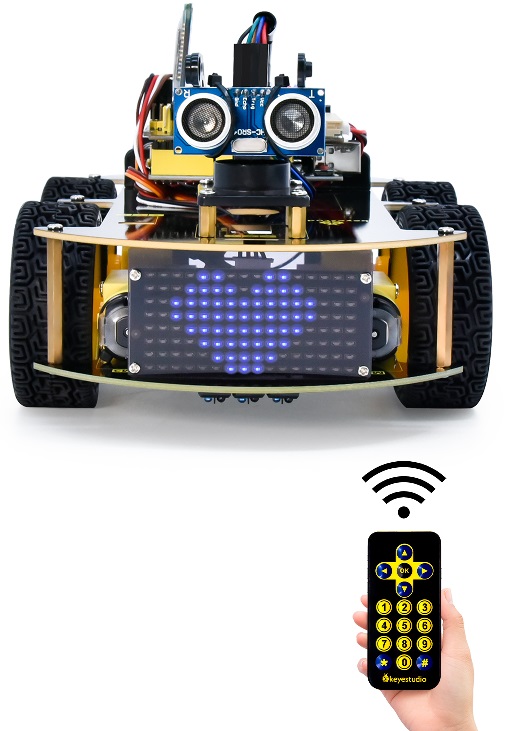
In this project, we will make an IR remote control smart car and press the button on the IR remote control to drive the car to move.
2.Flow Chart
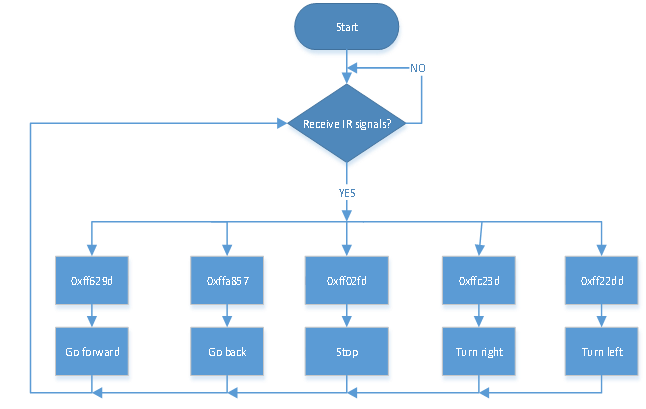
The specific logic of IR remote control smart car is shown below:
Initial setup |
LED board displays smile face |
|
|---|---|---|
Remote control |
Key value |
Key state |
|
FF629D |
Go front8*8 LED board shows front icon |
|
FFA857 |
Back8*8 LED board shows back icon |
|
FF22DD |
Rotate to left8*8 LED board shows leftward icon |
|
FFC23D |
Rotate to right8*8 LED board shows rightward icon |
|
FF02FD |
Stop8*8 LED board shows“STOP” |


3.Wiring Diagram
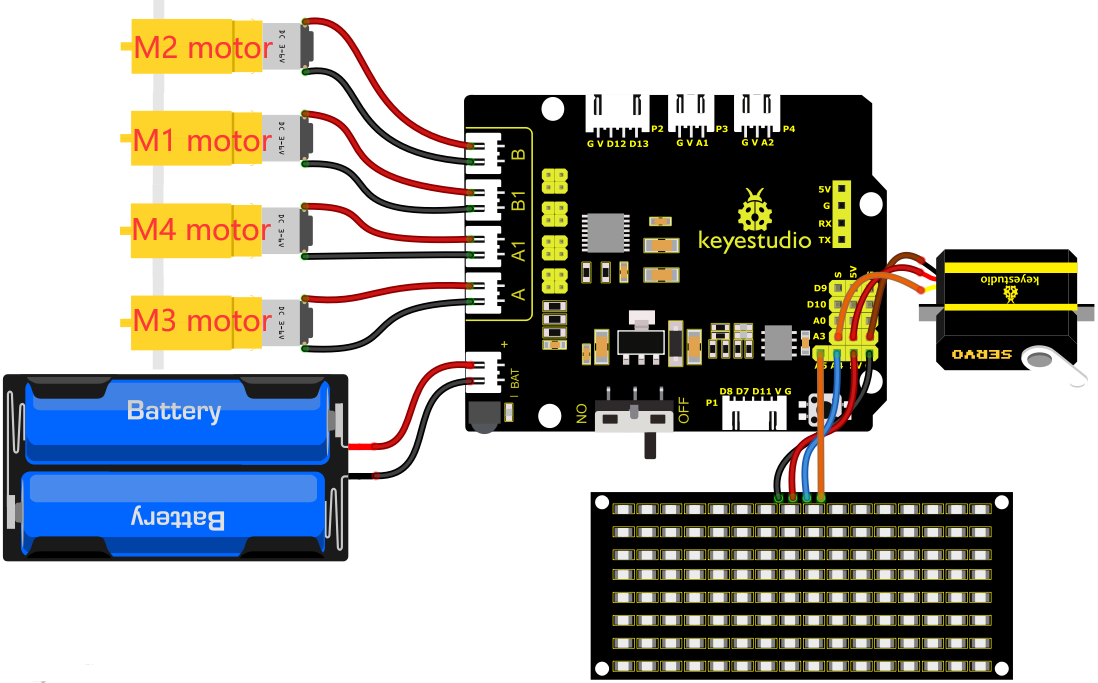
1). GND, VCC, SDA and SCL of the 8*8 LED board module are connected to G(GND), V(VCC), A4 and A5 of the expansion board.
2). As the IR receiver is integrated on the 8833 motor driver expansion board, there is no need for additional wiring. The pins of the IR receiver on the 8833 board are G (GND), V (VCC) and D3 respectively.
3). The servo is connected to G, V and A3. The brown wire is interfaced with Gnd(G), the red wire is interfaced with 5V(V) and the orange wire is interfaced with A3.
4). The power is connected to the BAT port
4.Test Code
Please note: The infrared module shown in the software demonstration is already integrated into the expansion board and is not supplied separately. Consequently, you will not find the module depicted in the image below within the product.
Before writing the code, it is necessary to import the library files of the ultrasonic sensor, 8x16 LED board and the servo. The specific steps are as follows:
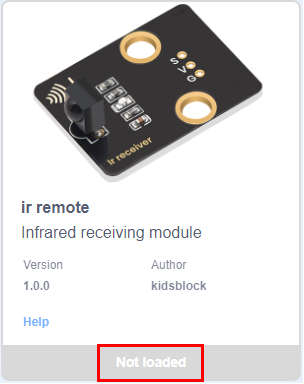
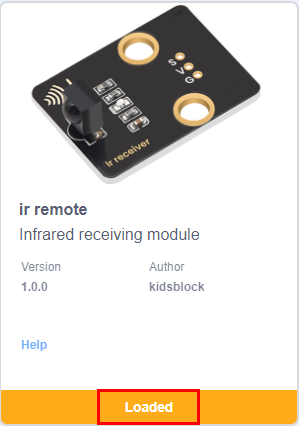
Click  to enter the extension library interface of sensors/modules/components, then search for“ir remote”sensorand click it. In this way, “Not loaded” changes to “loaded”, indicating that the“ir remote”sensor was added successfully.
Click  to return to the code editor interface, the instruction block of the added “ir remote”sensor,“Matrix 8*16 Aip1640”module and “Servo”component can be seen in the module area.
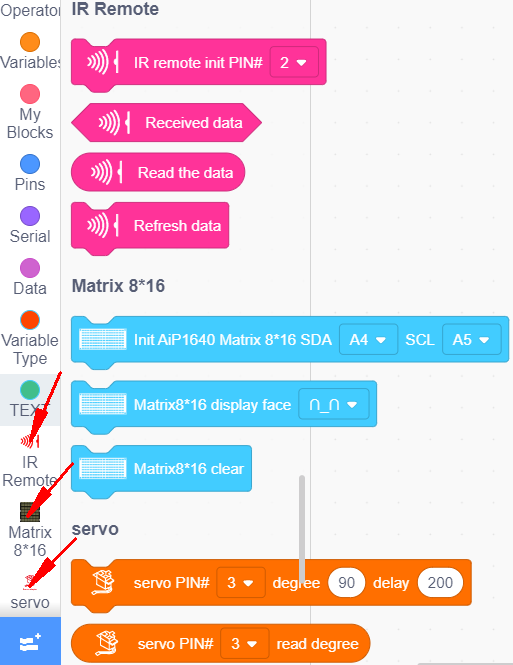
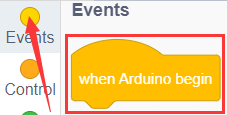
You can drag blocks to edit. Blocks listed below are for your reference
(1).
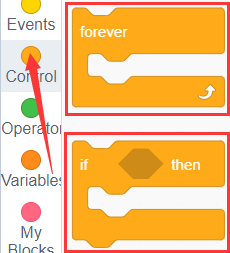
(2).
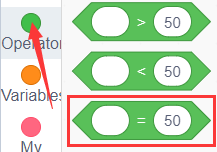
(3).
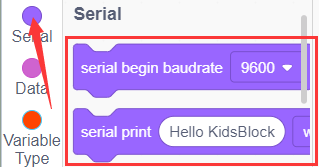
(4).
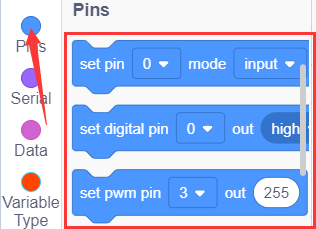
(5).
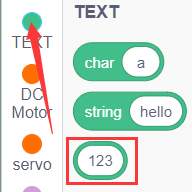
(6).
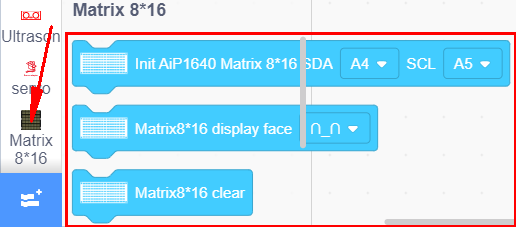
(7).
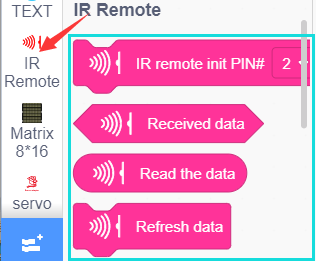
(8).
Complete Test Code
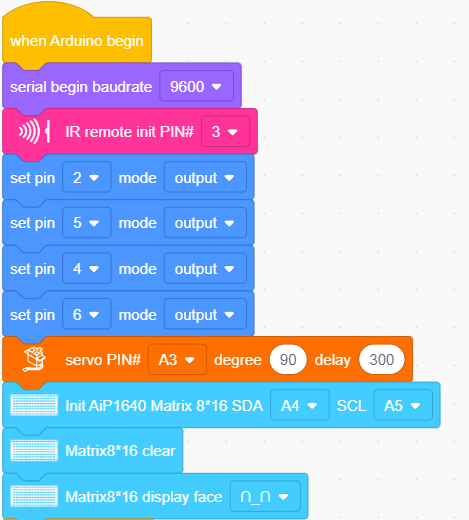
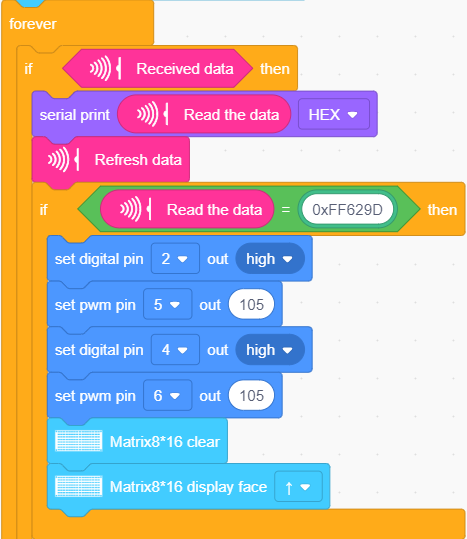
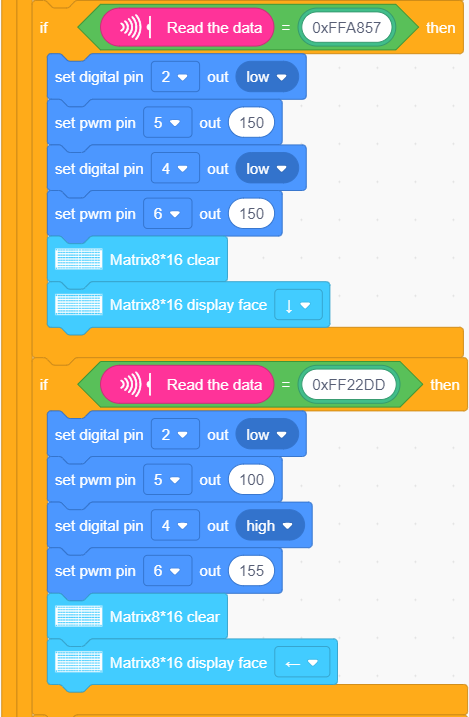
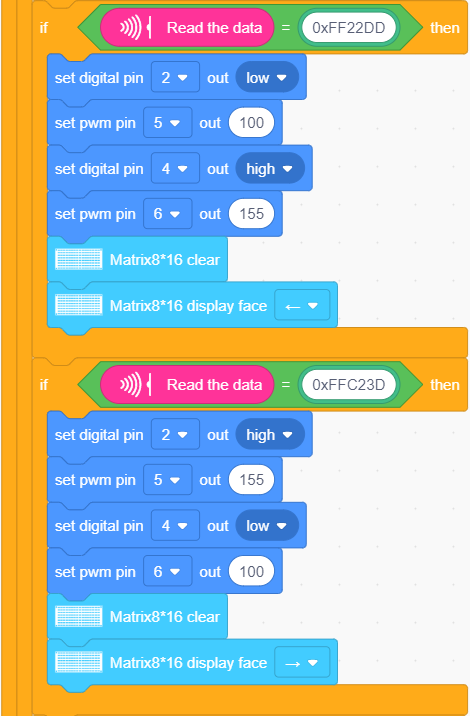
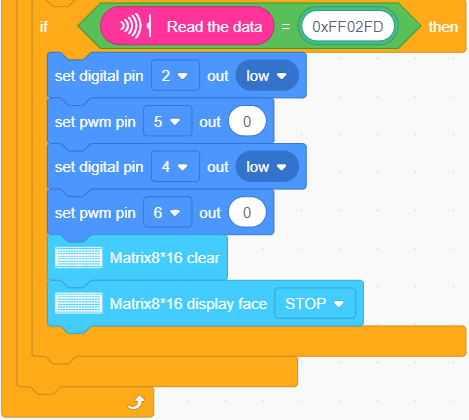
5.Test Result
After successfully uploading the code to the V4.0 board, connect the wirings according to the wiring diagram, power on the external power then turn the DIP switch to ON. Then we enable to use the IR remote control drive the car to move to and the 8X16 LED board will display the corresponding status pattern.