Project 3:5*5 LED Dot Matrix
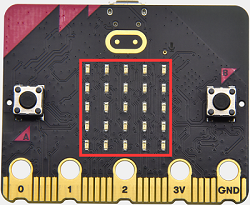
1. Description
Dot matrix is very commonplace in daily life, which has found wide applications in LED advertisement screens, elevator floor display, bus stop announcement and so on. The LED dot matrix of Micro: Bit main board contains 25 Diodes. Previously, we have succeeded in controlling a certain LED via its position point. Supported by the same theory, we can turn on many LEDs at the same time to showcase patterns, digits and characters.
What’s more, we can also click”show icon“ to choose the pattern we like to display. Last but not the least, we can design patterns by ourselves as well.
2. Preparation
A. Attach the micro:bit main board to your computer via the USB cable
B. Open the offline version of Mu.
3. Test Code1
You could open“5×5 LED Dot Matrix-1.py”file to import the code. You can also input code in the editing window yourself.
(Note: All words and symbols must be written in English.)
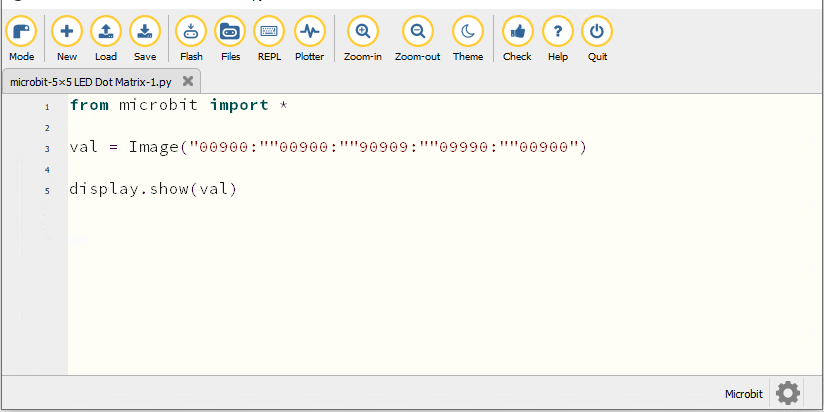
from microbit import *

val = Image("00900:""00900:""90909:""09990:""00900")

display.show(val)
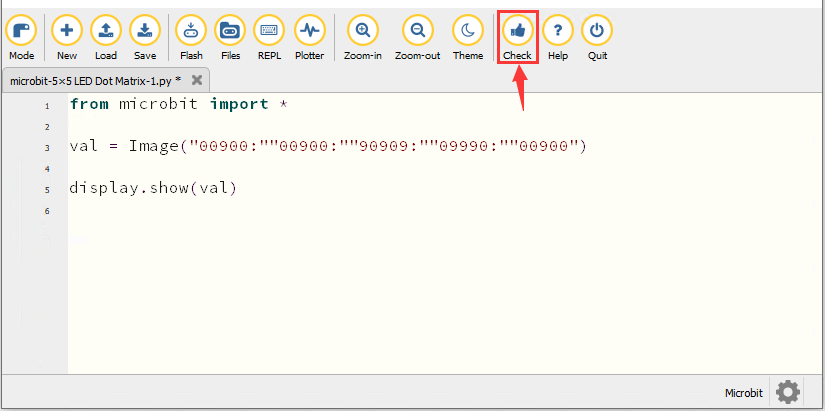
Click“Check”to examine the error in the code. The program proves wrong if underlines and cursors are shown.
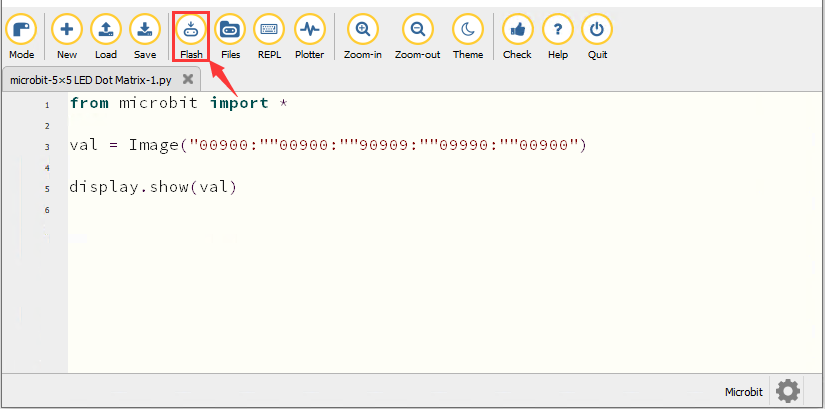
If the code is correct, connect micro:bit to computer and click“Flash”to download code to micro:bit board.
4. Test Result1
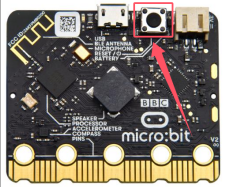
After downloading the code to the board successfully, power on via micro USB cable or external power supply(turn the DIP switch to ON), and press the reset button on the board.
We will find that the 5*5 dot matrix start to show a downward arrow 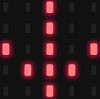 .
.
5. Test Code2
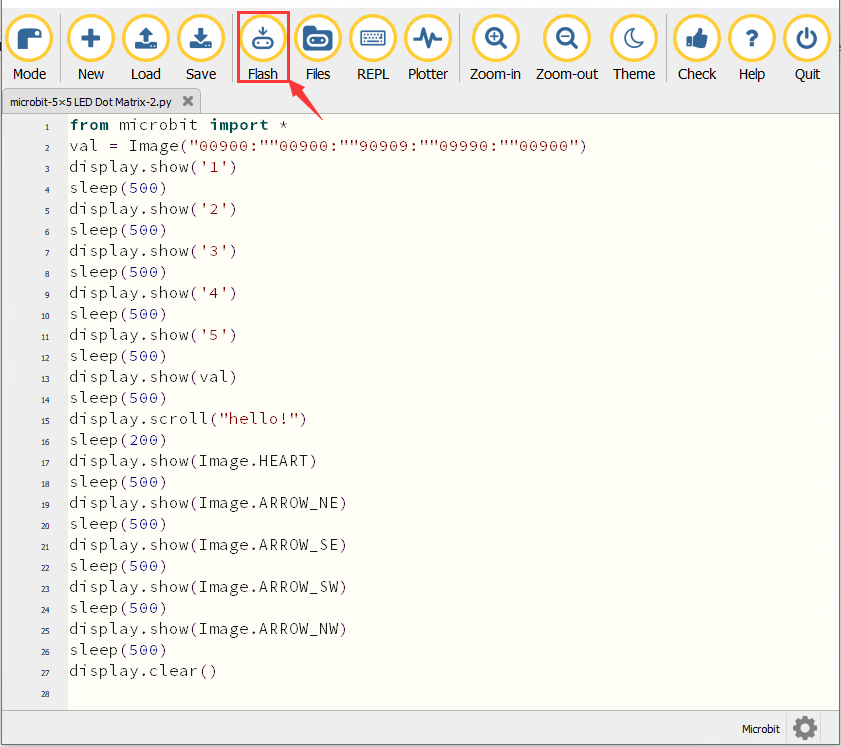
You could open “5×5 LED Dot Matrix-2.py“ file to import the code. You can also input code in the editing window yourself.
(Note: All words and symbols must be written in English.)
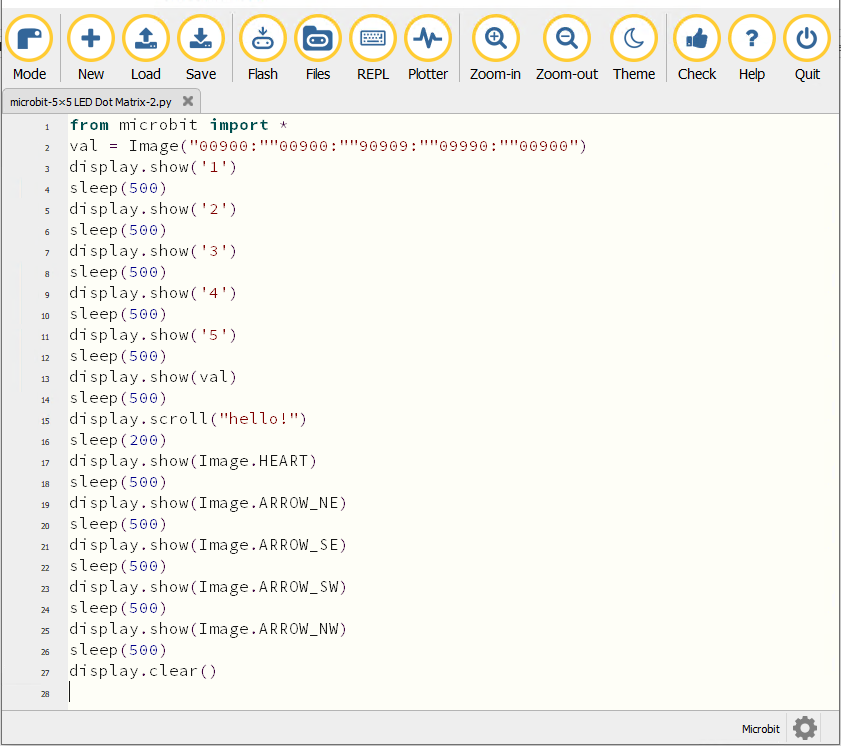
from microbit import *
val = Image("00900:""00900:""90909:""09990:""00900")
display.show('1')
sleep(500)
display.show('2')
sleep(500)
display.show('3')
sleep(500)
display.show('4')
sleep(500)
display.show('5')
sleep(500)
display.show(val)
sleep(500)
display.scroll("hello!")
sleep(200)
display.show(Image.HEART)
sleep(500)
display.show(Image.ARROW_NE)
sleep(500)
display.show(Image.ARROW_SE)
sleep(500)
display.show(Image.ARROW_SW)
sleep(500)
display.show(Image.ARROW_NW)
sleep(500)
display.clear()
Click“Check”to examine errors in the code. The program proves wrong if underlines and cursors are shown.
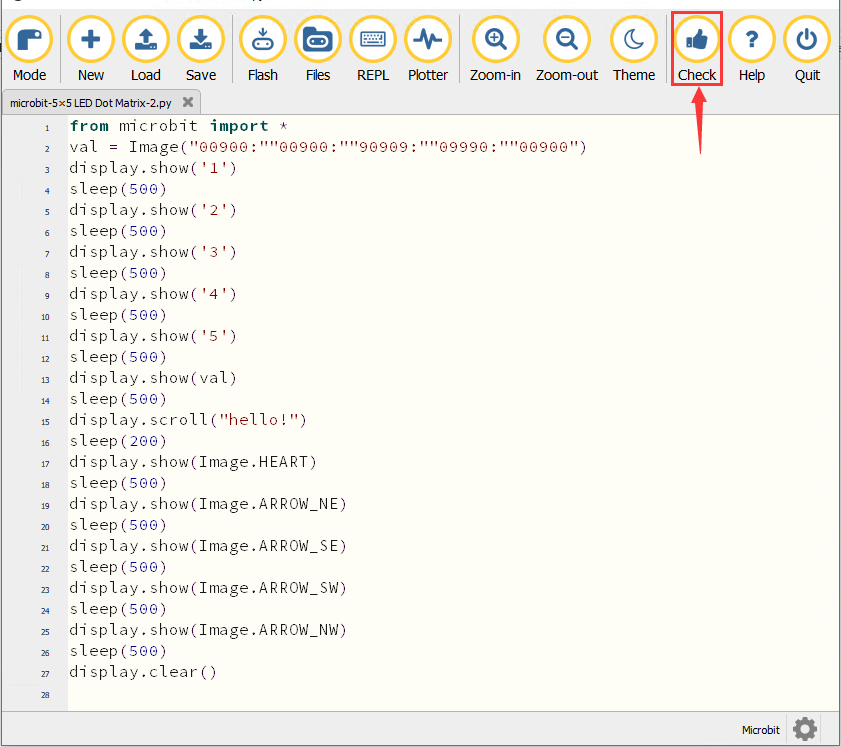
If the code is correct, connect the micro:bit to the computer and click“Flash”to download code to micro:bit board.
6. Test Result2
After downloading the code to the board successfully, power on via micro USB cable or external power supply(turn the DIP switch to ON), and press the reset button on the board.
We will find that the 5*5 dot matrix start to show numbers 1,2,3,4 and 5 and then it alternatively shows a downward arrow word,“Hello”, a heart pattern  , arrow pointing at northeast
  , then at southeast
 then at southwest
  and then at northwest
  .
.
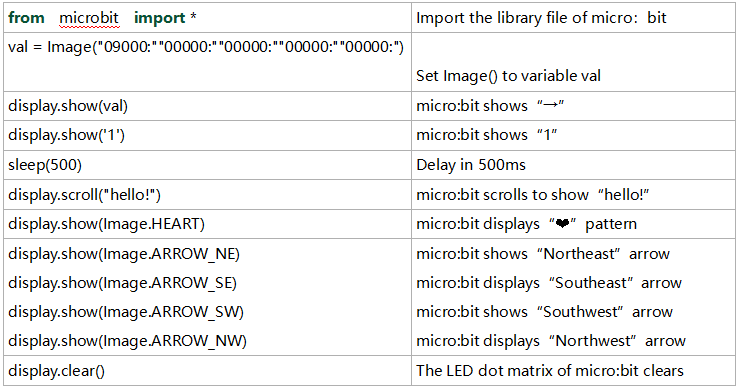
7. Code Explanation
Reference
display.scroll() :
The display scrolls to show the values, if it is integer or float, we will use str()to transfer it into character strings.
More details, please refer to th ink:https://microbit-micropython.readthedocs.io/en/latest/utime.html