Project 12: Control Speaker
1. Description
In the previous projects, we have learned about the touch-sensitive logo and the speaker respectively. In the project, we will combine these two components to play music.
2. Components Needed
|
|
|---|---|
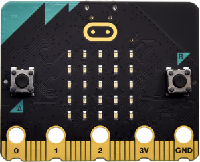
Micro:bit main board *1 |
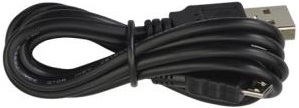
USB cable*1 |
3. Wiring Diagram
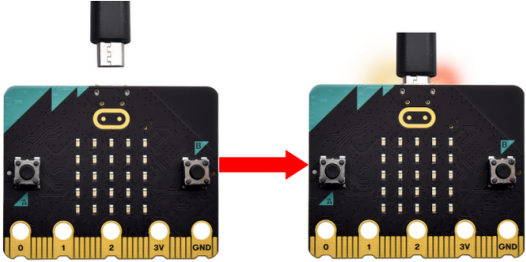
Attach the Micro:bit main board to your computer via the USB cable.
4. Test Code
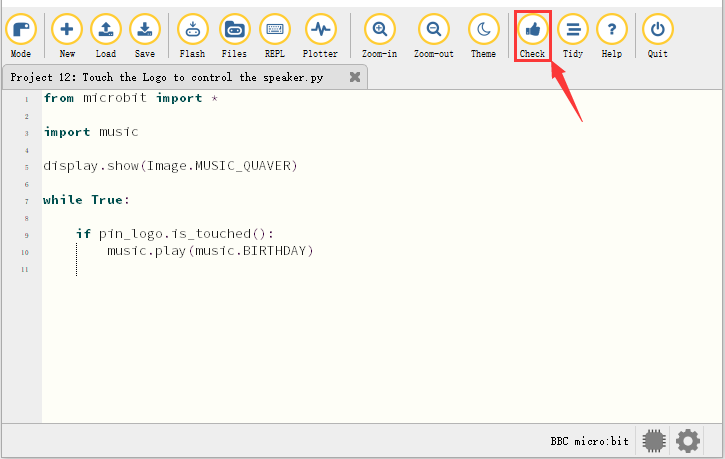
Enter Mu software and open the file“Touch the Logo to control the speaker.py”to import code. You can also input code in the editing window yourself.
(Note: All words and symbols must be written in English.)
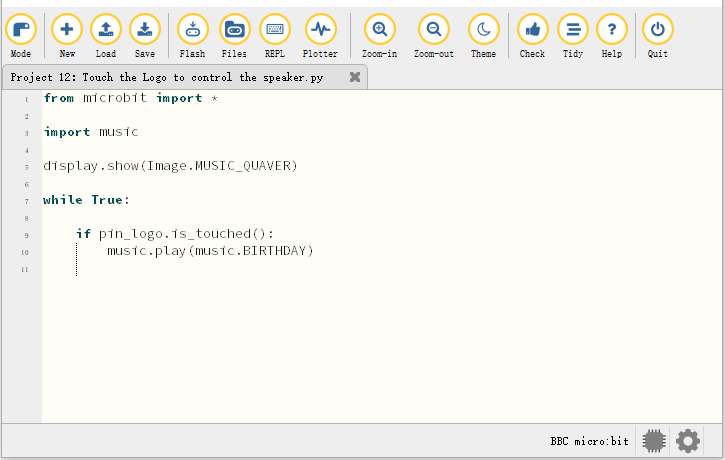
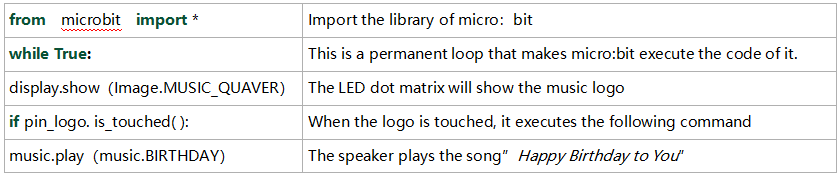
from microbit import *

import music

display.show(Image.MUSIC_QUAVER)

while True:

    if pin_logo.is_touched():
        music.play(music.BIRTHDAY)
Click“Check”to examine errors in the code. The program proves wrong if underlines and cursors are shown.
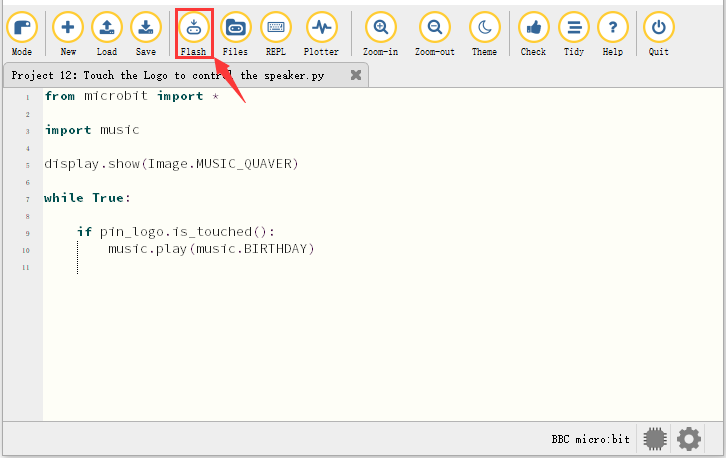
If the code is correct, connect the micro:bit to your computer and click“Flash”to download the code to the micro:bit board.
5. Test Result
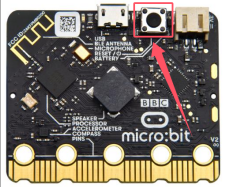
After downloading the code to the board successfully, power on via micro USB cable or external power supply(turn the DIP switch to ON),and press the reset button on micro:bit.
The speaker plays the song “Happy Birthday to You” when the logo is touched.
6. Code Explanation
Bluetooth Wireless Communication
The micro:bit owns a low-consumption Bluetooth module to communicate but with 16k RAM. However, BLE heap stack occupies 12K RAM, thereby there is no enough space to run microPython.
At present, microPython doesn’t support the Bluetooth service.
https://microbit-micropython.readthedocs.io/en/latest/ble.html
The former projects are the introduction of sensors and modules. The further lessons are challenging for new starters.
(Note: In order to refrain the micro:bit board from being burned, disconnect the micro USB cable from it and turn off the power on the micro:bit motor driver base plate before installing it on the car expansion board and dial the POWER switch to the OFF end. Likewise, before removing the the main board from the car expansion board, disconnect the micro USB cable from it and turn off the power on the micro:bit motor driver base plate.)