Project 1 Cat Lights Up LED
1.Description
A cat can control the LEDs on the maker mainboard by moving its mouth. That sounds amazing, right? Let’s do it together!
Task analysis
Role |
Cat |
|---|---|
Result |
1. The cat says“turn on the LED” |
2.Components Needed
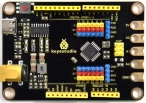
Control Board * 1 |
USB Cable*1 |
|---|---|
|
|

3.Practice
1.Connect the Maker board to your computer via a USB cable,then open“KidsBlock”software.
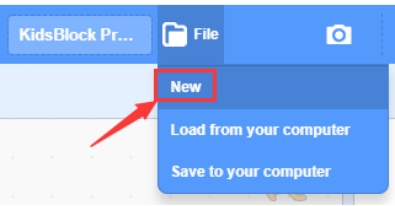
2.Click“New” under File to create a new project.
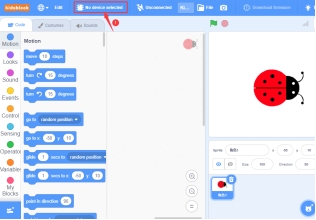
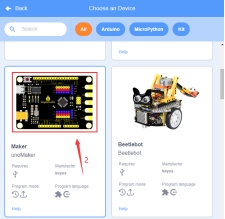
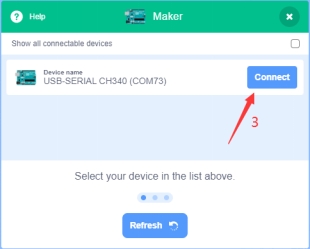
3.Click“No device selected“—>Tap “Maker Board”—>Connect
4.Select a cat
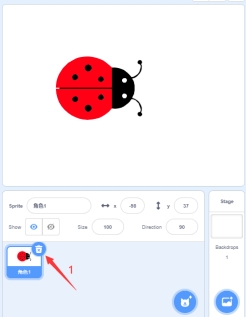
Click to delete the beetle role—>Click”Choose a Sprite”—>Select “cat”role.
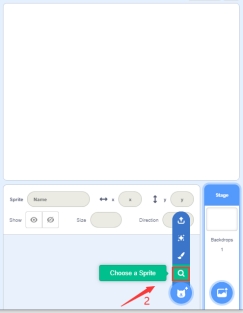
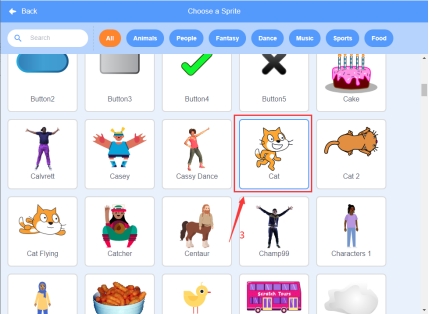
5.Build the program
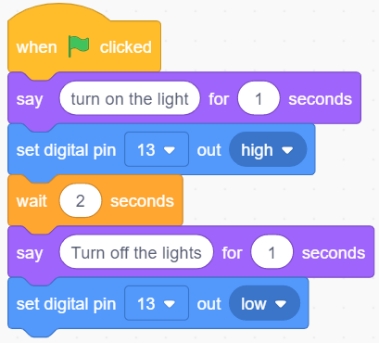
①Drag the “When clicked” code block from the Events bar

②Drag “say Hello! For 2 seconds” code block from the Looks bar ,and change ”Hello!” to “turn on the light” and change “2” to “1”.

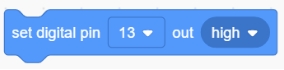
③Drag”Set digital pin 0 out high“code block from the Pins bar,and click the drop down button to select 13, and out is high.
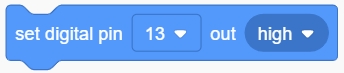
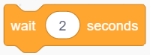
④Drag ”wait 1 second” from the Control bar and change 1 to 2.
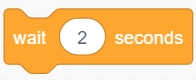
⑤Copy the code block from step ② and change “turn on the light” to “Turn off the lights”.

⑥Copy the code block from step ③ and change “high” to “LOW” .
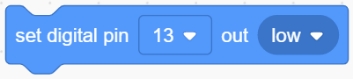
⑦Click Save to your computer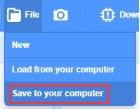 o save the program and name it ”Cat Lights Up LED”.
4.Complete Program
5.Test Result
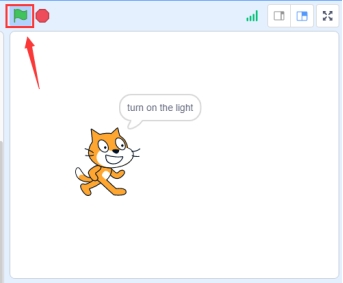
Connect the device and select the port. The program will run if we click the flag icon .When the cat says : tum on the light, the LED on the maker board will be on. When the cat says : tum off the light, the LED on the maker board will be off.
6.Program Explanation
Instruction |
Function |
Module |
|---|---|---|
|
If the green flag is clicked, then the instructions below will be executed. |
Event |
|
When the role says “turn on the light” and holds it for 1s, both the content and duration of the talk can be changed. |
Appearance |
|
The LED connected to pin 13 of the maker board will be on |
Pin |
|
Delay in 2S |
Control |
|
When the role says “turn off the light” and holds it for 1s, both the content and duration of the talk can be changed |
Appearance |
|
The LED connected to pin 13 of the maker board will be off |
Pin |