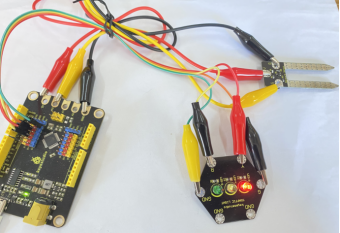
Project 13 Soil Humidity Detection
1.Description
The beautiful flowers and the verdant succulents on the verandah always make us relaxing. However, sometimes we are too busy to water them, then they will turn into yellow weeds.
There is a soil moisture sensor in this project, which can detect the soil moisture. Combine it with a traffic light module, we can make a “soil detector”.
Task analysis
Sensor |
Soil Moisture Sensor/Traffic Light Module |
|---|---|
Role |
abby-b/soil |
Background |
Tree |
Result |
The soil moisture sensor will detect the soil moisture and displays the numerical value. And the corresponding light on the module will be on according to different numerical conditions. |
2.Soil Moisture Sensor Introduction

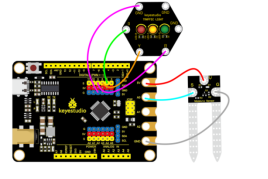
The keyestudio soil moisture sensor is designed to detect soil moisture. There are three sockets on the sensor, including a G terminal, a V terminal and a S terminal. When using, we solely need to connect G end to the GND end of the control board, V to 5V and S to the analog signal input end (A0-A5).
We can make an automatic watering device if a water pump is available. It can tell if your plants are thirsty when you’re away from home for a long time or when you forget to water them. Combine it with other equipment, then the plants can be watered automatically.
Specifications:
Working voltage: DC 3.3-5V
Control port:Analog port
Dimension: 22mm * 59mm * 3mm
Weight: 2.5g
Environmental protection attributes: ROHS
3.Components Needed
Control Board * 1 |
USB Cable*1 |
Connection Wires |
Soil Moisture Sensor*1 |
Traffic Light Module*1 |
|---|---|---|---|---|
|
|
|
|
|




4.Connection Diagram
5.Test Program
1.Open“KidsBlock”software to create a new project.
2.Open“KidsBlock”software to create a new project
3.Draw the role
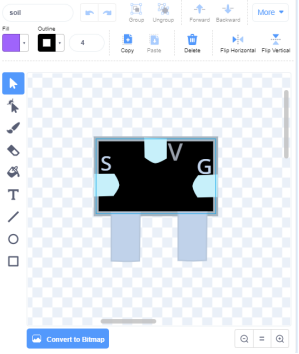
①Select “Brush”  to draw the soil sensor and name it “soil” , as shown below:
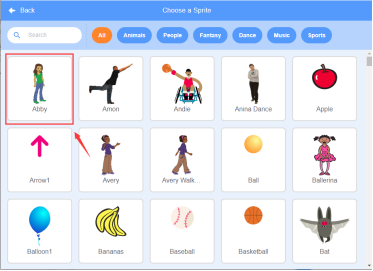
②Select “abby”:click the background library icon in the lower right corner to select abby and change it to b shape.
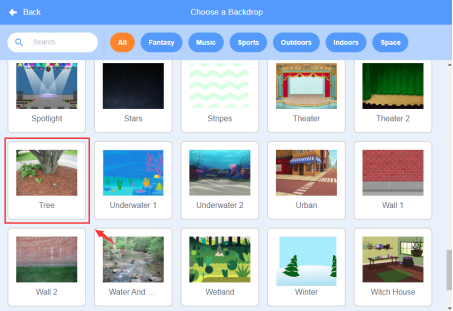
③Select “Tree”:click the background library icon in the lower right corner to select Tree.
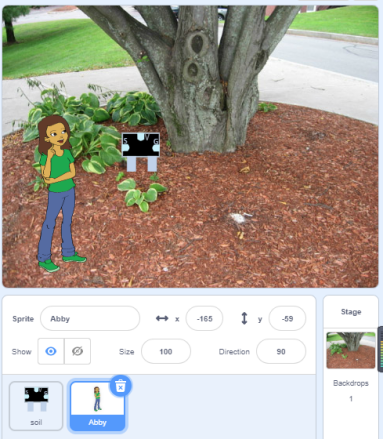
4.Select soil/abby-b, as shown below:
5.Flow Char
6.Build the program
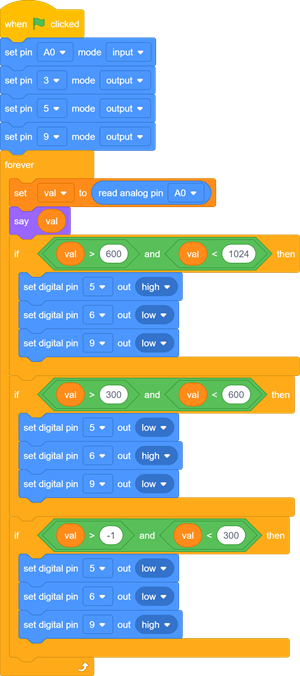
Select “soil”and build the program, as shown below:
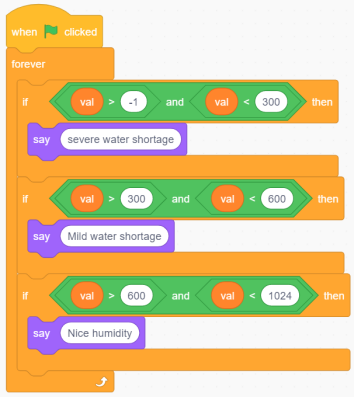
Select “abby-b”and build the program, as shown below:
6.Test Result
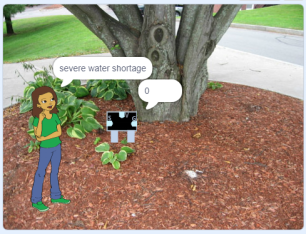
Connect the wirings and the device then select the port, then click  . Then the role soil will display the numerical value detected by the soil moisture sensor.
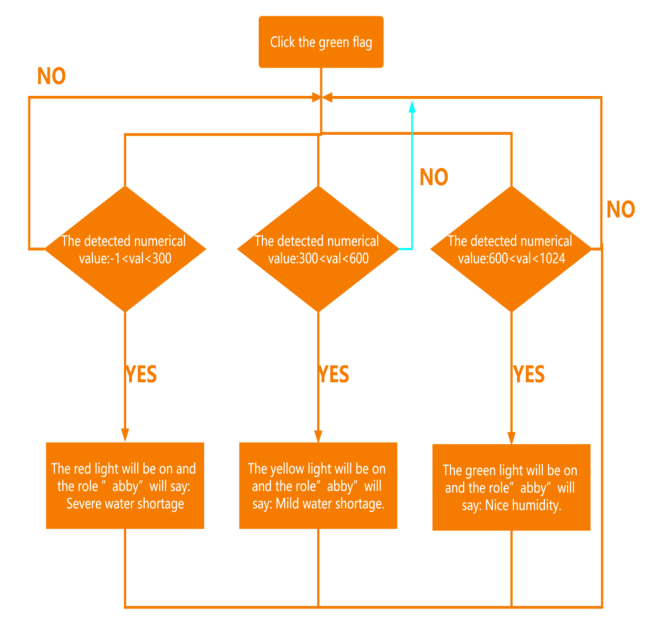
When the value is greater than -1 and less than 300, the red light on the traffic light module will be on and the role ”abby”will say: Severe water shortage.
When the value is greater than 300 and less than 600, the yellow light on the traffic light module will be on and the role”abby”will say: Mild water shortage.
When the value is greater than 600 and less than 1024, the green light on the traffic light module will be on and the role”abby”will say: Nice humidity.