Project 14 Magnetic Field Generates Current
1.Description
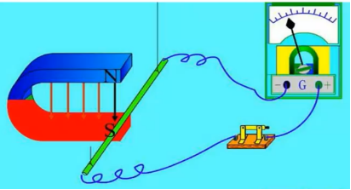
The principle of magnetic field generates current is that when a part of the conductor of a closed circuit does the cutting of magnetic inductive line movement, the current will be produced on the conductor, which is called electromagnetic induction phenomenon, and the generated current is called induced current.
There is a hall magnetic sensor in this project, let us complete this great “magnetic field generates current “ project!
Task analysis
Sensor |
Hall Magnetic Sensor/LED Module |
|---|---|
Role |
magnetic field/ammeter/Pointer |
Background |
No |
Result |
When the magnet is near the hall magnetic sensor, the magnetic field will be displayed, the ammeter will show the current, and the LED will be on. |
2.Hall Magnetic Sensor Introduction
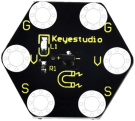
The Keyestudio hall magnetic sensor is a device used to detect magnetic fields. When a magnetic field is detected nearby, it will output digital signal – low level (0), otherwise, it will output digital signal – high level (1).
In this project, we will use alligator clip wires to connect the sensor and the control board. There are 6 sockets on it, 2 G, 2 V and 2 S are connected. Additionally, G is GND, V is VCC, and S is the signal end of the module.
Specifications:
Working voltage: DC 3.3-5V
Working current:60mA
Maximum power:300mW
Working temperature:-25℃–65℃
Dimension: 30mm * 27mm * 5mm
Weight:2.0g
Environmental protection attributes: ROHS
3.Components Needed
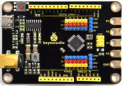
Control Board * 1 |
USB Cable*1 |
Connection Wires |
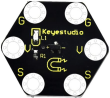
Hall Magnetic Sensor*1 |
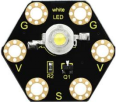
1W LED Module*1 |
|---|---|---|---|---|
|
|
|
|
|


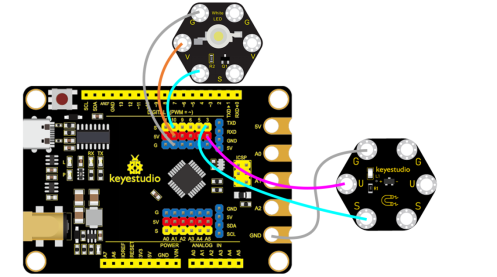
4.Connection Diagram
5.Test Program
1.Open“KidsBlock”software to create a new project
2.Delete the beetle role
3.Draw the role
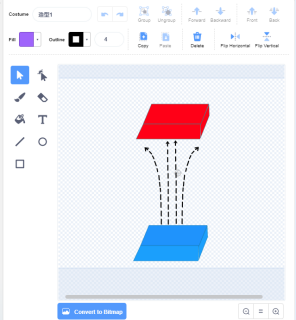
①Select “Brush”  to draw the “magnetic field”, as shown below:
②Select “Brush”  to draw the”ammeter”, as shown below:
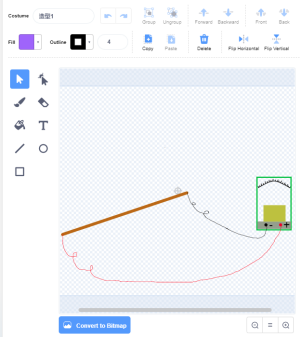
③Select “Brush”  to draw the ”pointer”, as shown below:
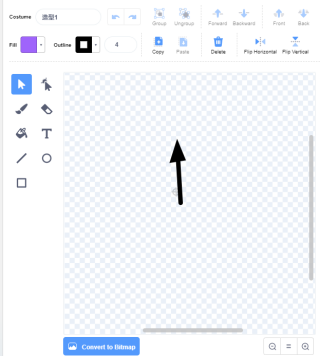
4.Select magnetic field/ammeter/pointer, as shown below:
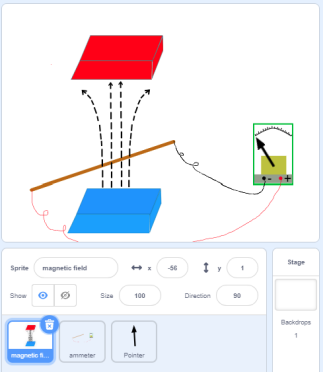
5.Build the program
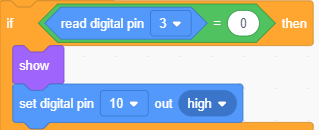
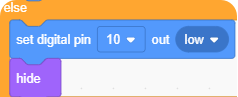
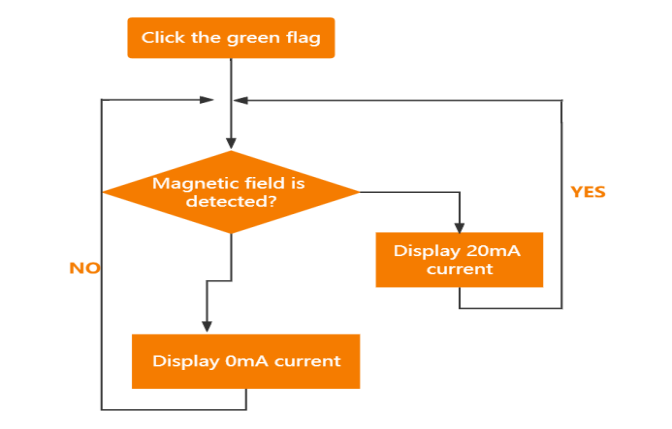
Select “magnetic field”and build the program, as shown below:
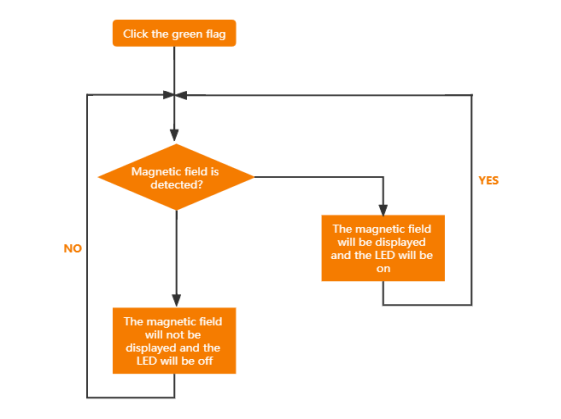
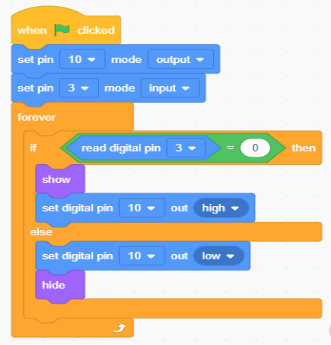
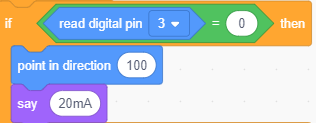
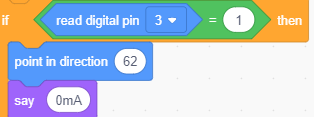
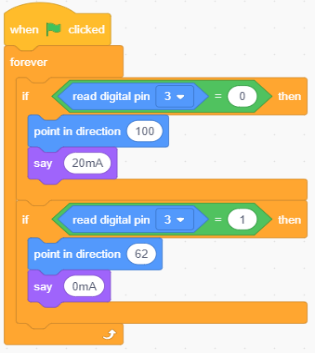
Select “pointer”and build the program, as shown below:
6.Test Result
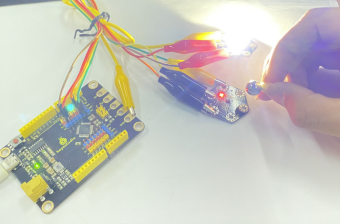
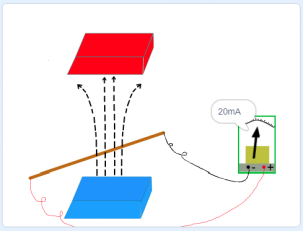
Connect the wirings and the device then select the port, then click When the magnet is near the hall magnetic sensor, the magnetic field will be displayed, the ammeter will show 20mA current, and the LED will be on, otherwise, the magnetic field will not be displayed and the ammeter will show 0mA current.
7.Program Explanation
Instruction |
Function |
|---|---|
|
When the hall magnetic sensor detects the magnetic field, it will be displayed and the LED will be on. |
|
When the hall magnetic sensor doesn’t detect the magnetic field, it will not be displayed and the LED will be off |
|
When the hall magnetic sensor detects the magnetic field, the ammeter will show 20mA current |
|
When the hall magnetic sensor doesn’t detect the magnetic field, the ammeter will show 0mA current |