Project 3 Walk Along the Tightrope
1.Description
It’s the little monkey Kongkong’s turn now, are you interested in him? Let’s see what is his special skill.
Task analysis
Role |
Monkey Kongkong |
|---|---|
Place |
Theater |
Result |
1. Kongkong will stand at the stage and say “Hello, everyone! I will show you a tightrope walk!” |
2.Practice
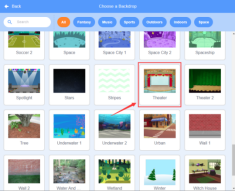
1.Select the background of the theater
Then click the background library icon  in the lower right corner to select Theater.
2.Select a monkey
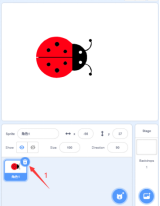
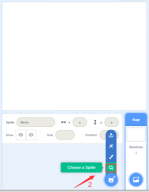
Click to delete the beetle role—>Click”Choose a Sprite”—>Select “Monkey”role.
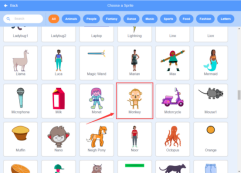
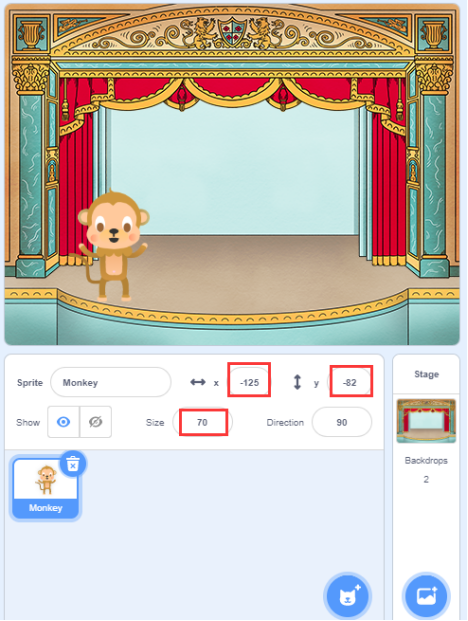
3.Modify the position and size of the role (you can also drag the role to the position in the picture)
X:-125 Y:-82 Size:70
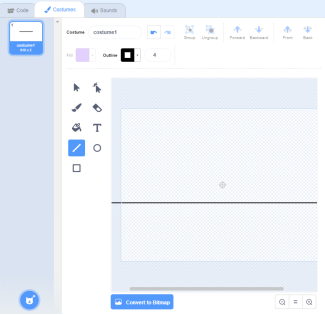
4.Use the line tool in  and draw a straight line in the drawing area with a black border and no fill color(hold down the Shift key on the keyboard can draw a straight line).
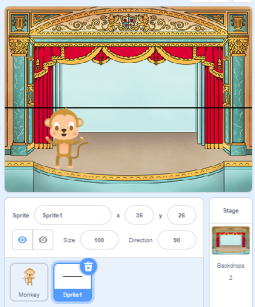
5.Select the role “tightrope” in the stage area, and drag it to a suitable position on the stage.
6.Build the program
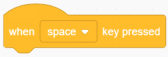
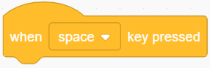
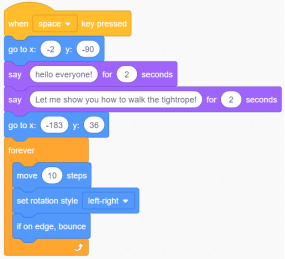
①Drag the “When space key pressed” code block from the Events bar.
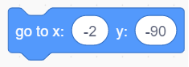
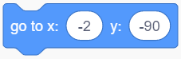
②Drag the ”go to x: y: ”code block from the Motion bar and change the value to X:-2 y:-90.
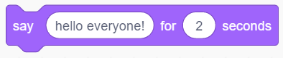
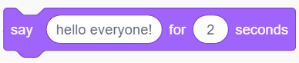
③Drag ”say Hello! For 2 seconds“ code block from the Looks bar,and change ”Hello!” to “hello everyone!”.
④Drag ”say Hello! For 2 seconds“code block from the Looks bar,and change”Hello!”to“Let me show you how to walk the tightrope!”.

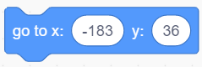
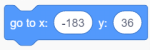
⑤Drag the ”go to x: y: ”code block from the Motion bar and change the value to X:-183 y:-36.
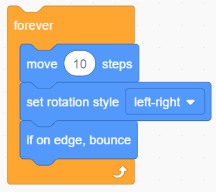
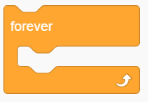
⑥Drag the ”forever” block from the Control bar.
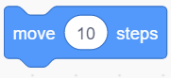
⑦Drag the“move 10 steps”block from the Motion bar.
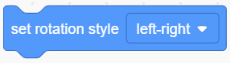
⑧Drag the“set rotation style…”block from the Motion bar and set it to left-right.
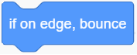
⑨Drag the“if on edge,bounce”block from the Motion bar.
⑩Save the project and name it “Walk Along the Tightrope”.
3.Complete Program
4.Test Result
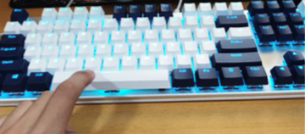
When we press the “space bar” on the keyboard, the program starts to run.
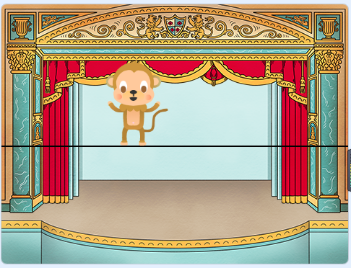
Then the monkey Kongkong will walk to the middle of the stage and say: “hello everyone!”. Let me show you how to walk the tightrope! And he will perform, as shown below:
5.Program Explanation
Instruction |
Function |
Module |
|---|---|---|
|
If the space bar is clicked, then the instructions below will be executed |
Event |
|
Kongkong will walk to the middle of the stage |
Movement |
|
The role says“hello everyone!”for 2s and both the content and duration of the talk can be changed. |
Appearance |
|
Kongkong will walk to the tightrope |
Movement |
|
Kongkong will move left and right with 10 steps at a time. The rotate mode is flip left and right, if touch the edge, then the edge will rebound. |