Project 15 Catch Bananas
1.Description

Everyone has played gamepad games, where you can use a gamepad to control a role’s actions. Can we write a game like this?
This lesson we will learn to make a “catch bananas” game. In this project, there is a joystick module, which mainly takes a PS2 joystick element and can be used as a gamepad.
Task analysis
Sensor |
PS2 Joystick Module |
|---|---|
Role |
monkey/bananas/Game over |
Background |
Blue Sky |
Result |
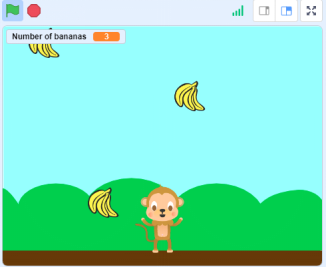
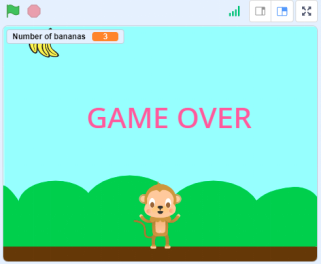
When a banana drops randomly, we can control the monkey to catch the banana with the PS2 joystick. The number of bananas will add up if be caught, otherwise game over. |
2.Joystick Module Introduction
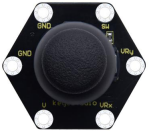
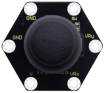
In fact, its working principle is very simple. Its inside structure is equivalent to two adjustable potentiometers and a button. When this button is not pressed and the module is pulled down by R1, low levels will be output, on the contrary, when the button is pressed, VCC will be connected (high levels). When we move the joystick, the internal potentiometer will adjust to output different voltages, and we can read the analog value.
There are six ports on the module, of which two GND ports are connected.
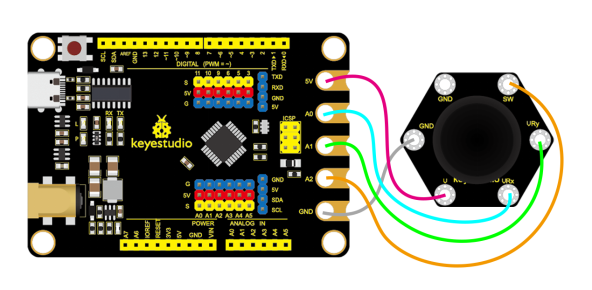
When controlling it, we need to connect the VRx,VRy port to the analog port of the control board, and the SW port to the digital port. (A0~A3 can be used as analog pin or digital port)
Specifications:
Working voltage: DC 3.3-5V
Control port:Analog port(VRx VRy)and digital port(SW)
Dimension: 40mm45mm31mm
Weight:11.5g
Environmental protection attributes:ROHS
3.Components Needed
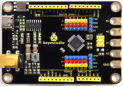
Control Board * 1 |
USB Cable*1 |
Connection Wires |
PS2 Joystick Module*1 |
|---|---|---|---|
|
|
|
|


4.Connection Diagram
5.Test Program
1.Open“KidsBlock”software to create a new project.
2.Delete the beetle role
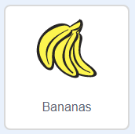
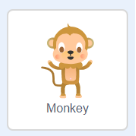
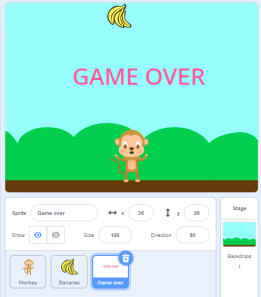
3.Select“Bananas”and “MonKey”:click the background library icon in the lower right corner to select“Bananas”and “MonKey”.
4.Select“Blue Sky”:click the background library icon (1)in the lower right corner to select Blue Sky.

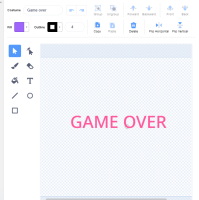
5.Select  to draw the role“Game over” , as shown below:
6.Select monkey/bananas/Game over , as shown below:
7.Build the program
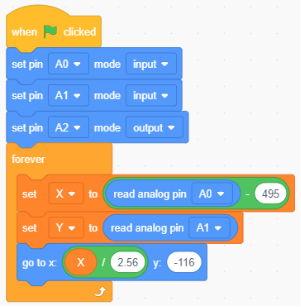
Select “monkey”and build the program, as shown below:
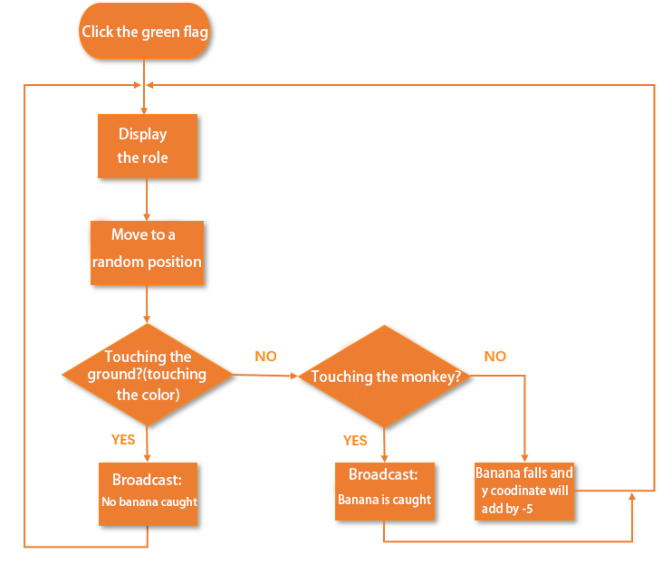
Select “bananas”and build the program, as shown below:
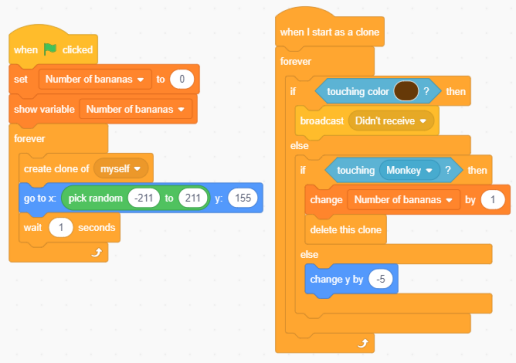
Select “Game over”and build the program, as shown below:
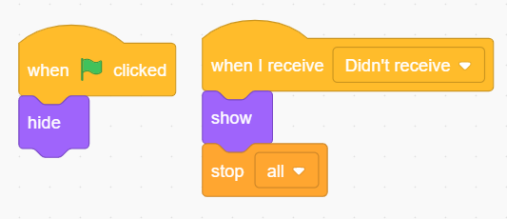
6.Test Result
Connect the wirings and the device then select the port, then click .When the game starts,bananas will fall randomly, shake the PS2 joystick (the positive direction of the module is to the right) can control the monkey to move around.
When the monkey touches the banana, it will catch the banana, then the banana will disappear. The number of bananas will add up if be caught, otherwise game over.