Project 2 Change In A Dragon
1.Description
The dragon is a big star of the theater, however, it has an unique change, let’s have a look.
Task analysis
Role |
Dragon |
|---|---|
Place |
Theater |
Result |
1. The dragon moves from the side of the stage to the center of the stage |
2.Practice
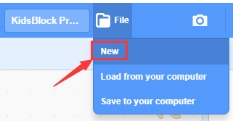
1.Open“KidsBlock”software, then click“New” under File to create a new project .
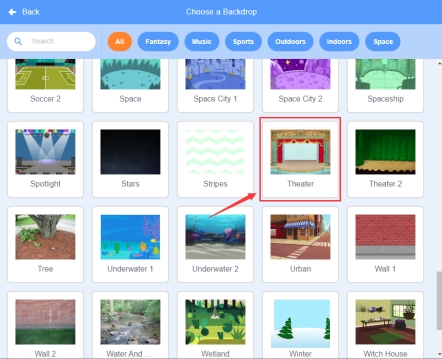
2.Select the background of the theater
Then click the background library icon in the lower right corner to select Theater.
3.Select a dragon
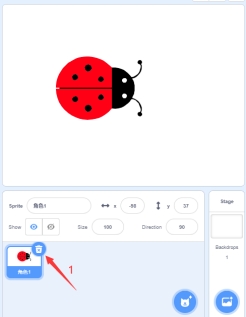
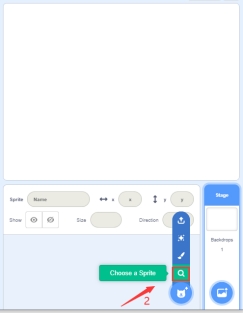
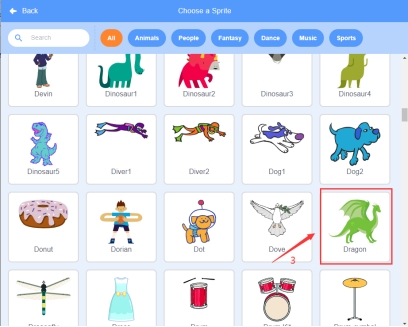
Click to delete the beetle role—>Click”Choose a Sprite”—>Select “Dragon”role.
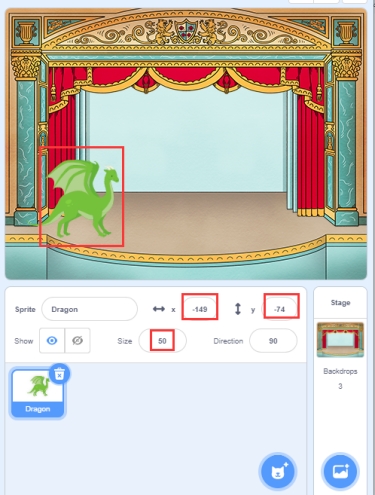
4.Modify the position and size of the role (you can also drag the role to the position in the picture)
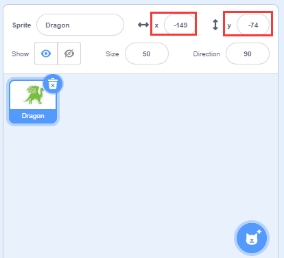
X:-149 Y:-74 Size:50
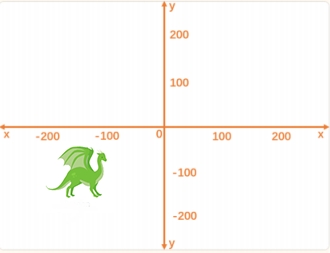
The x-coordinate is the abscissa, and the y-coordinate is the ordinate.x, y, and column are all specific to a location on the stage, as shown below:
5.Build the program
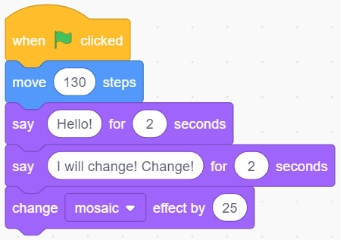
①Drag the “When clicked” code block from the Events bar.

②Drag”say Hello! For 2 seconds“code block from the Looks bar

③Drag ”say Hello! For 2 seconds“ code block from the Looks bar ,and change ”Hello!” to “I will change! Change!”.

④Drag ”change color effect by 25“ code block from the Looks bar and change “color” to “mosaic”.

3.Complete Program
4.Test Result
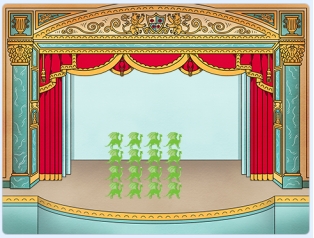
When we click the flag icon , the program will start to run. Then the dragon walks to the middle of the stage and says, “Hello!” for 2s, then says, “I can change! Change!” for 2s and starts to change, as shown below:
5.Program Explanation
Instruction |
Function |
Module |
|---|---|---|
|
If the green flag is clicked, then the instructions below will be executed |
Event |
|
The role says that move 130 steps |
Movement |
|
The role says“Hello!”for 2s and both the content and duration of the talk can be changed |
Appearance |
|
The role says“I will change! Change!”for 2s and both the content and duration of the talk can be changed |
Appearance |
|
Add the color effects of the role by 25 and the super wide angle can be selected too. |
Appearance |