Project 11 LCD
1. Description
Arduino I2C 1602 LCD is a commonly-used auxiliary device for MCU development board to connect with external sensors and modules. It features a 16-bit wide character, 2-line LCD screen and adjustable brightness. This programable module is convenient for data editing, display and management . Besides, it can display not only characters and figures but sensors value, like temperature, humidity or pressure value.
As a result of its usability, the display is wildly applied in many fields, including smart home products, industrial monitoring systems, robot control systems and automotive electronics systems.
2. Working Principle
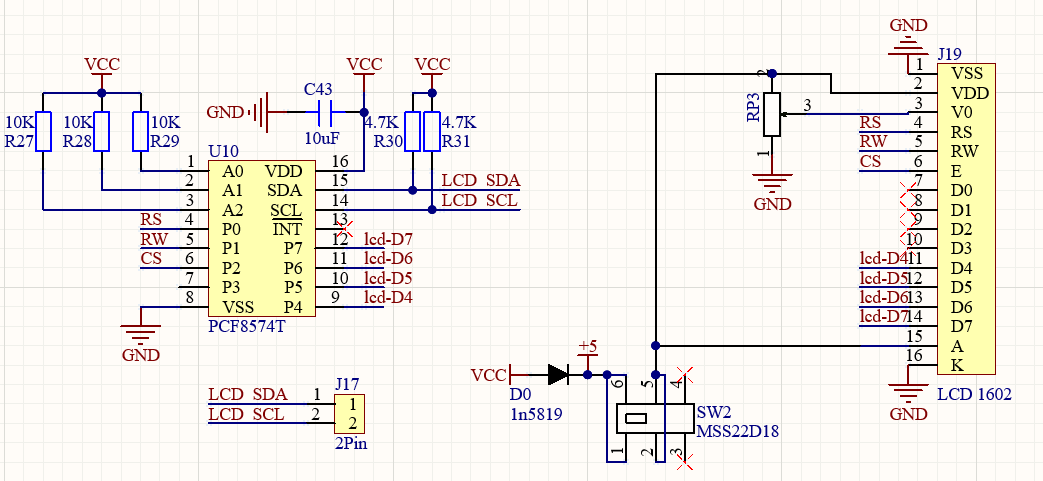
It is the same as IIC communication principle. Underlying functions have been packaged in libraries so that you can recall them directly. If you are interested in these, you may have a further look of underlying driving principles.
3. Wiring Diagram
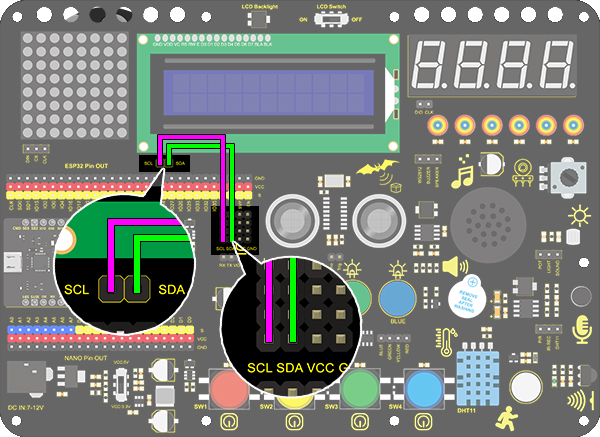
4.Test Code
/*
  keyestudio ESP32 Inventor Learning Kit
  Project 11 LCD
  http://www.keyestudio.com
*/
#include <Wire.h>
#include <LiquidCrystal_I2C.h>
LiquidCrystal_I2C lcd(0x27,16,2); // set the LCD address to 0x27 for a 16 chars and 2 line display

void setup()
{
    lcd.init(); // initialize the lcd
    // Print a message to the LCD.
    lcd.backlight();		//Turn on the LCD backlight
    lcd.setCursor(2,0);		//Set the display position
    lcd.print("Hello,world!");		//LCD displays "Hello, world!"
    lcd.setCursor(2,1);
    lcd.print("keyestudio!");		//LCD displays "keyestudio!"
}

void loop()
{
}
5. Test Result
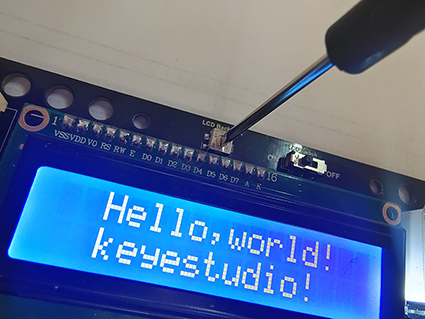
After connecting the wiring and uploading code, turn on the LCD, “Hello, world!” and “keyestudio!” will be displayed on the LCD.
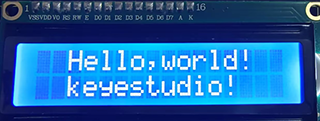
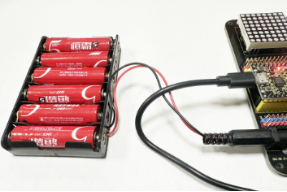
If the characters are unclear, please fix the backlight potentiometer by the small slotted screwdriver(Please use appropriate force to adjust. Connect an external power supply if necessary.